

Which filament (FDM) print defects can you fix in the design?
Updated
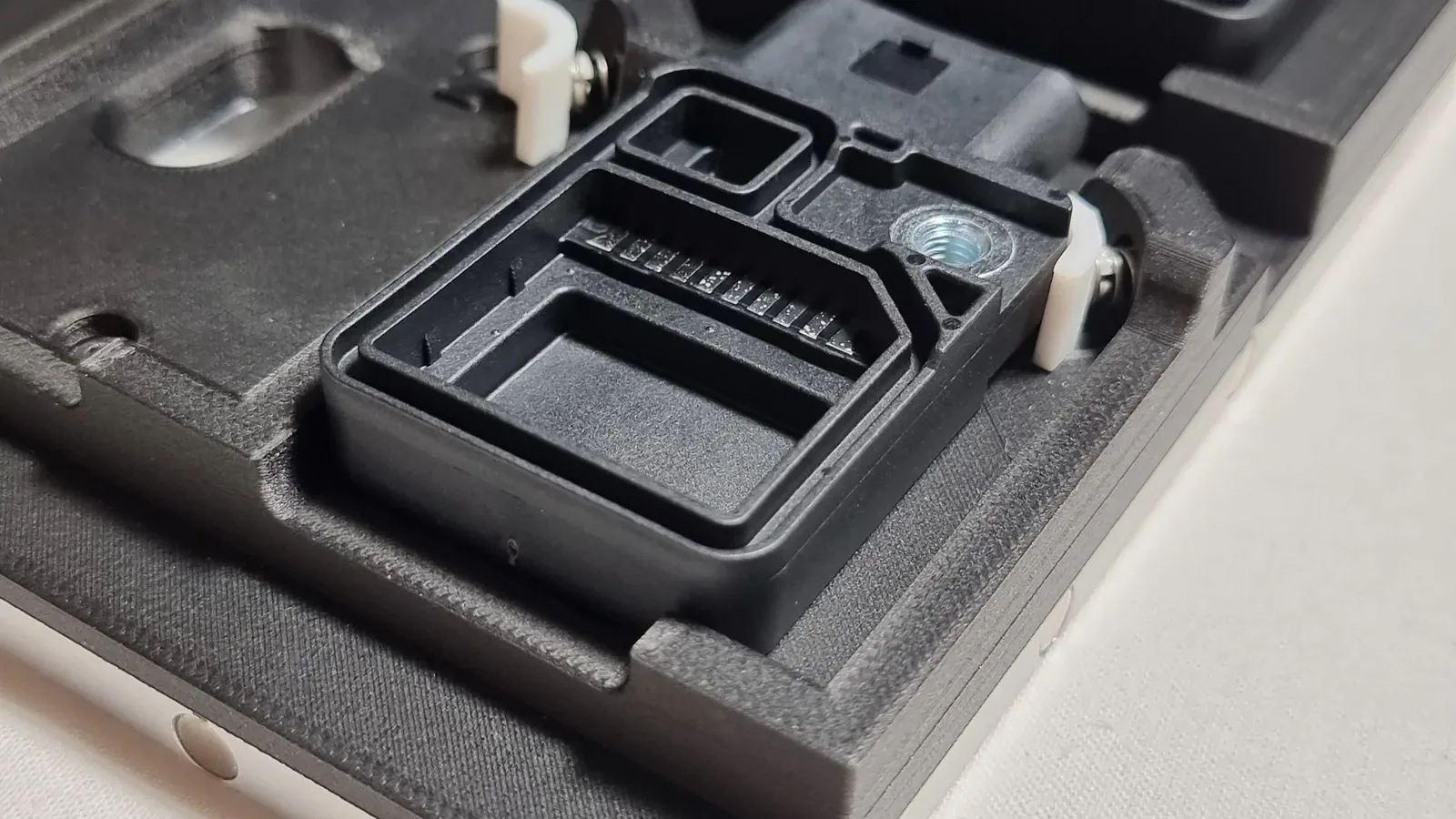
Six filament print defects start in the file, not the printer: thin walls, bridges too long to span, steep overhangs, large flat bases that warp, holes that print tight and parts loaded across their layers. Any of them can ruin a part on a filament printer (fused deposition modeling, or FDM), however well the printer is set up. Below is each one, why it happens and how to change the model, or have our studio redraw it for you.
Stringing, a layer shift or a print that lets go of the bed are printer-side problems, covered in common problems with 3D printed models. Printing it yourself on one of our rental printers? The same fixes apply.
Thin walls and tiny features
What you see: a fin, a lettering stroke or a thin wall is missing from the print, or comes out as a single wobbly line.
Why: the nozzle lays plastic in lines of a fixed width, usually 0.4 mm. A feature thinner than one line usually drops out, and a single line is fragile.

Fix it in the design: keep walls at least 0.8 to 1.2 mm, two to three passes of the nozzle, and 2 mm or more for anything handled or glued. Make lettering strokes at least 0.6 mm wide, raised or cut in.
Bridges that sag
What you see: a span between two supports droops in the middle, or its underside is stringy and loose.
Why: a bridge is printed in mid-air between two points, with nothing below it. The longer it is, the more the plastic sags before it cools.

Fix it in the design: how far a bridge can span depends on the printer, the material and the cooling, so treat these as a conservative guide.
- PLA (the most common filament): keep a span under about 10 mm for a clean underside.
- PETG, ABS and ASA (the tougher filaments): bridge less well, so keep spans nearer 5 mm.
- Over 20 mm in any filament: add a column or a rib, or let us support it. Between 10 and 20 mm in PLA usually prints, but the underside turns rough and may droop.
Turning the part so the span prints standing up avoids the bridge altogether, so long as the load still runs along the layers, as in parts that snap along the layers.
Overhangs and support marks
What you see: a drooping, rough underside on a steep overhang, or a scarred face where supports were removed.
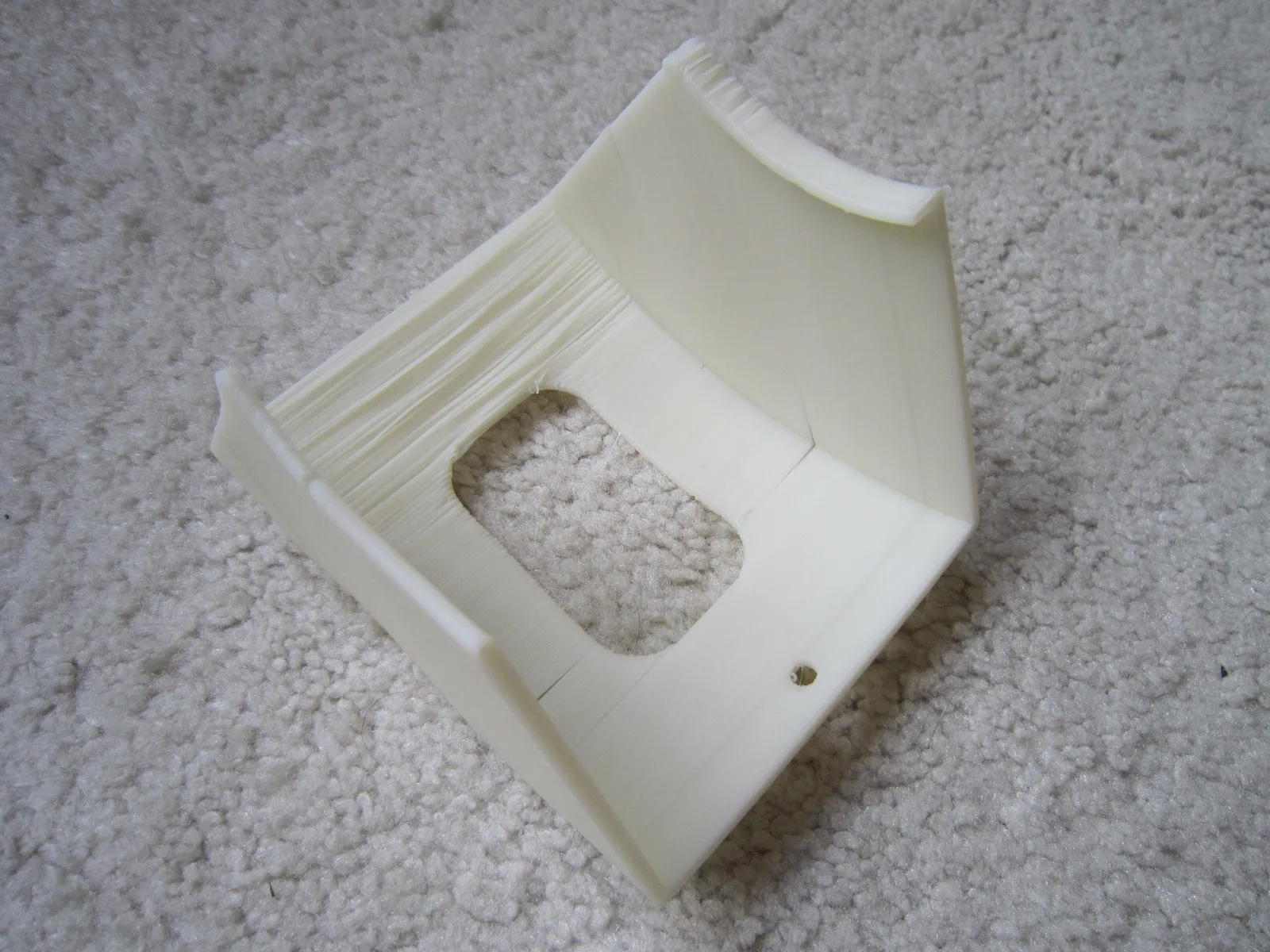
Why: each layer can only reach out a little past the one below it. Past about 45° from vertical, it needs supports (thin scaffolding printed underneath), and supports leave marks when they come off.

Fix it in the design: keep overhangs within 45°. Put a 45° chamfer (a flat, angled edge) under ledges and lips, not a flat shelf or a rounded fillet, so the part supports itself; a rounded fillet turns flat where it meets the ledge, so it droops. Where supports can’t be avoided, put them on a face nobody will see. Finer layers let a slightly steeper overhang print cleanly too, at the cost of print time.
Warped or flared bases
What you see: the corners of a large flat base lift off the bed, or the bottom few layers flare out wider than the rest.
Why: plastic shrinks as it cools, and a big flat area shrinks the most. The first layers are also squashed onto the heated bed, which spreads them slightly.

Fix it in the design: round the corners of large flat bases, split a very large flat part into pieces, and add a small chamfer to the bottom edge of anything that has to slot into place. The printer side of warping, such as a heated bed and an enclosure, is in common problems with 3D printed models.
Holes that print tight
What you see: a pin won’t go in, a screw binds, or a hole printed on its side comes out slightly oval.
Why: each line of plastic spreads a little as it is laid, so holes close up slightly. A round hole printed on its side, built up in layers, can’t come out perfectly round.

Fix it in the design: leave 0.2 mm of clearance on each side for parts that push together and 0.5 mm on each side for parts that move. Print critical holes with their axis pointing up, or drill them to size afterwards. For threads that will be undone again and again, design a hole for a heat-set brass insert instead. Press fits, insert hole sizes and the gaps for resin and nylon are in 3D printing tolerances and clearances.
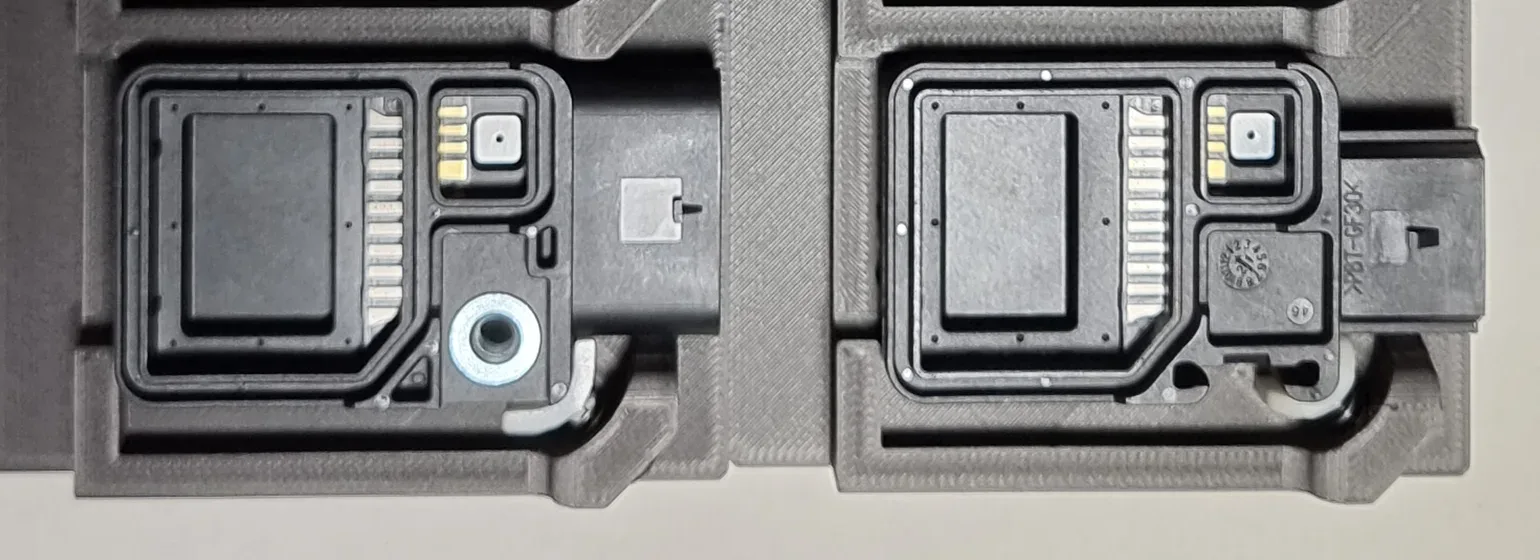
Parts that snap along the layers
What you see: a clip, bracket or hook breaks cleanly along a layer line.
Why: a filament print is strongest along its layers and weakest across them, where each layer is only fused to the one below. Thin walls and sparse infill (the lattice printed inside the walls) weaken it further.

Fix it in the design:
- Orient it: print it so the load runs along the layers, not across them, which for a hook or bracket usually means lying flat. Tell us in the quote notes how the part is loaded and we advise on the orientation.
- Fillet the joints: a rounded corner where an arm meets the body spreads the load instead of concentrating it.
- More walls and denser infill: ask in the quote notes, or set it in your slicer (the software that turns a model into printer moves) if you print it yourself.
- Still has to flex? Nylon powder printing by selective laser sintering (SLS), or a tough resin, may suit it better: compare the processes.
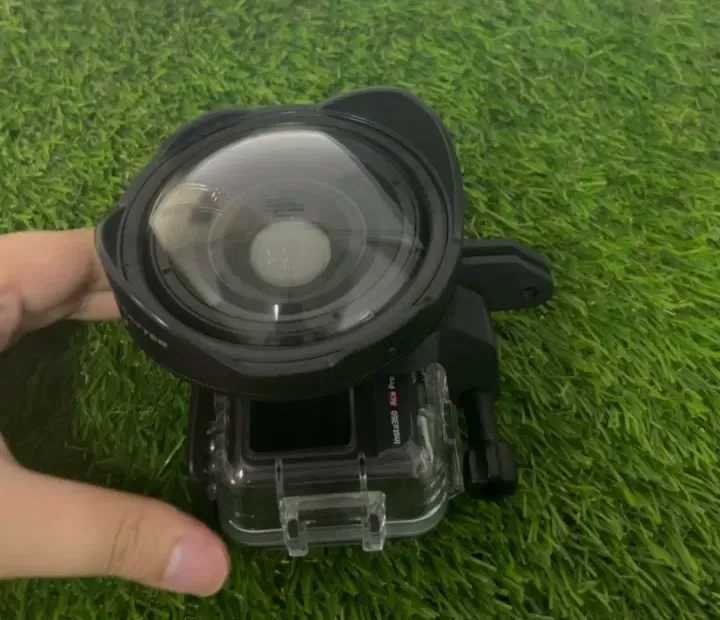
A clip that has to flex and hold is the hardest case, so plan to test-fit a prototype or two. Our GoPro lens adapter took several before its latch clicked on and held under a firm shake.
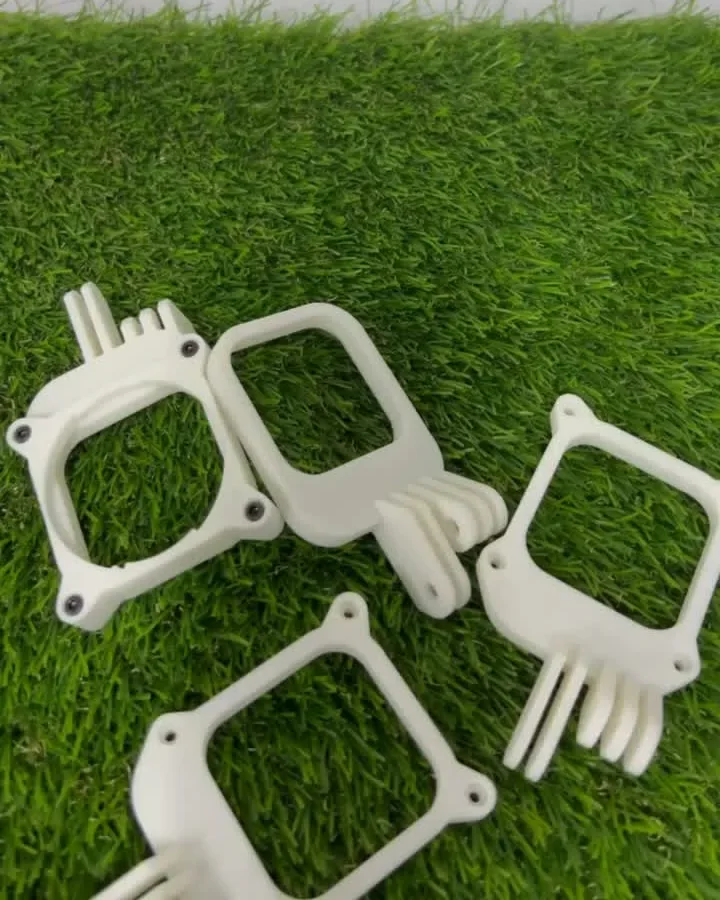
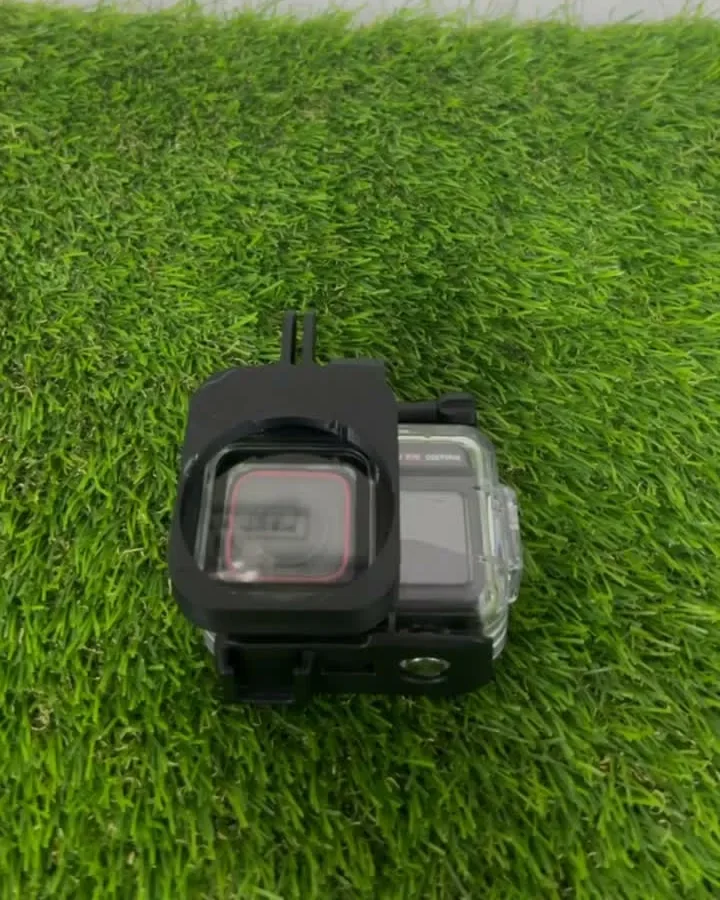
Photo credits. Sagging overhang, "Spool Housing": syvwlch, CC BY 2.0, via Wikimedia Commons.
.jpg)
Frequently asked
Which FDM print defects come from the design?
Walls thinner than the nozzle can lay down, bridges too long to span, overhangs steeper than 45°, large flat bases that warp, holes that print tight, and parts that snap because they are loaded across the layers. Each is fixed by changing the model, not the printer.
How thin can a wall or lettering be on an FDM print?
FDM walls should be at least 0.8 to 1.2 mm, which is two to three passes of a standard 0.4 mm nozzle, and 2 mm or more if the part will be handled or glued. Lettering strokes should be at least 0.6 mm wide, raised or cut in. Anything thinner usually drops out of the print or comes out as a single fragile line.
How much clearance do holes and moving parts need on an FDM print?
Leave 0.2 mm on each side for parts that push together and 0.5 mm on each side for parts that move, so a 5 mm pin needs a hole about 5.4 mm across for a push fit and about 6 mm to turn freely. Holes close up a little because each line of plastic spreads as it is laid, so a hole drawn to the pin's exact size won't fit. A hole that must be exact can be drilled out afterwards.
How steep can an overhang be without supports?
An FDM overhang prints without supports within about 45° from vertical. A bridge between two supports is different: keep it under about 10 mm in PLA for a clean underside, nearer 5 mm in PETG, ABS or ASA, and add a column or a rib beyond 20 mm; the exact limit depends on the printer and cooling. Steeper than that needs supports, which leave marks where they come off. Put a 45° chamfer under ledges and lips instead of a flat shelf or a rounded fillet so the part supports itself, and keep any unavoidable supports to a face nobody will see.
How should I orient an FDM part for strength?
Orient an FDM part so the load runs along the layers, not across them. A filament print is weakest where each layer is only fused to the one below, so a hook, clip or bracket usually prints lying flat rather than standing up. Fillets where an arm meets the body, more walls and denser infill add strength.
How do I design a clip or snap fit that won't break?
Print it lying flat so the layers run along the arm, add a fillet where the arm meets the body, and ask for extra walls and denser infill (in the quote notes, or in your slicer). Snap fits live or die by fractions of a millimetre, so expect to test-fit a prototype or two. If the clip has to flex many times, nylon powder printing (selective laser sintering, or SLS) or a tough resin may last longer.
How do I put a screw thread in a 3D printed part?
For a thread you will undo again and again, design a hole for a heat-set brass insert (M2 to M8). A screw driven straight into plastic strips after a few cycles, and the plastic around an insert is what holds it, so leave enough wall. We supply and fit the inserts, so add them in the instant quote under Advanced Settings.
A part you printed for me has one of these defects. What now?
Tell us, with a photo if you can. A person checks every file and every part before it leaves us, so it should not happen. Where the fault is in the printing, we typically reprint it free, case by case; a defect that was in the file is one the check should have flagged, so we look at it the same way.
Can you check or fix my file before it prints?
Yes, a person looks over every uploaded file before it prints and flags anything that will not print as drawn. If it needs more than a tweak, our design service can redraw the model so it prints properly, or build one from a sketch or a sample if you have no file.
Related
-
 GuideWhat are the most common problems with 3D printed models?
 -
 GuideHow do you prepare a 3D model so it prints properly?
 -
 GuideHow do I design an architectural model for 3D printing?
 -
 ServiceIndustrial 3D Printing
 -
 ServiceProduct Development & Prototyping
 -
 ServiceConcept to Fabrication
 -
 Project3D printed electronics enclosure (FDM)
 -
 ProjectWet lens adapter for an action camera dive housing
 -
 ProjectDecibel meter enclosure prototype