

How do you prepare a 3D model so it prints properly?
Updated
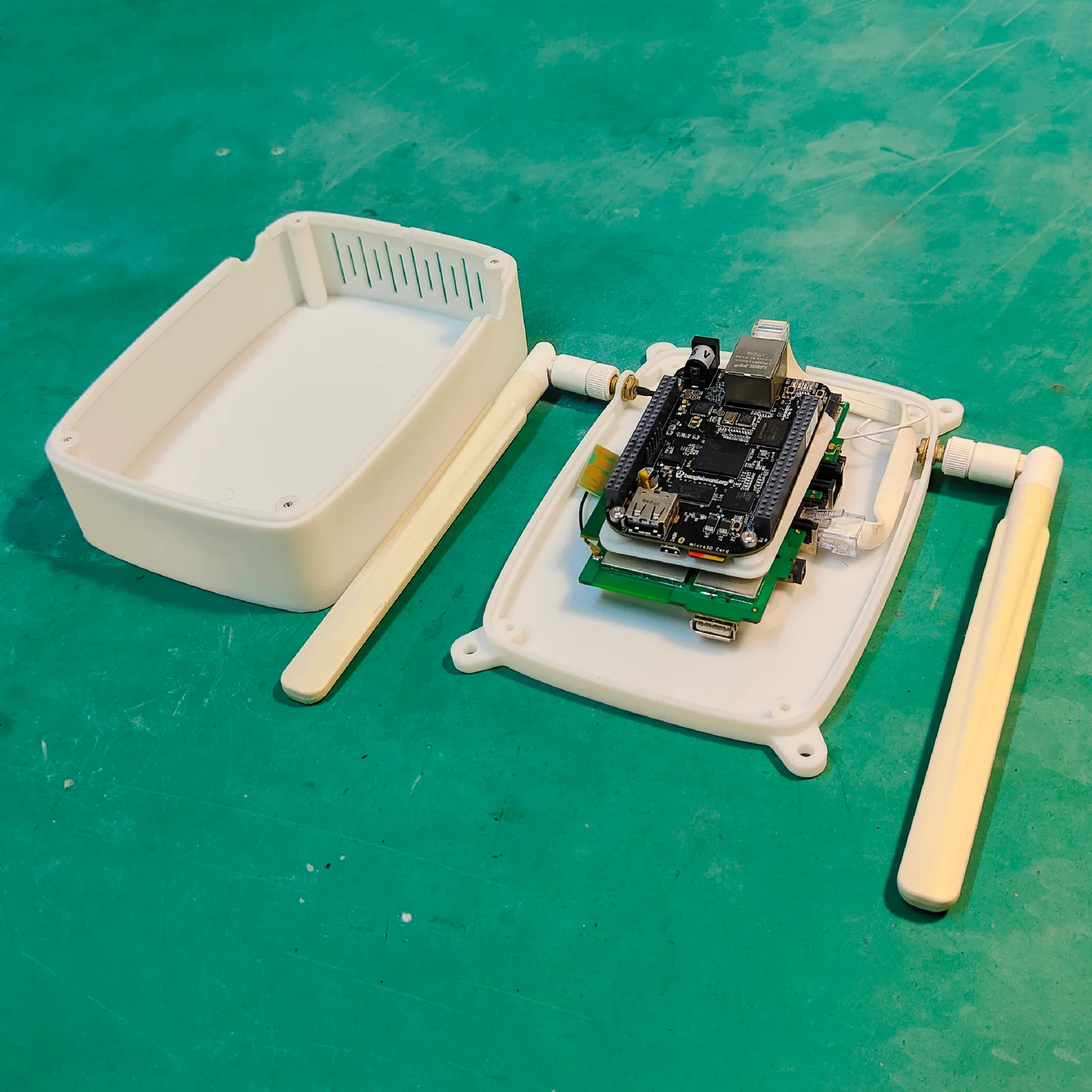
A 3D model prints properly when it meets the design rules of the process that makes it. Those rules differ: a 1.0 mm wall is fine in resin but too thin for filament. The table below sets out the 3D printing design rules, or design guidelines, we work to, from minimum wall thickness to the largest single piece. It covers four processes: filament by fused deposition modeling (FDM), resin by stereolithography (SLA), nylon powder by selective laser sintering (SLS) and Multi Jet Fusion (MJF), and metal by selective laser melting (SLM). After it come a guide for each process and four checks for the file itself.
The rules at a glance
All figures are in millimetres. “Each side” is the gap on one side of a part sitting in a hole, so the hole is bigger than the part by twice that.
A few words used in the table, in plain terms:
- Stroke: the thickness of the lines that make up a letter.
- Overhang: a face that leans out over nothing below it. Bridge: a flat span printed across a gap. Teardrop: a sideways hole drawn with a pointed top, so its roof holds itself up.
- Push fit: parts that slide together by hand. Press fit: a part forced in that holds by friction. Moving fit: parts that turn or slide freely.
- Infill: the light inner pattern a filament print is filled with, so the inside is light rather than solid. Living hinge: a thin strip of the part itself that bends, so one piece can fold.
- Heat-set insert: a brass thread pressed into a hole with heat. Ream: to open a hole to an exact size with a cutting tool.
| Rule | Filament (FDM) | Resin (SLA) | Nylon (SLS, MJF) | Metal (SLM) |
|---|---|---|---|---|
| Wall thickness | 1.2 (0.8 on small parts) | 1.0 | 1.0 | 1.0 |
| Thin wall standing on its own | 1.2 | 1.5 | 1.5 | 1.2 |
| Wall that is handled or glued | 2.0 | 2.0 (3.0 on big parts) | 2.0 (2.5 on big flat panels) | 2.0 |
| Smallest raised or recessed detail | 0.6 | 0.5 | 0.5 (1.0 if it must be read) | 0.5 |
| Text: stroke | 0.6 prints, 1.0 to read at arm’s length | 0.5 | 1.0 | 0.6 |
| Text: raised or recessed by | 0.6 | 0.5 | 0.5 | 0.5 |
| Text: letter height | 5 | 2 | 5 | 3 |
| Smallest hole | 2.0 (holes print small: model 0.1 to 0.3 over, or drill) | 1.0 | 1.5 | 1.0 upright, 1.5 sideways |
| Smallest pin | 3.0, filleted at the base | 1.0 (1.5 if over 10 tall) | 1.5 | 1.0 |
| Push fit, each side | 0.2 | 0.1 | 0.25 | machine the faces |
| Moving fit or printed assembled, each side | 0.5 | 0.25 | 0.35 (0.5 on faces over 20 mm²) | 0.3 |
| Press fit | 0.05 tighter than the hole | ask us | ask us | machine the faces |
| Overhangs | within 45° of vertical, or supports | supports added; faces within 45° of vertical finish cleanest | no supports needed | within 45° of vertical (35° for 316L); round sideways holes up to 6 print clean, teardrop above |
| Bridges | under about 10 clean in PLA, nearer 5 in PETG, ABS, ASA; rib or column beyond 20 | n/a | n/a | avoid; ask us |
| Hollow parts | infill does it | 2.0 shell, 2 or more drain holes of 5 (10 on big parts) at the lowest and highest points | 2.0 shell, 2 or more escape holes of 5 at opposite ends | 2 or more powder holes of 5 |
| Clips and hinges | magnets, screws or slotted holes rather than snap fits | snap fits only in tough, ABS-like resin | living hinge 0.5 thick, 5 to 10 long, tens of cycles; snap arms 2.0 or thicker | n/a |
| Screw threads | heat-set insert below M8, not a thread tapped into the plastic | insert, or ask us | insert below M8 | tapped after printing |
| Tolerance as printed | ±0.3 up to 100, then ±0.3% | ±0.3 up to 100, then ±0.3% | ±0.3 up to 100, then ±0.3% (height ±0.5) | ±0.2 up to 50, then ±0.4% |
| Faces that must fit exactly | drill or ream | ask us | ask us | 0.5 extra left on, machined off |
| Largest single piece | 1000 × 1000 × 1200 | 1700 × 800 × 600 (clear resins 800 × 800 × 500) | 670 × 360 × 550 | 420 × 420 × 450 |
These are the figures we design to, not the very edge of what a machine can do. A model that meets them prints with room to spare. Results still depend on the printer, the material and which way up the part prints. If one dimension really matters, tell us which and we plan the print around it.
Which process suits your design?
Choose the process before you finish the model, because it decides which column of the table you design to. Each process suits some shapes and struggles with others. Each guide below shows what goes wrong in that process and the change to the model that fixes it. To weigh all four side by side, see FDM, SLA, SLS and metal compared.
Filament (FDM)
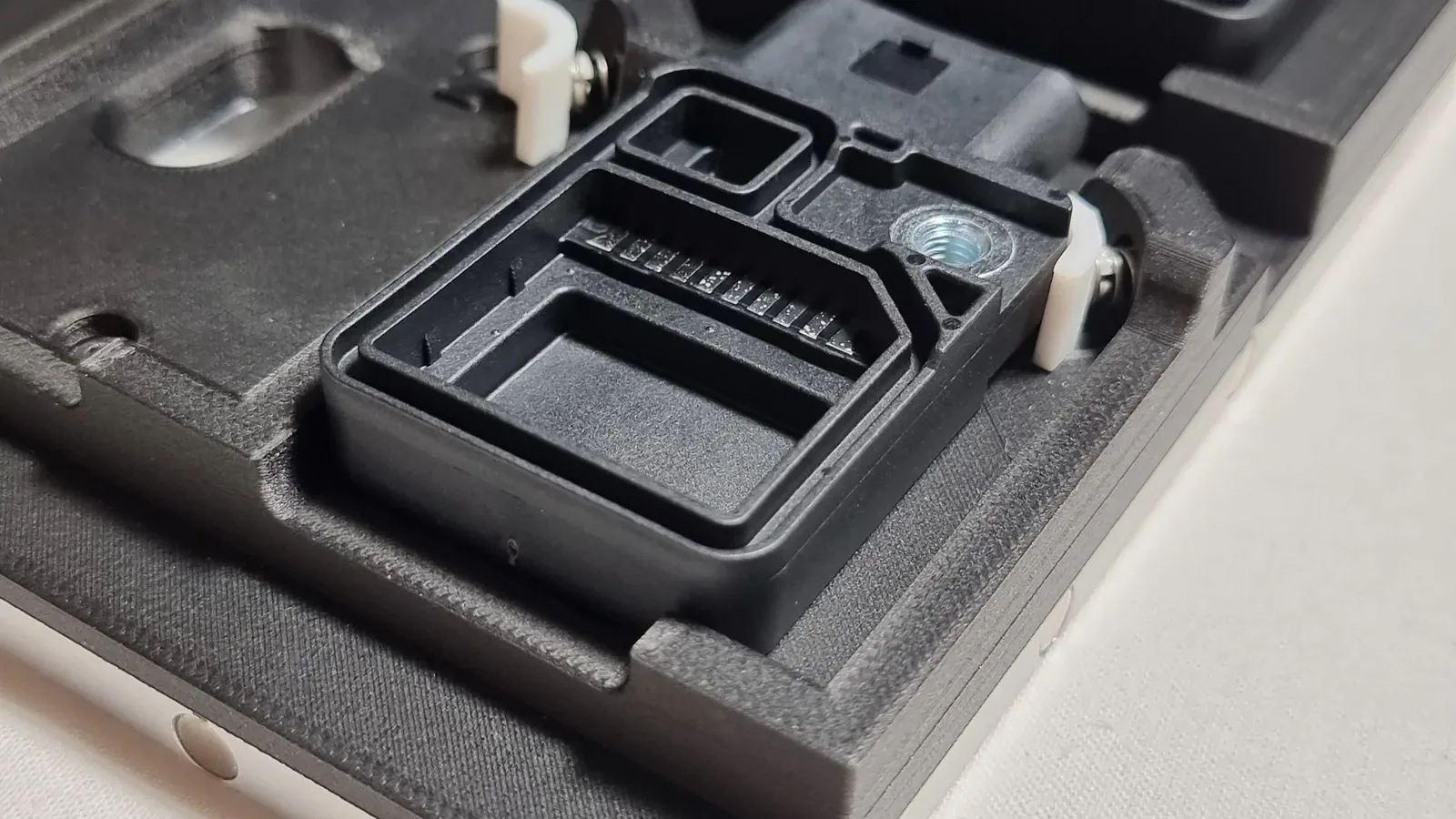
Filament printing makes strong, everyday parts and the tallest single pieces, up to 1200 mm. It suits brackets, jigs, enclosures and large models. It is also the coarsest of the four. Walls start at 1.2 mm and text needs a 1.0 mm stroke to read. A part is weakest across its layers, so the way it sits on the printer matters.
Resin (SLA)
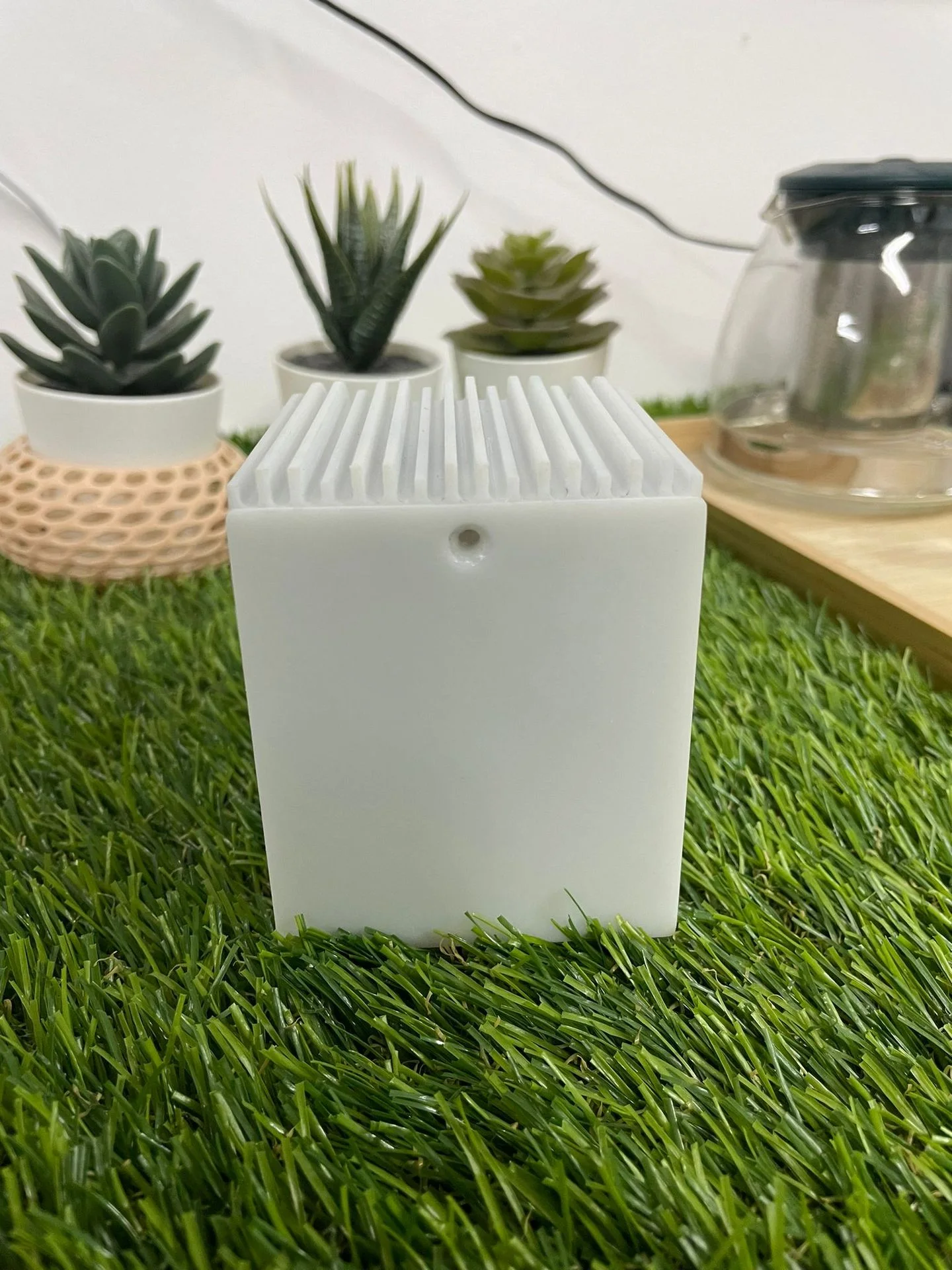
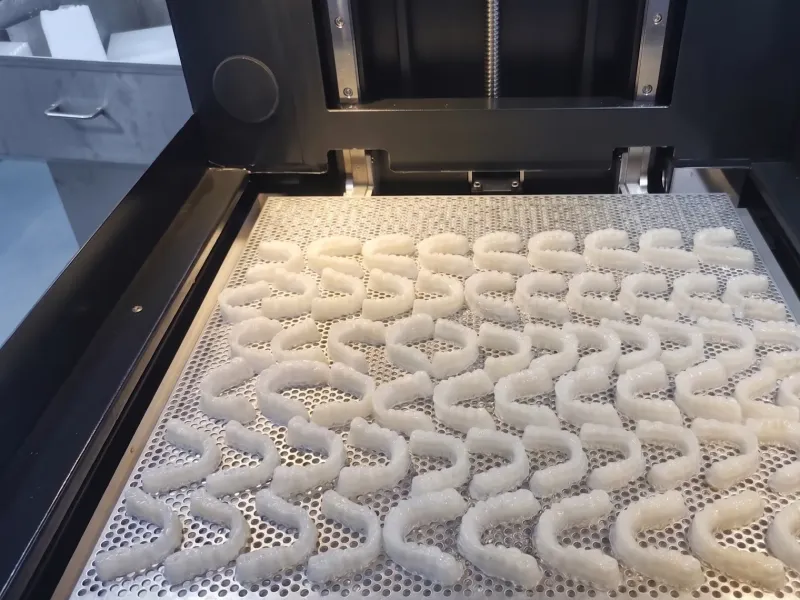
Resin printing gives the finest detail and the smoothest faces. Letters go down to 2 mm tall and pins to 1.0 mm. The longest single piece is 1700 mm, the largest of the four. Every resin part prints on supports, which leave small marks. Clips only flex in a tough, ABS-like resin. So resin suits display pieces and small detailed parts more than working ones.
Nylon powder (SLS, MJF)
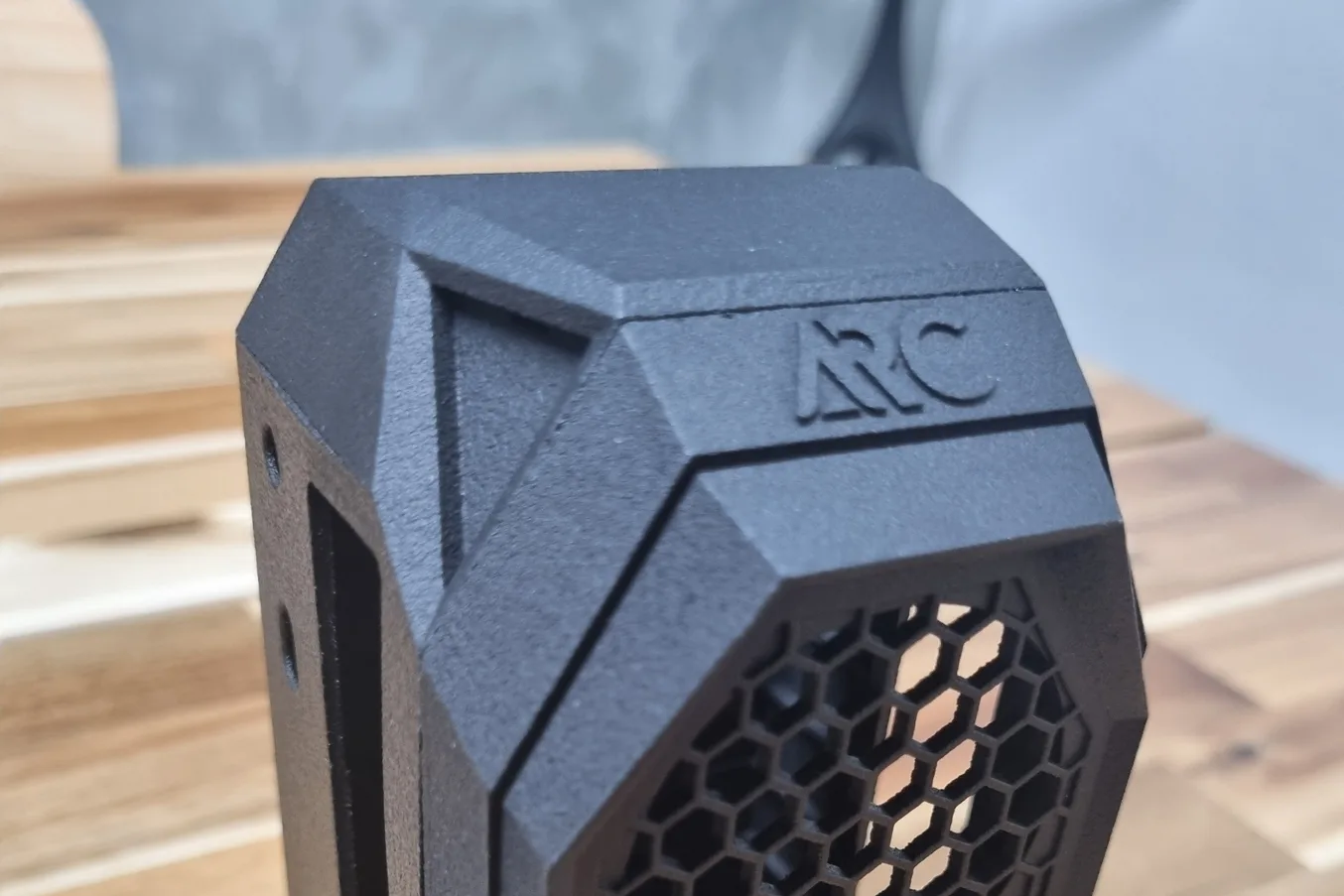
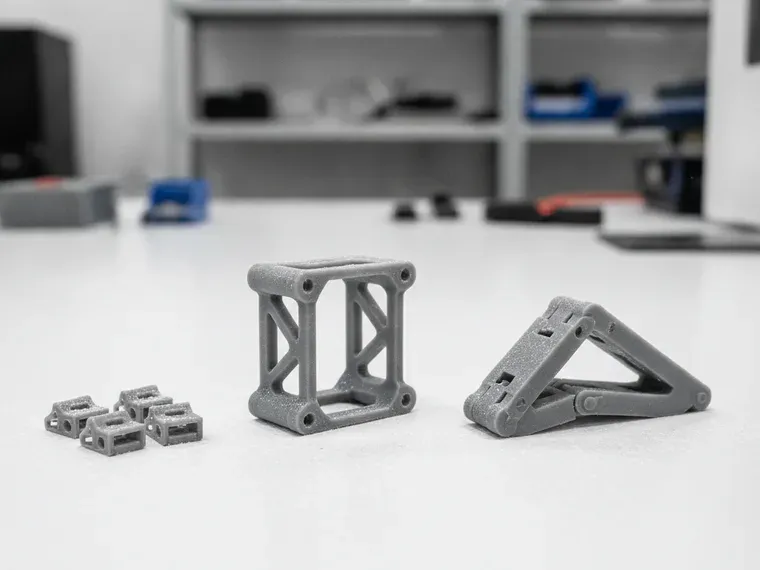
Nylon powder printing needs no supports, because the loose powder holds the part up as it prints. So it handles enclosed shapes, parts printed already assembled and living hinges 0.5 mm thick. The surface is slightly grainy, so text needs a 1.0 mm stroke. The largest single piece is 670 × 360 × 550 mm.
Metal (SLM)
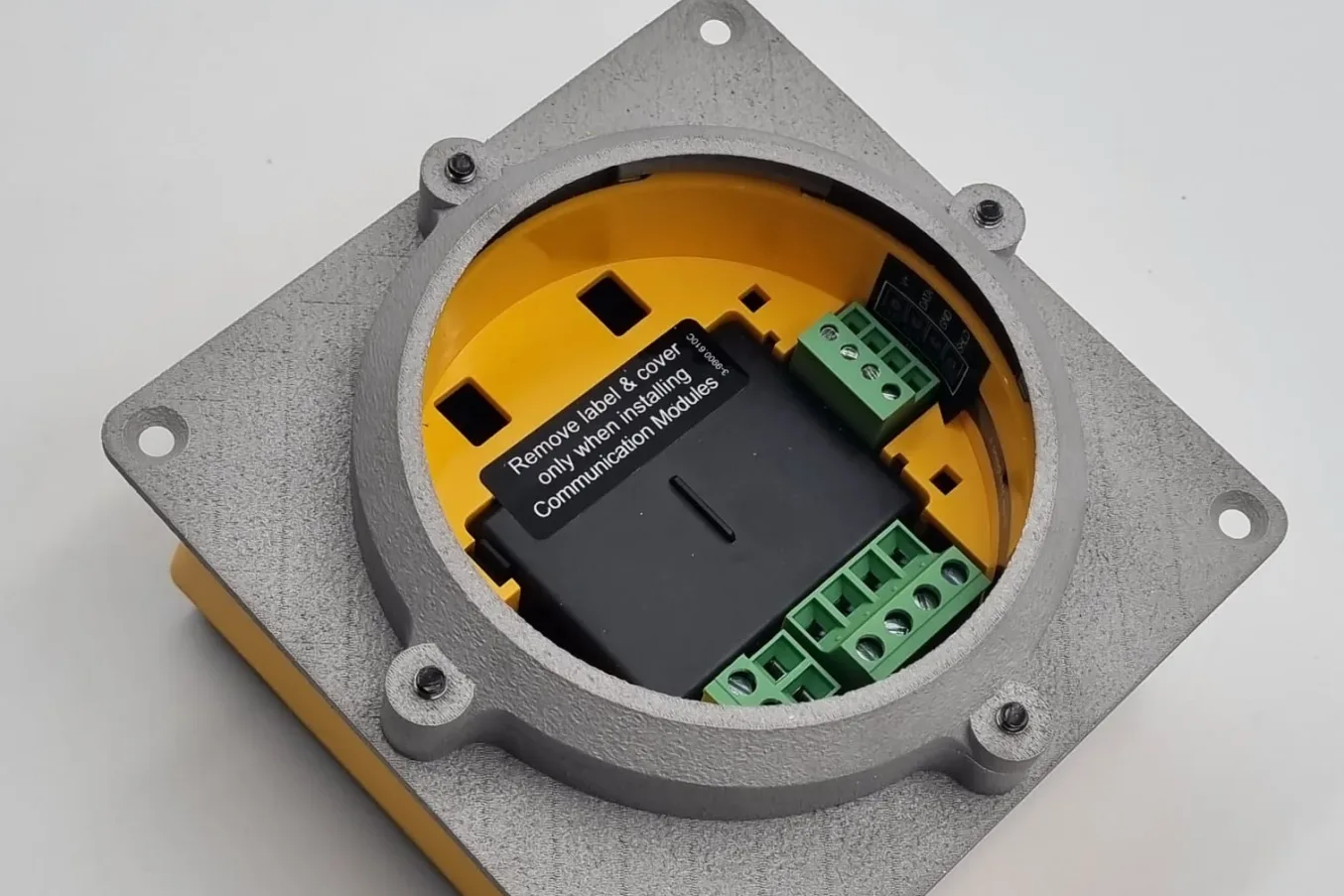
Metal printing makes mounts, brackets and other parts that take heat or load, in one piece. Faces should stay within 45° of vertical, or 35° in 316L stainless steel. Steeper faces need supports. The part is accurate to ±0.2 mm up to 50 mm. So a face that must fit is printed 0.5 mm oversize, then machined to size.
Guides for each job
Four more guides cover jobs that come up in every process. Each card opens the full guide: the reasons behind the figures, the diagrams and the exceptions.
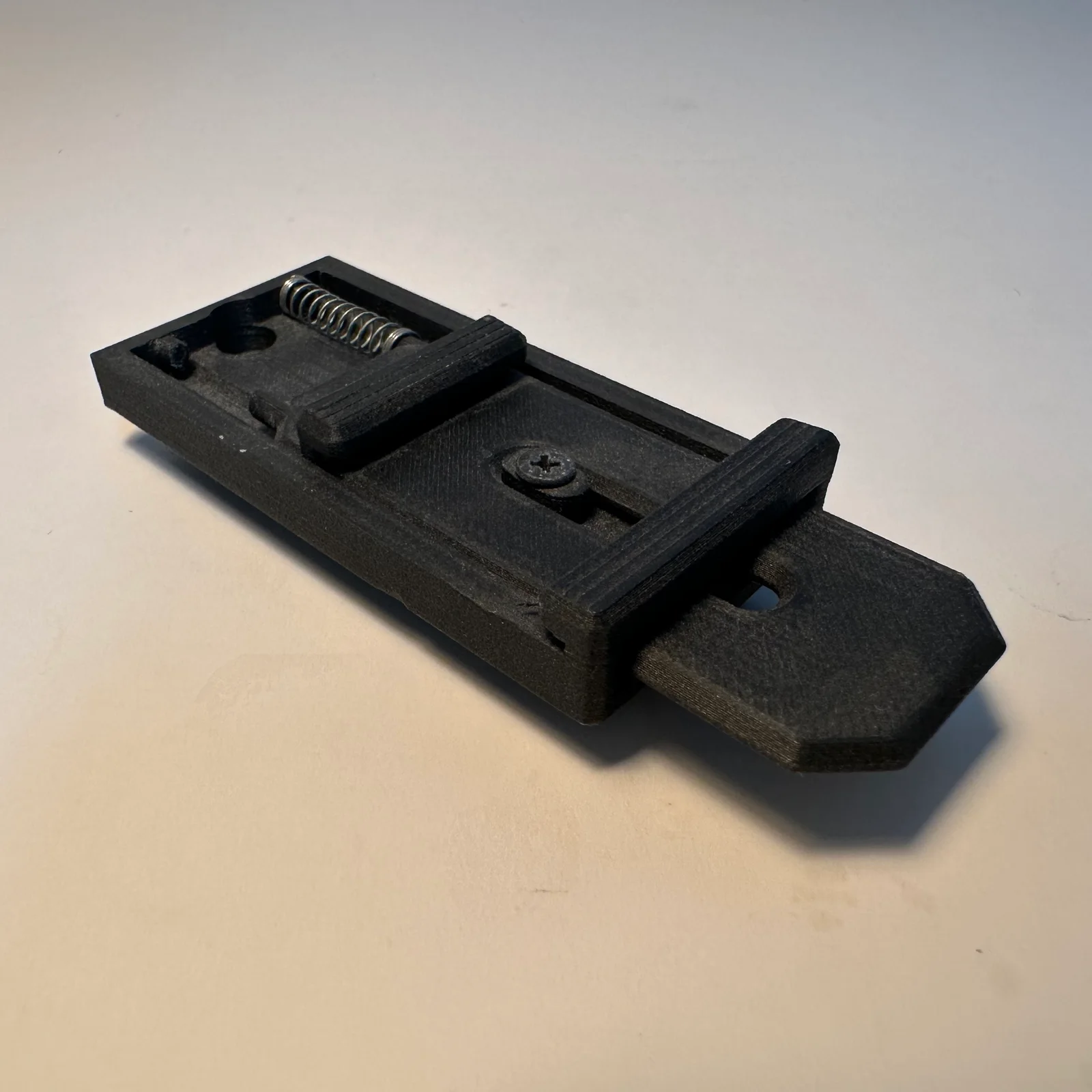
Parts that fit together

Too big for one print
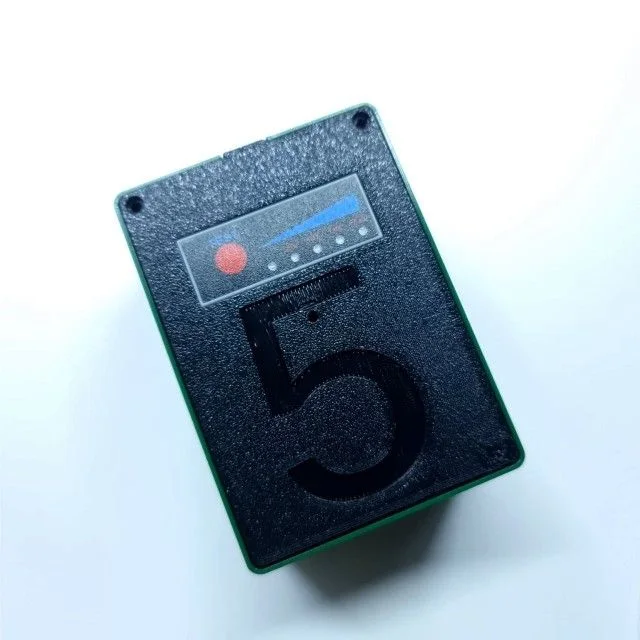
Text and logos
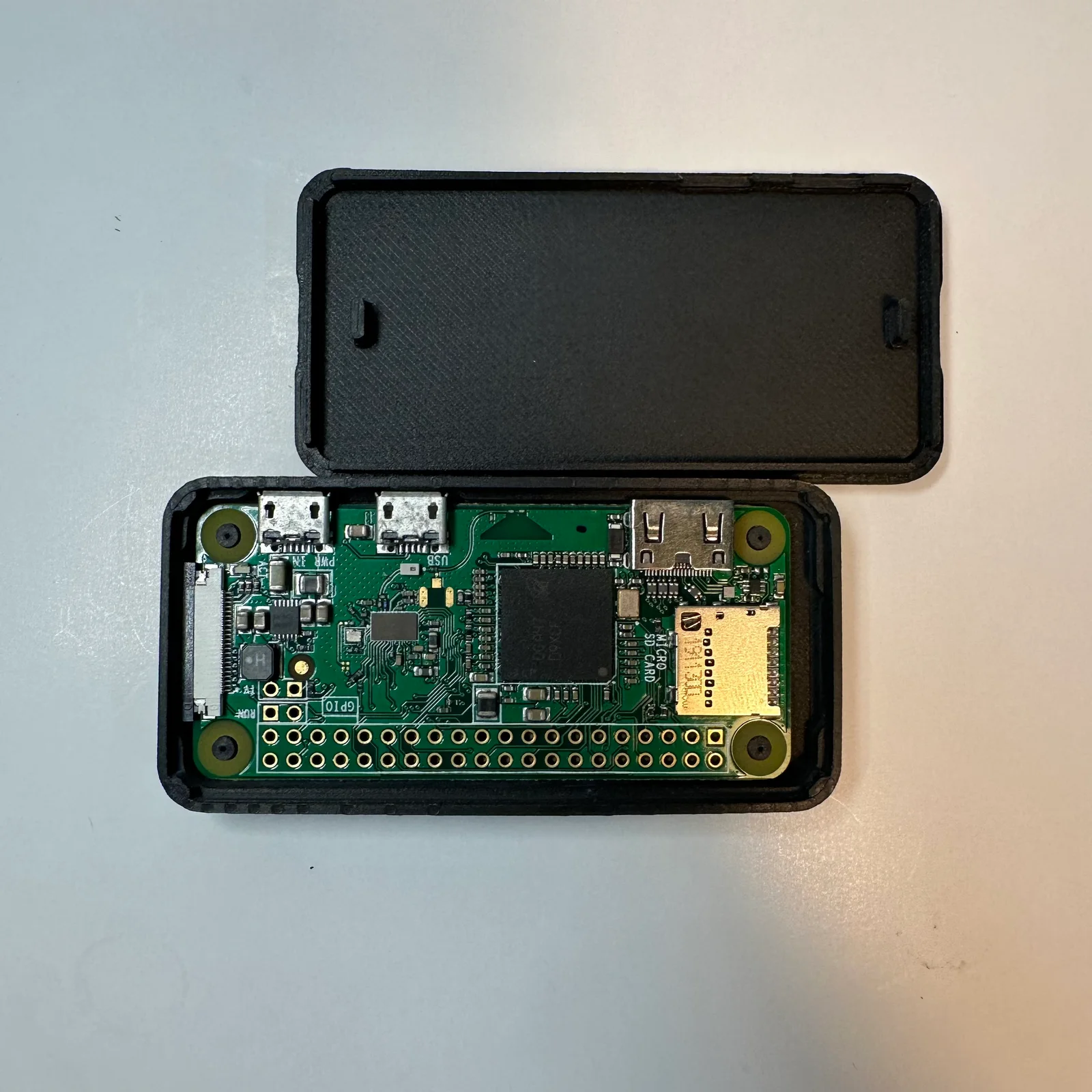
Exporting the file
File checklist before you upload
A model that meets every rule still needs a clean file, so preparing it for printing ends with four checks. They catch most problems before a person at our studio opens it. How to send your 3D files covers exporting and sending in full. If a file won’t slice, why your 3D file won’t slice shows the usual faults and the fix for each.
- Millimetres: an STL file carries numbers but no units, so a model drawn in inches arrives far too small. Export in millimetres.
- One part per file: a lid and a base go as two files, so each can be priced, turned the best way up and printed on its own.
- STEP, STL or 3MF: STL works everywhere. Send STEP if you want the design changed, because a STEP file can be edited and an STL cannot, and 3MF (or OBJ) for a part printed in several colours.
- Watertight mesh: the surface must close completely, like a balloon with no holes. On an open mesh the slicer, the software that turns a model into printer moves, cannot tell inside from outside.
When a design breaks a rule
A broken rule does not always mean a failed part. A person checks every file before it prints. They tell you which wall, hole or gap will not work as drawn, and whether it matters for what the part has to do. So you hear about it before anything is made. If the model needs more than a tweak, our design service can redraw it, or build one from a sketch or a sample if you have no file.
Frequently asked
What is the minimum wall thickness for 3D printing?
The minimum wall thickness is 1.0 mm on resin, nylon powder and metal, and 1.2 mm on filament (0.8 mm on small parts). A thin wall standing on its own needs 1.2 mm on filament and metal and 1.5 mm on resin and nylon, and any wall that gets handled or glued gets 2.0 mm.
Do the design rules change between filament, resin, nylon and metal?
Yes, almost every figure changes, starting with the wall, which is 1.0 mm in resin but 1.2 mm in filament. Letters 2 mm tall read in resin but need 5 mm in filament or nylon, and an overhang that filament prints unsupported still sits on supports in resin. Decide the process first, then design to its column of the table.
What overhang angle can a 3D print handle without supports?
Filament and metal print an overhang without supports when it stays within 45° of vertical (35° in 316L stainless steel). Nylon powder needs no supports at any angle, because the loose powder holds the part up. Resin always prints on supports, so the angle there decides how clean a face finishes rather than whether it prints.
What is the smallest text you can 3D print?
The smallest text is 2 mm tall with a 0.5 mm stroke, printed in resin, the finest of the four. Metal goes to 3 mm letters with a 0.6 mm stroke, and filament and nylon powder need 5 mm letters, with a 1.0 mm stroke for text that must be read. A plain, bold typeface holds up best in every process.
What is the smallest hole and pin you can 3D print?
The smallest hole and pin are 1.0 mm across on resin and metal (1.5 mm for a sideways hole in metal), 1.5 mm for both on nylon powder, and a 2.0 mm hole and 3.0 mm pin on filament. A filament pin wants a fillet where it meets the part, and a resin pin taller than 10 mm wants 1.5 mm.
Do I need to hollow my model?
Hollow a large resin or nylon powder part to a 2.0 mm shell with two or more 5 mm holes (10 mm on big resin parts), so the liquid resin or loose powder can get out. A hollow metal part needs the same two 5 mm powder holes. A filament print needs nothing, because its inside is already a light infill.
Which file format should I send for 3D printing?
Send STL for a part printed as drawn, STEP if you want us to change the design, and 3MF or OBJ for a part printed in several colours. Whichever you send, export in millimetres, one part to a file, as a closed (watertight) mesh.
What is the largest part you can 3D print in one piece?
The largest single piece is 1700 mm long, in resin (1700 × 800 × 600 mm; clear resins 800 × 800 × 500 mm). Filament goes to 1000 × 1000 × 1200 mm, nylon powder 670 × 360 × 550 mm and metal 420 × 420 × 450 mm. Anything bigger is printed in sections and joined.
Is resin or nylon better for clips and hinges?
Nylon powder is better, because a living hinge 0.5 mm thick and 5 to 10 mm long lasts tens of cycles, and snap arms 2.0 mm or thicker hold. Resin snaps only work in a tough, ABS-like resin. On filament we would rather use magnets, screws or slotted holes; a snap fit there takes a test print or two.
What if my model breaks one of these rules?
Upload it anyway, because a person checks every file before it prints and tells you which wall, hole or gap will not work as drawn, and whether it matters for your part. If the model needs more than a tweak, our design service can redraw it, or build one from a sketch or a sample if you have no file.
Related
-
 GuideWhat are the most common problems with 3D printed models?
 -
 GuideWhich 3D printing material should you choose?
 -
 GuideHow do you put metal threads or magnets in a 3D print?
 -
 ServiceIndustrial 3D Printing
 -
 ServiceSLA 3D Printing
 -
 ServiceSLS 3D Printing
 -
 ProjectWet lens adapter for an action camera dive housing
 -
 ProjectSocket and switch panel
 -
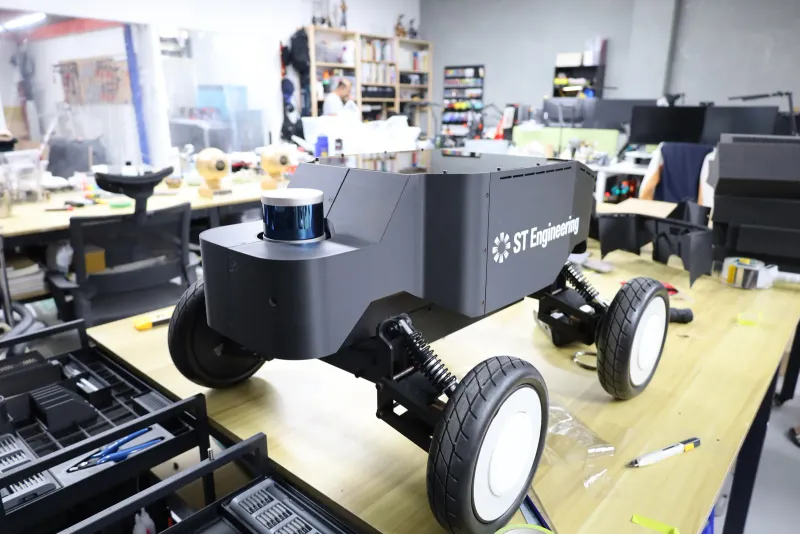 Project3D printed robot casing for ST Engineering