

Advanced 3D Printing Masterclass
A 2-day 3D printing and CAD masterclass in Singapore: all six of our courses, from your first print and AI text-to-3D to a part you designed. $690 a person.
- Length
- 2 days (14 hrs)
- Price
- $690 a person, $2,000 for up to 5, before GST
- Group
- Up to 5 people
- Where
- Our studio, Bendemeer
Run on request. Tell us how many of you and your preferred dates, and we'll plan it with you.
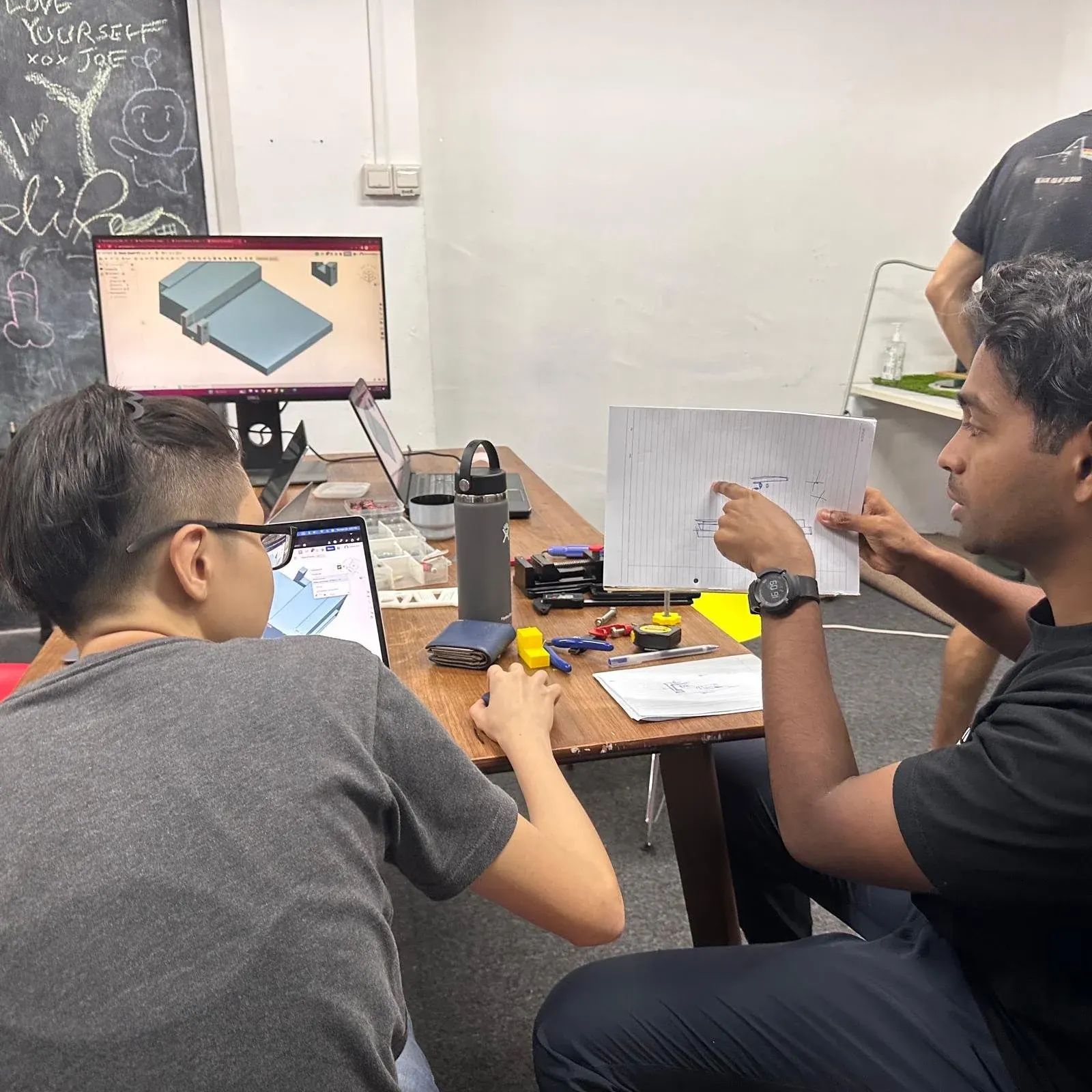
Want to go from never having printed to designing and printing your own working parts? The Masterclass is all six of our bite-size courses in two days, in the order they build on each other, for less than taking them one by one.
You start by running a printer and making your first model with AI. Then you learn CAD from a blank screen, the rules that make parts print strong and fit together, and the slicer settings and materials that make prints come out right. On the last afternoon you bring a real problem and leave with the part that fixes it.
On request
Enquire to arrange the Masterclass.
We run the Masterclass on request. Tell us how many of you are coming and the dates that suit you, and we'll plan the two days with you. $690 a person, $2,000 for up to 5, before GST.
The six courses, in two days
-
day 1 · 1 of 6 How to 3D Print
-
day 1 · 2 of 6 Text to 3D (AI)
-
day 1 · 3 of 6 CAD Fundamentals
-
day 2 · 4 of 6 Design for 3D Printing
-
day 2 · 5 of 6 Slicing & Materials
-
day 2 · 6 of 6 Problem to Product
-
take home Your AI model, your first designs, and a working part of your own
You leave able to take an idea from a blank screen, or from a sentence, to a finished part in your hand.
Good to know
- Duration: 2 working days in a row, 10am to 6pm each. A Friday start runs on to Monday. The six courses set up once and print in the background, so nothing is cut
- Pricing: $690 a person before GST for one or two people. From three people, $2,000 for the group, up to five
- One by one: the six courses cost $790 a person, so the Masterclass saves $100 each, and more for a group
- Bring: a laptop (Windows, Mac or Chromebook), charger and mouse. The CAD is Onshape, in your browser, on a free account
- Best for: anyone who wants to learn 3D printing and CAD properly, in one go
- Location: our studio at 994 BENDEMEER ROAD, #07-06, B CENTRAL, SINGAPORE 339943. Off-site sessions are on a custom quote
The Masterclass runs on request. Enquire with how many of you and the dates that suit you, and we’ll plan the two days with you.
Frequently asked
What does the Masterclass cover?
All six of our bite-size courses, in order, over two days: How to 3D Print, Text to 3D (AI), CAD Fundamentals, Design for 3D Printing, Slicing & Materials, and Problem to Product, where you design and print a fix for a real problem of your own.
How much is it?
$690 a person before GST for one or two people, which is $100 less than booking the six courses one by one ($790). From three people it's $2,000 for the group, up to five, so a team of five pays $400 each.
Do I need any experience to join?
No. It starts with How to 3D Print and teaches CAD from scratch, so complete beginners are welcome.
Can I take the courses one at a time instead?
Yes. Each of the six is its own course of two or three hours, from $100, and you can book them in any order that suits you. The Masterclass is all six together, for less.
Can I pay with SkillsFuture credit?
No. This course isn't listed on SkillsFuture, so it can't be paid for with SkillsFuture credit.
What do I need to bring?
A laptop (Windows, Mac or Chromebook) with a charger, and a mouse (a scroll wheel makes CAD much easier). The CAD is Onshape, which runs in your browser; we help you make a free account on the first morning.
How are the two days scheduled?
On two working days in a row, 10am to 6pm both days, with a lunch break. Day 1 is How to 3D Print, Text to 3D and CAD Fundamentals; Day 2 is Design for 3D Printing, Slicing & Materials and Problem to Product. A Friday start runs on to the Monday. Taken back to back, the six courses set up once instead of six times and print in the background while you carry on, which is how 15 hours of courses fit into two days without cutting any of the teaching.
How do I book?
The Masterclass runs on request. Enquire on this page, or WhatsApp us, with how many of you are coming and the dates that suit you, and we'll plan the two days with you.
Can more than five people join, or can it run at our office?
Up to five in a class at the studio. For six to ten, or a session at your office, tell us when you enquire and we'll tailor it with you.