

Design for 3D Printing
A 3-hour design for 3D printing course in Singapore: wall thickness, overhangs, print orientation for strength, tolerances and fits that actually fit. $150 a person.
- Length
- 3 hours
- Price
- $150 a person, before GST
- Group
- Up to 10 people
- Where
- Our studio, Bendemeer
See the free dates now. Pay by PayNow or card and it's confirmed straight away, with a calendar invite.
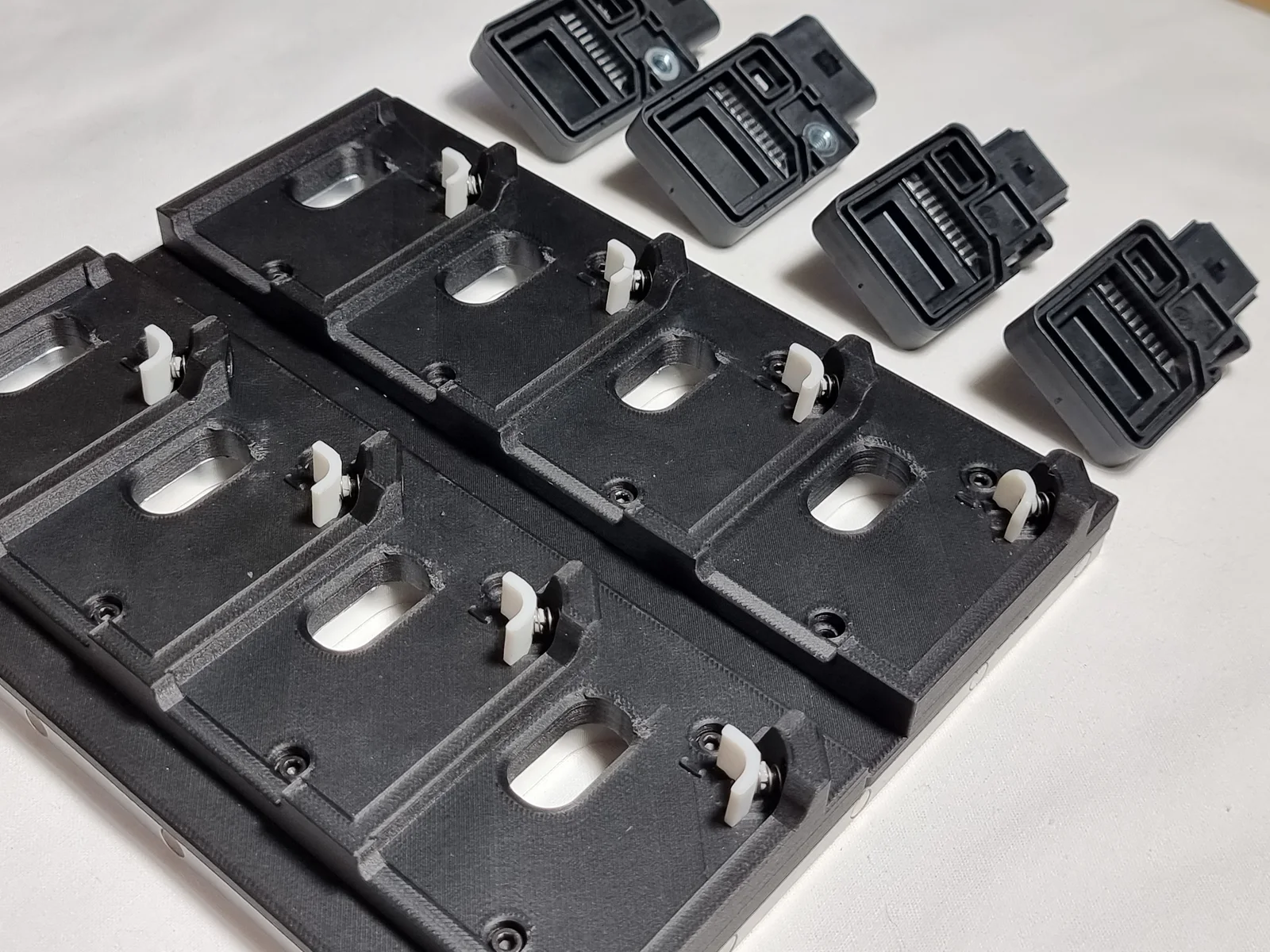
A part can look perfect on screen and still fail on the printer: it sags, it snaps along the layers, or the two halves you designed to fit together don’t. This course teaches the rules our studio designs by, so your parts print right the first time.
It’s three hours of the things that make the difference between a model and a working part: walls, overhangs, orientation, and fits that actually fit.
Book a session
Pick a date. Book your session.
$150 a person, 3 hours, up to 10 people. At our studio in Bendemeer. Prices are before GST.
How the session flows
-
rules How a printer builds a part
-
strength Orient it to be strong
-
fits Fits that actually fit
-
hands-on Design a two-part clip
-
take home Your fit test and a working clip
You leave with your printer’s fit numbers, a part that snaps together, and rules you’ll use on every design after.
Good to know
- Duration: 3 hours
- Pricing: $150 per person, before GST
- Group size: 1 to 10 people
- Before this: CAD Fundamentals, or some CAD experience of your own
- Software: Onshape, in your browser (free account)
- Bring: a laptop (Windows, Mac or Chromebook), charger and a mouse with a scroll wheel
- Location: our studio at 994 BENDEMEER ROAD, #07-06, B CENTRAL, SINGAPORE 339943
- Part of: the Advanced 3D Printing Masterclass, all six courses in two days for $690 a person
- Next step: Problem to Product, to design the fix for a real problem of your own
Ready to design parts that work? Pick a date and book it. Pay by PayNow or card and it’s confirmed straight away.
Ready when you are.
$150 a person, before GST. Pick a free date, pay by PayNow or card, done.
Frequently asked
Do I need to know CAD first?
Yes, the basics. CAD Fundamentals covers everything you need, or you can join with some CAD experience of your own.
What do I need to bring?
A laptop (Windows, Mac or Chromebook), charger and a mouse with a scroll wheel. We design in Onshape, in your browser: bring your account from CAD Fundamentals, or we'll help you make a free one.
What will I design and print?
A fit test that shows you exactly how much clearance your printer needs, and a small part made of two pieces that clip together. You take both home.
Can I use SkillsFuture credit?
No. This course isn't listed on SkillsFuture. It's $150 a person before GST, on a date you pick and book online.
Is it part of a longer course?
Yes. It's the fourth of six bite-size courses, and all six together are the two-day Advanced 3D Printing Masterclass, $690 a person.