

CAD Fundamentals
A hands-on 3-hour Onshape CAD course in Singapore for beginners: sketches, dimensions, extrudes and fillets, then design and 3D print your first part. $150 a person.
- Length
- 3 hours
- Price
- $150 a person, before GST
- Group
- Up to 10 people
- Where
- Our studio, Bendemeer
See the free dates now. Pay by PayNow or card and it's confirmed straight away, with a calendar invite.
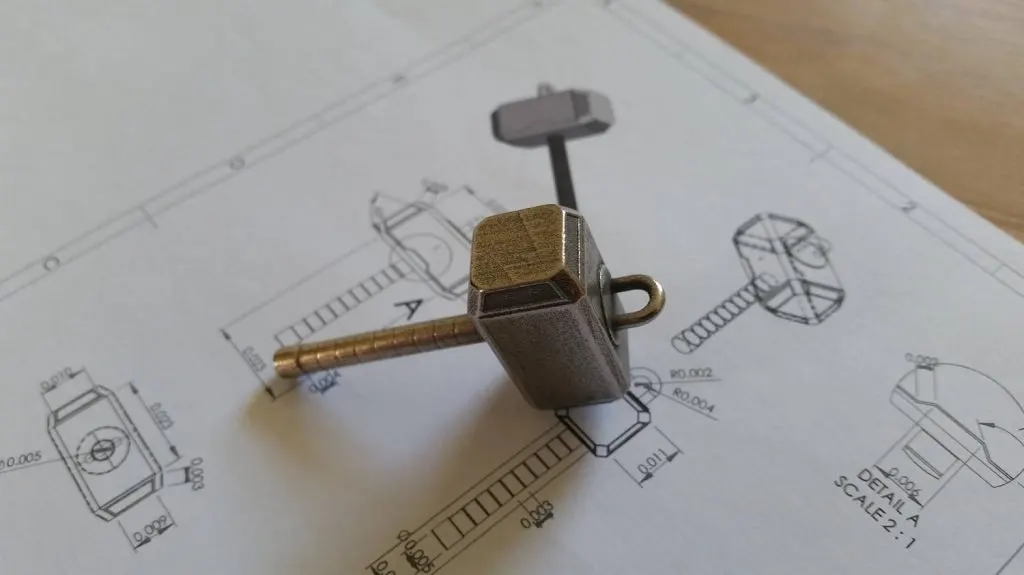
Printing other people’s models gets you started. Designing your own is where 3D printing becomes useful: the bracket that doesn’t exist, the replacement part, the exact size you need.
In three hours we take you from a blank screen to your first part, designed to real measurements in Onshape, the CAD we use in the studio, then sliced and printed. It runs in your browser, so any laptop works. No experience needed, just a laptop and a mouse.
Book a session
Pick a date. Book your session.
$150 a person, 3 hours, up to 10 people. At our studio in Bendemeer. Prices are before GST.
How the session flows
-
set up Find your way around
-
sketch Sketch to real sizes
-
model Turn sketches into solids
-
print Export, slice, print
-
take home The first part you designed
You leave with a part you designed yourself, printed, and your own Onshape account with it in, so you can keep going at home.
Good to know
- Duration: 3 hours
- Pricing: $150 per person, before GST
- Group size: 1 to 10 people, so everyone gets help at their screen
- Experience: none needed
- Software: Onshape, in your browser, on a free account we help you set up
- Bring: a laptop (Windows, Mac or Chromebook), charger and a mouse with a scroll wheel
- Location: our studio at 994 BENDEMEER ROAD, #07-06, B CENTRAL, SINGAPORE 339943
- Part of: the Advanced 3D Printing Masterclass, all six courses in two days for $690 a person
- Next step: Design for 3D Printing, to design parts that fit together and stay strong
Ready to design your own? Pick a date and book it. Pay by PayNow or card and it’s confirmed straight away.
Ready when you are.
$150 a person, before GST. Pick a free date, pay by PayNow or card, done.
Frequently asked
Do I need any CAD experience?
None. We start from a blank screen and teach the software from scratch.
Which CAD software do you teach?
Onshape, the CAD we design with in the studio. It runs in a web browser, so there's nothing to install and any laptop works: Windows, Mac or Chromebook. We help you make a free Onshape account at the start, and your designs stay in it after the course.
What do I need to bring?
A laptop (Windows, Mac or Chromebook) with a charger, and a mouse with a scroll wheel (it makes CAD much easier).
What will I design?
A simple, useful part, like a name tag or a small stand, built step by step so you use every tool we teach. It's sized to print in class, so you slice it, print it and take it home the same day.
Can I use SkillsFuture credit?
No. This course isn't listed on SkillsFuture. It's $150 a person before GST, on a date you pick and book online.
Is it part of a longer course?
Yes. It's the third of six bite-size courses, and all six together are the two-day Advanced 3D Printing Masterclass, $690 a person.