

What is G-code, and why does a 3D printer need it?
G-code is the line-by-line instruction file a slicer writes for a 3D printer. Eight real lines explained, why it only suits one machine, and CNC G-code.
Read G-code in plain English
Paste some G-code or open a file. Every line gets a plain meaning, and the moves are drawn as a picture of the print.
This is a short made-up example. Edit it, or paste your own.
Your file stays on your device.
Layers
Filament
Bounding box
Print height
Top view of the moves
Moves that push out filament Travel moves
Line by line
Filament adds up the E values, taking off any filament pulled back and later pushed forward again. A new layer starts when the height Z changes at a move that pushes out filament.
Our quote takes the 3D model, not the G-code, and a person checks every file before it prints.
G-code is the list of instructions a 3D printer follows: move here, push out this much plastic, heat to this. A slicer writes it from your model, one command to a line. Below are eight real lines and what each one does, then why you send us the model and never the G-code.
Eight G-code lines and what each one does
| Line | What it tells the printer |
|---|---|
G28 | Home every axis: find where the head is by driving each one to its end stop |
M140 S60 | Start heating the bed to 60 degrees and carry on |
M104 S210 | Start heating the nozzle to 210 degrees and carry on |
M109 S210 | Wait here until the nozzle has heated up to 210 degrees |
G92 E0 | Call the filament position zero, so the next amounts count from here |
G1 F1500 | Set the speed for the moves that follow, in mm a minute |
G1 X50 Y25.3 E22.4 | Move to 50 mm across and 25.3 mm along, pushing out 22.4 mm of filament on the way |
M106 S200 | Turn the part-cooling fan on at 200 out of a top speed of 255 |
- The temperatures and speeds above are examples. A slicer picks its own for your plastic and printer.
- Anything after a semicolon is a comment for the person reading. The printer does not act on it.
How to read a G-code line
Each piece of a line is one letter and a number.
- G and M start a command. G is a standard command, such as a move. M is another kind of command, such as turning on a fan.
- X, Y and Z are positions. Marlin, a common printer firmware, reads them in millimetres unless told otherwise.
- E is filament. It is the length to feed through the extruder.
- F is speed, in millimetres a minute.
- S carries a setting, such as a temperature or a fan speed.
Where G-code comes from: the slicer
A slicer takes your model, cuts it into layers and writes the G-code for each layer. It also adds a start script and an end script, which do jobs such as heating the bed and nozzle before the first layer.
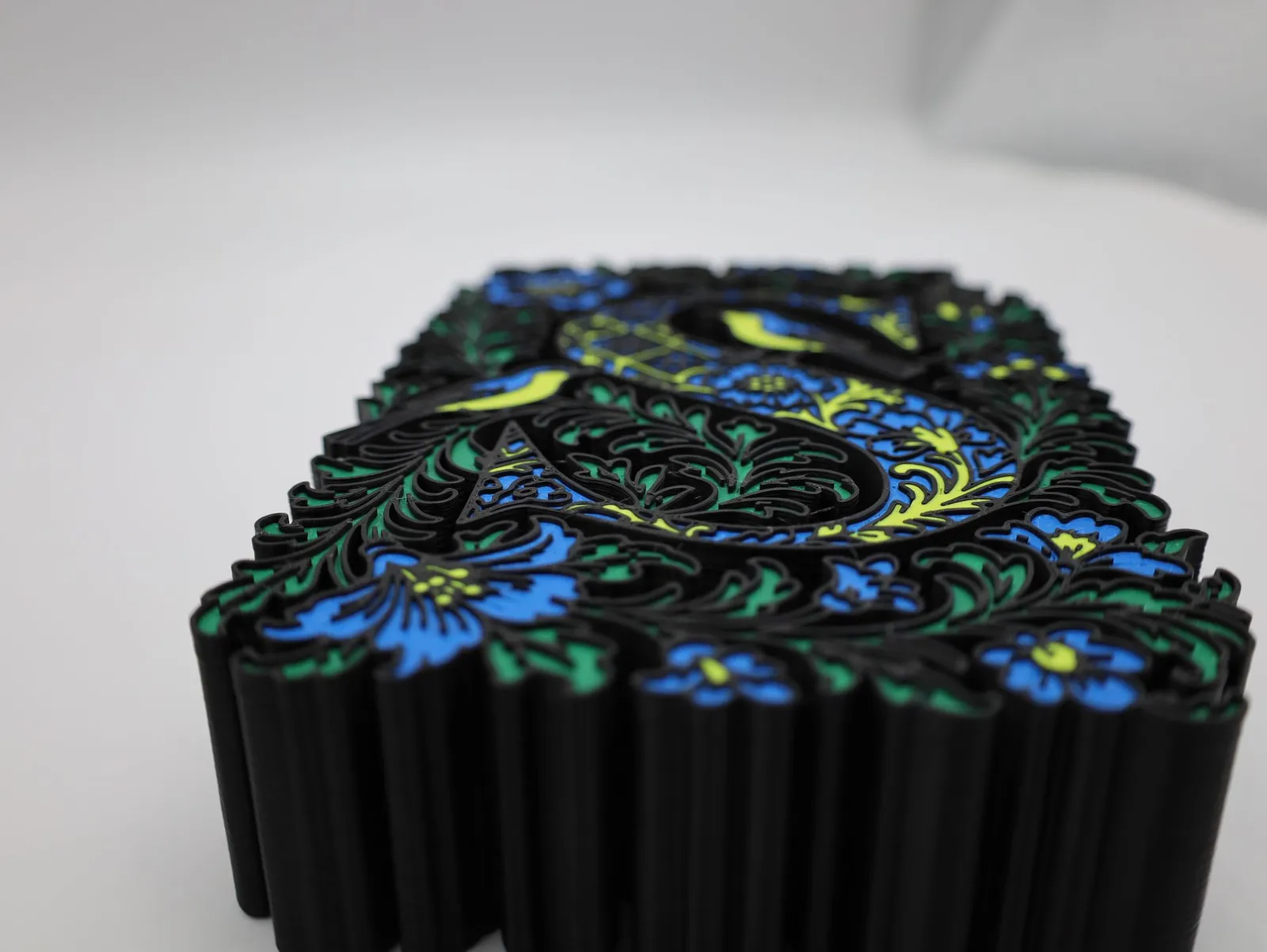
A print is built up in layers, and each layer is its own run of lines.
You can write G-code by hand, and some people do for a few test moves while calibrating a printer. For a real part, the slicer does it. Our guide to the STL file covers the model the slicer starts from.
Want to know which slicer settings matter? Our 2-hour Slicing & Materials course covers supports, infill and choosing a plastic. It opens for booking soon, and you can register your interest.
Why you never send us G-code
G-code is written for one machine, and ours is not yours.
- It has many variants. Printer firmware makers added their own commands over the years, and not every firmware follows the original standard.
- It assumes a machine’s layout. Marlin’s G92 page describes setting the middle of the bed to 0,0 so it can run G-code that was sliced for a delta printer.
- Our quote takes models. STL, STEP, OBJ, 3MF and IGES go in; G-code does not.
Send the model instead, and a person checks every file before it prints. If G-code is all you have, tell us what the part is and ask what we can do.
G-code on a CNC machine
CNC (computer numerical control) machines cut metal, plastic and wood, and they run G-code too. It is the same idea with a different cargo: where to put the tool, how fast, and when to spin it.
| Line | What it tells the machine |
|---|---|
G21 | Use millimetres for lengths |
M3 S1200 | Start the spindle turning clockwise at speed 1200 |
G0 X1 Y-2.3 | Rush the tool to X 1, Y minus 2.3 without cutting |
G1 Z-2 F150 | Move in a straight line to Z minus 2 at a feed of 150 |
On a CNC job with us, we write the toolpaths from your STEP file. Send the file with the tight tolerances marked. See our CNC machining service.
Where these facts come from
Every outside fact was read on the page named below on 19 November 2026. The example values in the tables are ours.
- Marlin Firmware, command pages for G0-G1, G28, G92, M104, M106, M109 and M140: what each command does.
- RepRap wiki, G-code: the letters in a line, comments, slicers and start scripts, file endings and firmware flavours.
- Wikipedia, G-code: the name, the standard and the variants.
- LinuxCNC, G-code and M-code reference: G0, G1, G21 and M3.
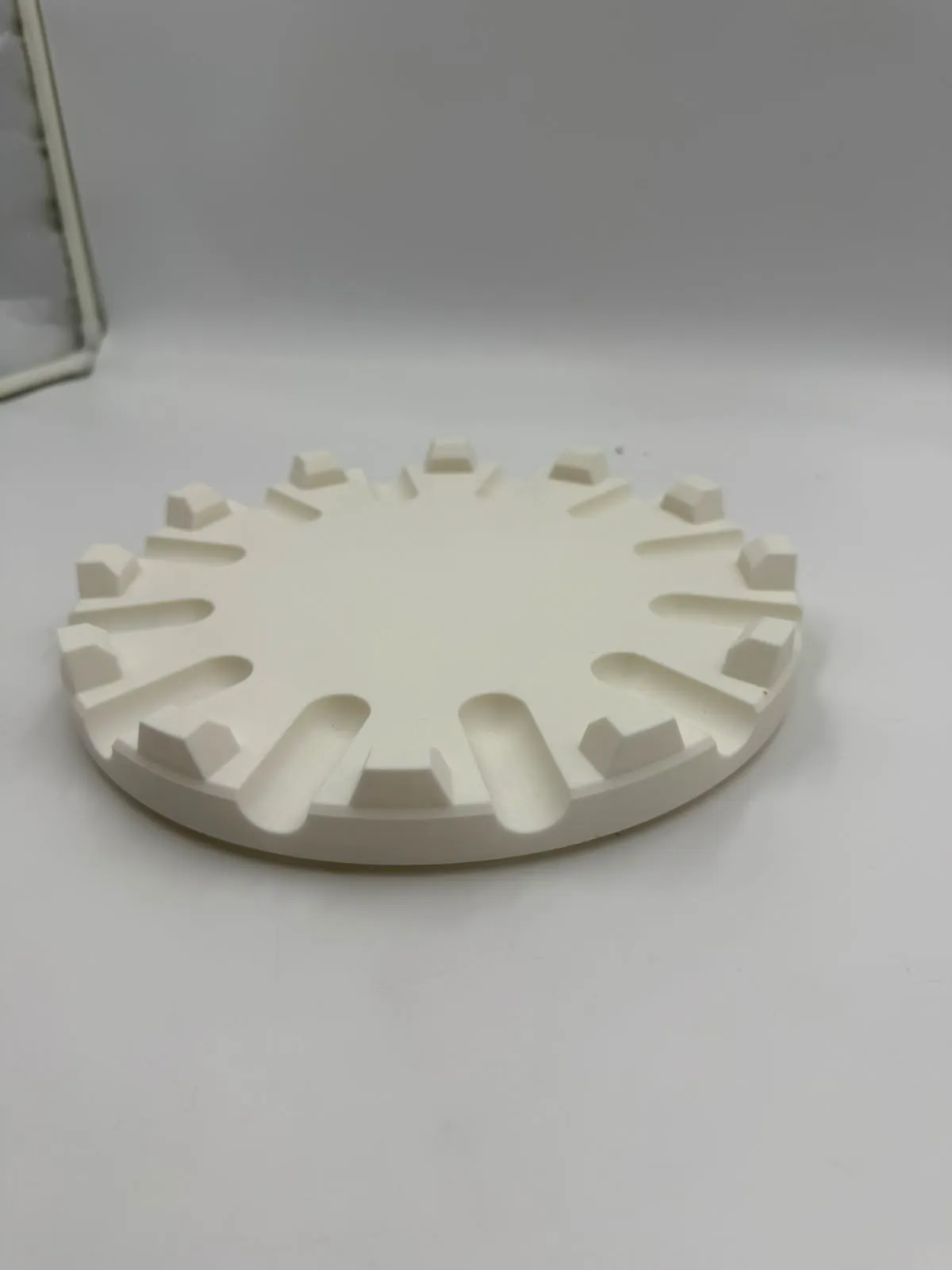
- What we accept and how we machine come from our own instant quote guide, CNC page and the cake plate holder project.
Frequently asked
What does G-code stand for?
It is short for geometric code. It is also called RS-274, and today it is standardised in ISO 6983-1. The same language drives CNC machines and 3D printers, with many variants between them.
Is G-code the same on every 3D printer?
The basic moves are shared, but firmware makers have added their own commands over the years, and not every firmware follows the original standard in small details such as upper and lower case. A file sliced for one printer may therefore misbehave on another.
How do I open a G-code file?
It is plain text, a list of short commands separated by line breaks, so a text editor shows it. Common file endings are .gcode, .gco and .g.
What is the difference between M104 and M109?
M104 sets the nozzle temperature and lets the printer carry on while it heats. M109 sets it and waits until the nozzle gets there. With an S value, M109 waits only while heating; with an R value, it also waits while the nozzle cools down.
What is the difference between G0 and G1?
By convention, G0 is used for moves that push out no filament and G1 for moves that do. On Cartesian and delta printers, G0 is just another name for G1. The split helps lasers, engravers and other machines that treat a travel move differently from a working one.
Do you print from G-code files?
No. Our instant quote takes model files, and G-code is not one of them. If G-code is all you have, tell us what the part is and ask us what we can do; the safest route is the STL, 3MF or STEP file it was made from.
Who writes the G-code for a CNC job?
On a job with us, we do. Send a STEP file with the critical tolerances marked, and we program the toolpaths ourselves, choosing the tooling, feeds and speeds for the material. You never need to write or send G-code.
Why do units matter in G-code?
G-code has a command for units, G21 for millimetres and G20 for inches, and a file with the wrong one moves the tool the wrong distance. LinuxCNC's own manual advises putting the units at the start of every file. Printer firmware such as Marlin assumes millimetres unless told otherwise.
Related
-
 GuideWhat is an STL file, and how do you open one?
-
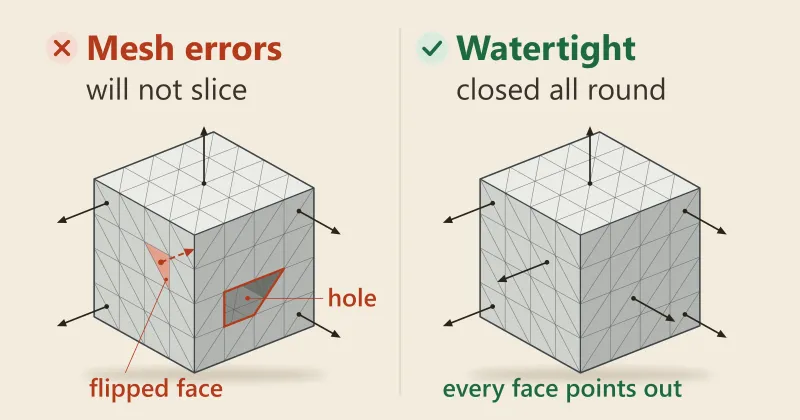 GuideWhy won't my 3D file slice, and how do I fix it?
-
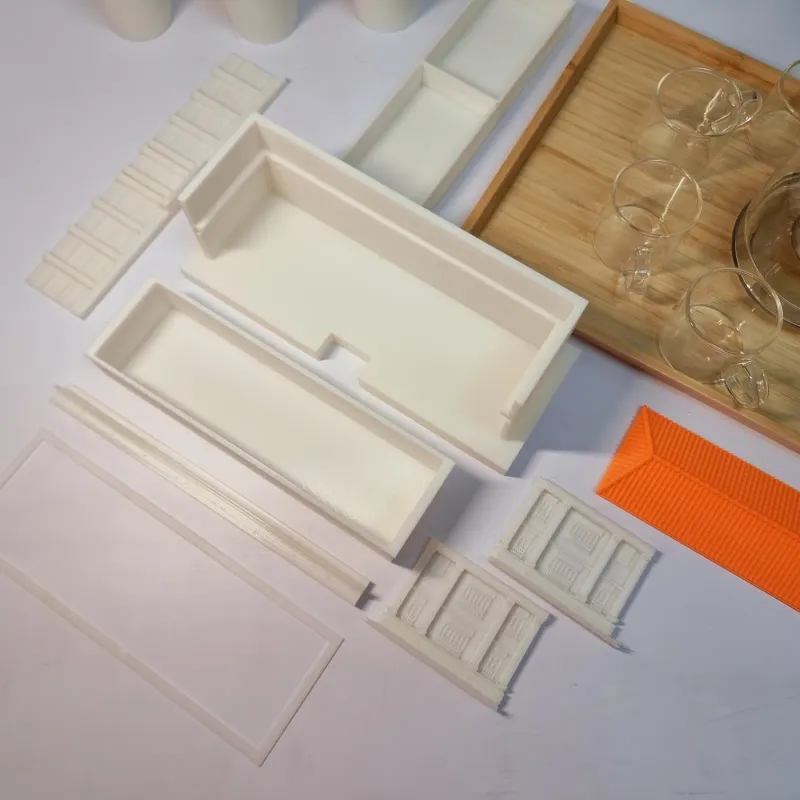 GuideHow do I export and send a 3D file so it prints first time?
-
 ServiceIndustrial 3D Printing
-
 ServiceCNC Machining
-
 Service3D Modelling, CAD and 3D Scanning
-
 Project12-slice cake plate holder for Commonwealth Culinary
-
 ProjectMulticolour 3D printed letters
- Project3D printed alarm clock stand for the Google Nest Mini