

How do you get a logo onto a 3D print?
Updated
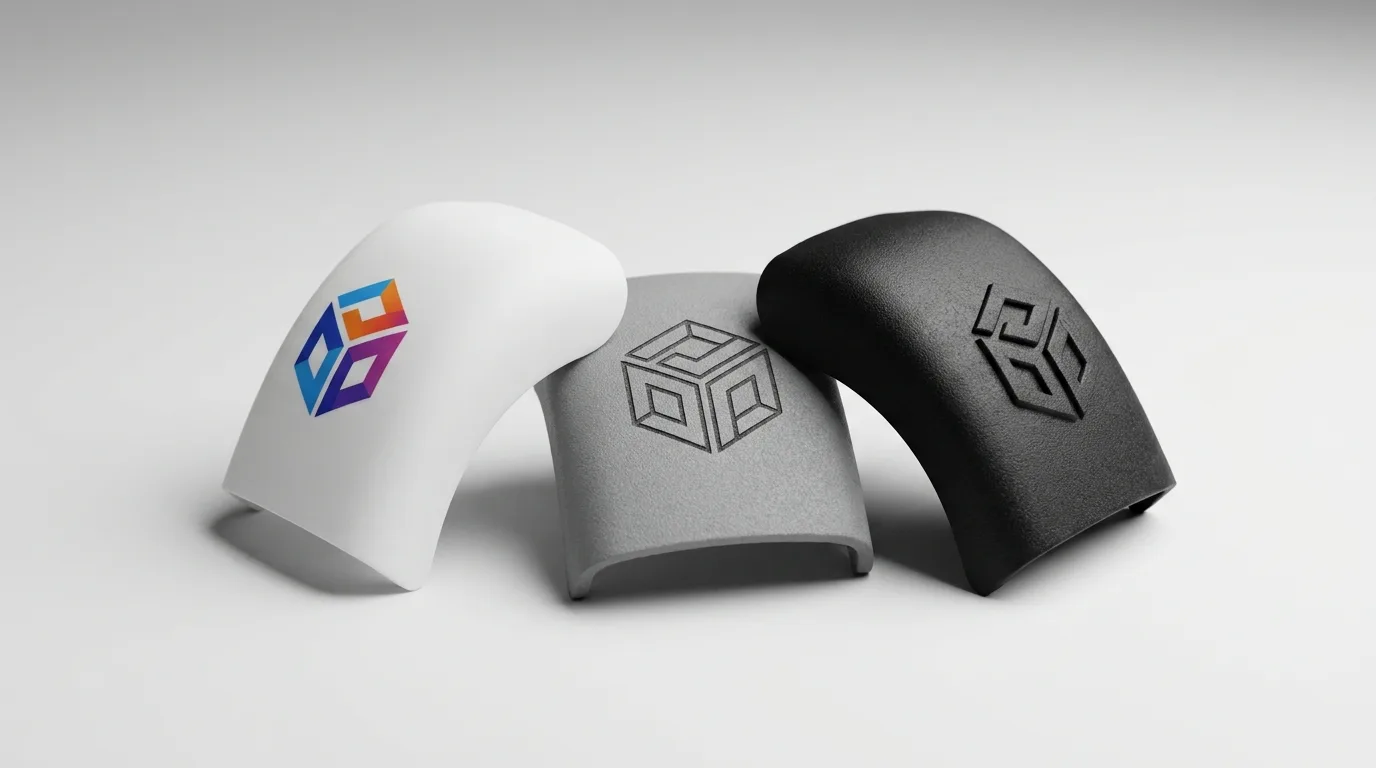
A logo can go onto a 3D print five ways: modelled into the part, UV printed, sprayed, applied as a decal or laser engraved. Which is right depends on whether you need full colour, a single flat colour or just a clean brand mark on a budget. Here’s how each works, where it stops working and which file to send.
Embossed or debossed in the model

The cheapest way: model the logo straight into the part as raised (embossed) or recessed (debossed) geometry, and it prints in the same pass as the rest of the piece. There’s no separate process, because the logo is the part.
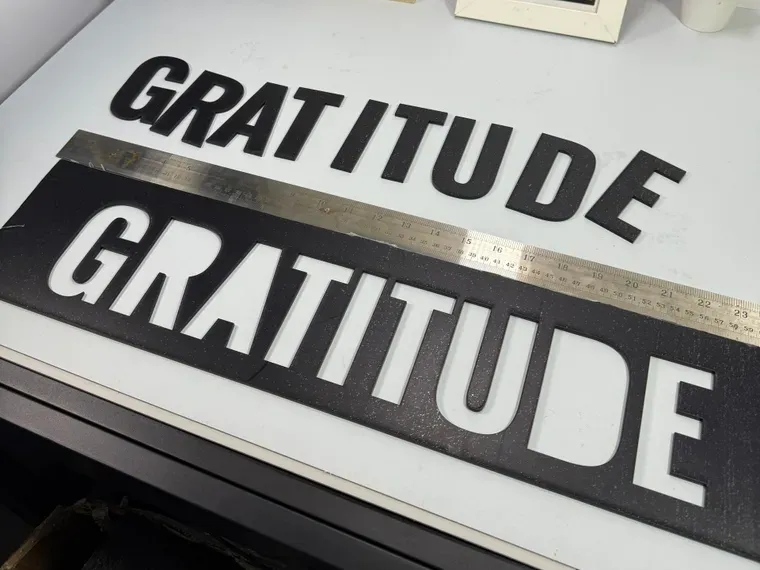
The trade-off is colour. An embossed or debossed logo normally reads in the part’s own colour; on a multi-colour filament printer it can print in a second colour, as our own logo bar above shows, but a logo that needs its full brand colours still belongs to UV printing. Very fine strokes or small text can also lose definition at print resolution, so a detailed logo may need simplifying before it goes into the model. These are the smallest text sizes we design to for each process (all sizes in mm):
| Process | Height | Stroke | Depth |
|---|---|---|---|
| Filament (FDM) | 5 | 0.6 | 0.6 |
| Resin (SLA) | 2 | 0.5 | 0.5 |
| Nylon powder (SLS, MJF) | 5 | 1.0 | 0.5 |
| Metal (SLM) | 3 | 0.6 | 0.5 |
On filament, make the stroke 1.0 mm if the text has to be read at arm’s length.
Those are the smallest sizes that print, so go a step bigger for a logo that has to be read from across a room, and tell us if a dimension is critical. The full set of design rules is in how to prepare 3D files for printing. If you don’t have the geometry modelled in yet, send us the flat logo alongside your part and we model it in.
UV printing in full colour
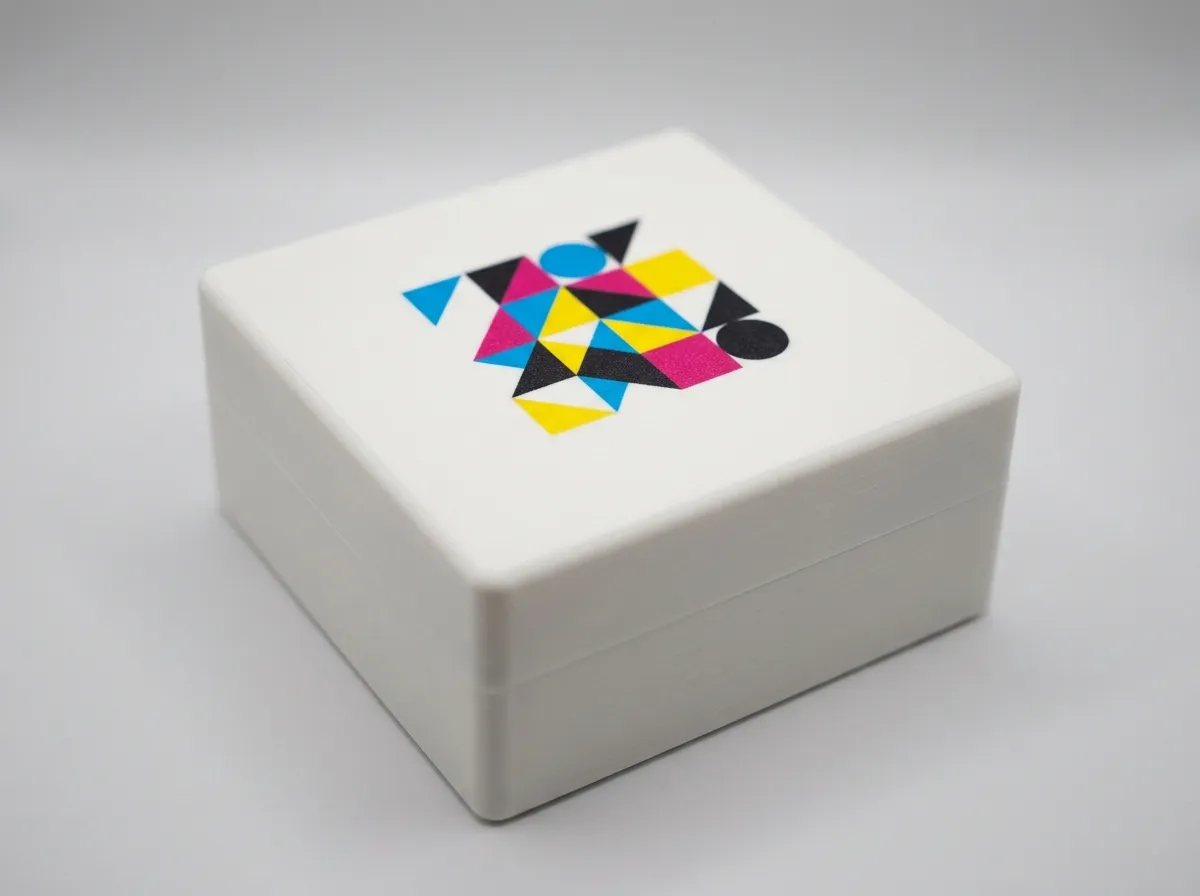
Ultraviolet (UV) printing is the answer when the logo has to appear in its real colours. Full-colour ink (cyan, magenta, yellow and black, known as CMYK) plus white is printed straight onto the part and cured instantly under UV LED lamps, so the graphic bonds to the surface, with no vinyl sticker edge to peel and no screen-print tooling to pay for.
It works on PLA, PETG, ABS and resin prints, plus acrylic, wood, metal and leather if your job mixes materials. With the correct artwork file the colour comes out close to your Pantone code (the numbered colour standard brands use), though metallic and fluorescent shades can’t be printed in ink, so those go to paint. The price follows the print area, and our pricing page has the starting price. The one limitation: it needs a flat or gently curved face to register sharply; a surface curved in two directions at once, like a ball, won’t take it cleanly. Send the artwork as a PDF, SVG, AI or EPS with fonts converted to outlines, and you’ll get a print-area confirmation and quote the same business day.
Spray paint or decals
For one flat colour, or a graphic that wraps around the part, two more options sit between “built into the geometry” and “full-colour UV print”, and both run through colour application and finishing:
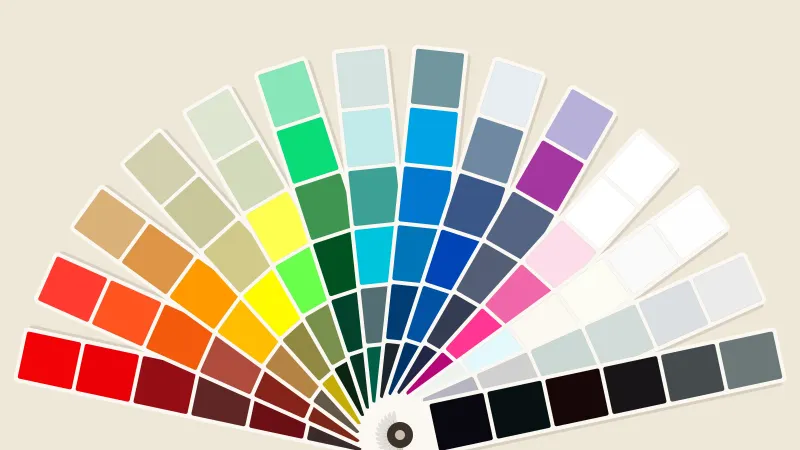
- Pantone-matched spray paint over a debossed or masked logo area gives a single, brand-accurate flat colour under a matte, satin or gloss clear coat, closer to the look of an injection-moulded product than a raw print. The colour only goes where the mask lets it, and on an intricate part a faint haze on the face around the logo can’t always be avoided (overspray on 3D-printed parts explains where it lands).
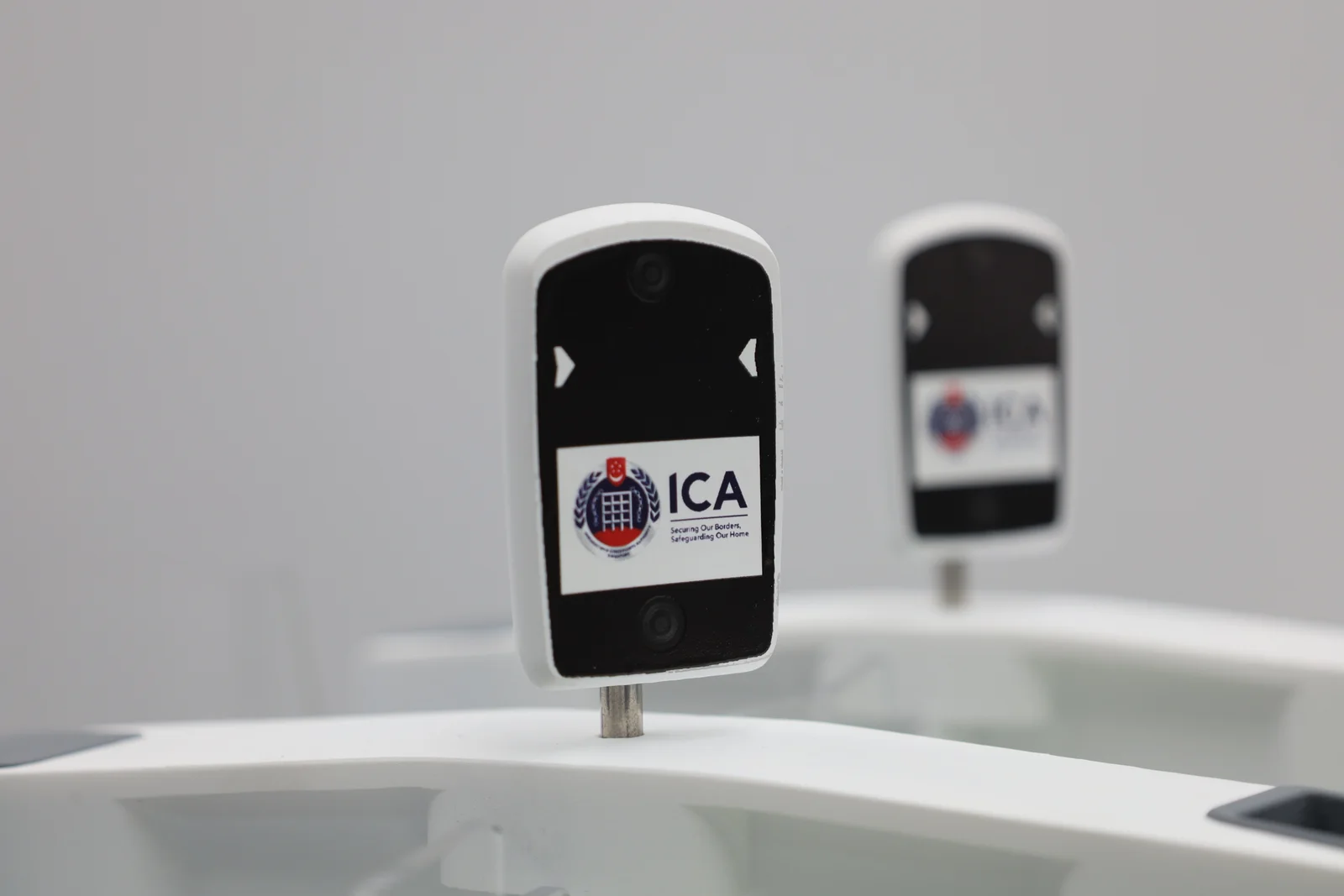
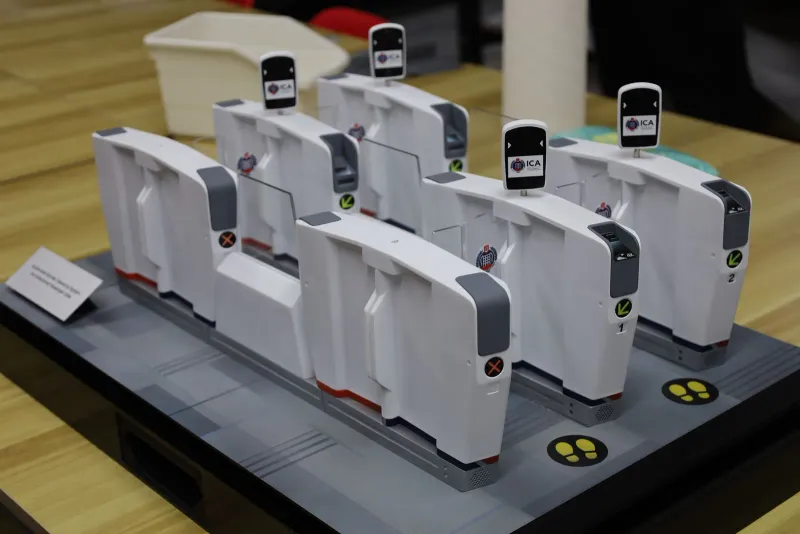
- Printed decals, sealed under a clear coat, cover graphics that are multi-colour, wrap around a curved surface, or combine several small marks that would be slow to hand-paint or too curved for UV to register. We used this approach on our ICA Automated Border Clearance Gate Model: the gate bodies were hand-airbrushed, then the crests, camera-head graphics and lane markings were applied as fine decals across the whole set.
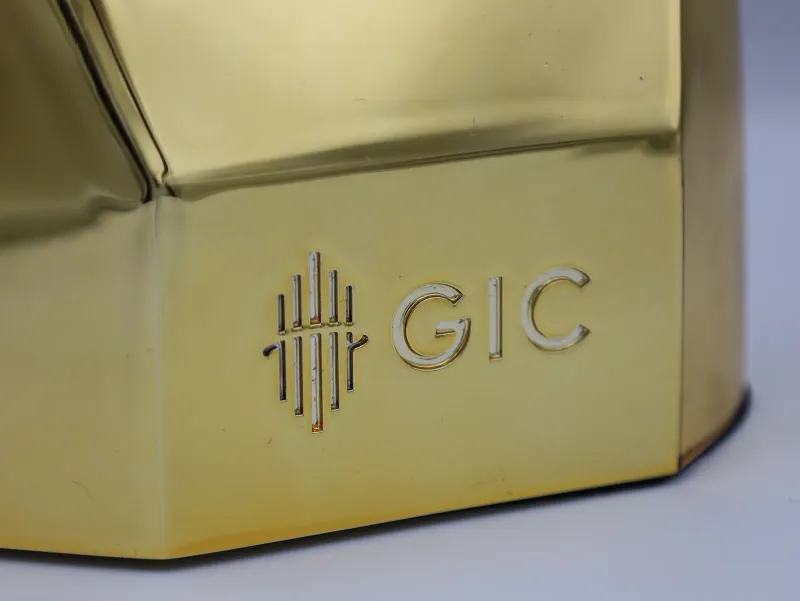
For a brand mark that has to look and feel like real metal rather than plastic, electroplating (chrome, gold, copper or brass over the printed master) is also part of the same finishing menu. Plating softens fine detail, so it suits a bold raised logo better than small text.
Laser engraving
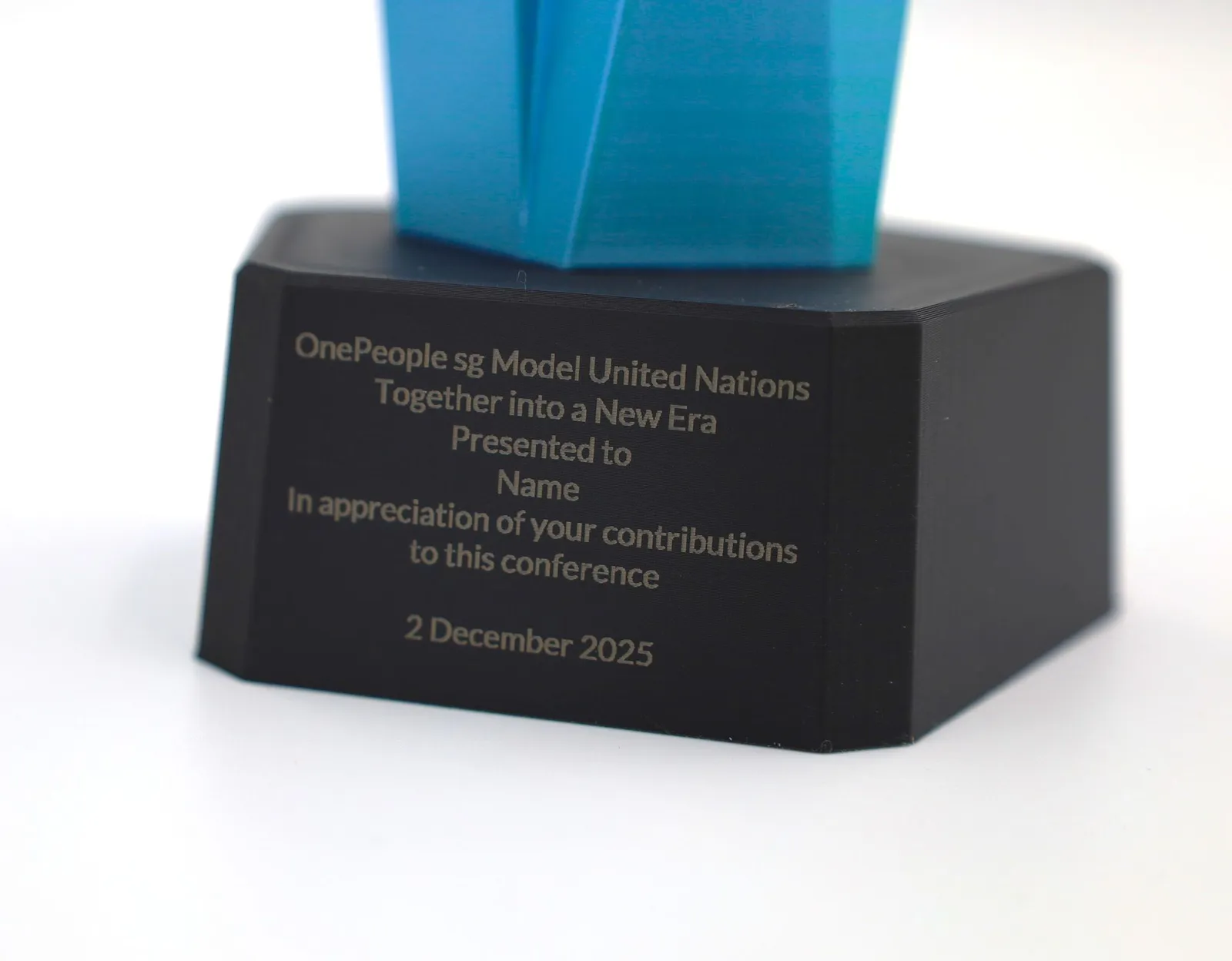
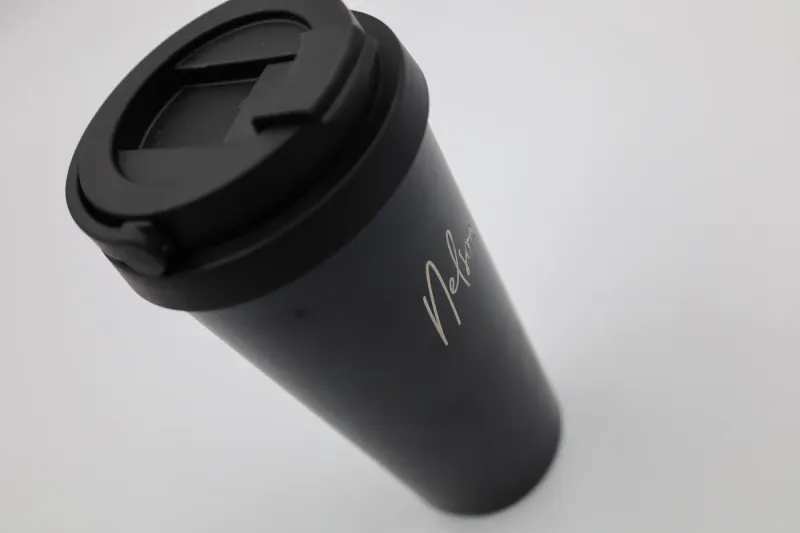
Our lasers engrave the printed part itself, as well as acrylic, wood and metal. On a flat or gently curved face the logo is cut into the surface, so it can’t peel or wash off, and it reads as a tone change in the plastic rather than a colour. Where the printed face is too curved or too textured for a clean mark, a paired plaque or base in acrylic, wood or metal carries the engraving instead, the same pairing we use on custom medals and trophies. Send us the part and the logo and we tell you which suits it.
What file do you need to send?
- Embossed or debossed geometry: the logo modelled into your STL, STEP or OBJ file. No file yet? Send the flat logo and the base model together and flag it at quote time.
- UV printing: vector artwork, drawn with lines rather than pixels (PDF, SVG, AI or EPS), with all text converted to outlines so it prints even without your font. A PNG or JPG at 300 dots per inch at the printed size also works.
- Pantone spray: the Pantone code, or a physical sample to match against.
- Decals: high-resolution vector or print-ready artwork for each graphic.
- Laser engraving: vector artwork (DXF, AI, SVG or PDF), with text converted to outlines.
Frequently asked
How do I add a logo to a 3D printed part?
Five options. Emboss or deboss the logo into the 3D model itself, with no extra process because it prints in the same pass. UV-print it in full colour directly onto the surface. Spray a debossed or masked area in a Pantone-matched colour. Apply printed decals under a clear coat for wrap-around or multi-colour graphics. Or laser engrave it, onto the print itself where the part allows, or onto a paired plaque or base. Send your logo file and the part and we'll recommend the process.
Can you UV-print a full-colour logo directly onto a 3D print?
Yes, on PLA, PETG, ABS and resin prints. A layer of white ink goes under the colours, so the logo stays sharp even on a dark or coloured part, and one pass prints a little under A3. It needs a flat or gently curved face, so a ball or any surface curved two ways at once is better served by decals or paint. Send the artwork and we confirm the print area and quote the same business day.
What's the cheapest way to put a logo on a 3D print?
Modelling the logo into the part, raised or recessed, because it prints in the same pass and needs no separate process. The catch is detail and colour. Very fine strokes and small text can blur at print resolution, so a detailed logo may need simplifying, and the logo comes out in the part's own colour, or in one second colour on a multi-colour filament printer. A logo that needs several real brand colours is where UV printing takes over.
Can you laser engrave a logo onto a 3D print?
Yes. We engrave the logo straight into the printed part, on a flat or gently curved face, so the mark sits in the surface and can't peel or wash off. Where the printed face is too curved or too textured for a clean mark, a paired plaque or base in acrylic, wood or metal, engraved to within 0.1 mm, carries it instead. Send a vector file (DXF, AI, SVG or PDF) with text converted to outlines.
Will a printed or painted logo peel or fade?
UV ink is cured onto the surface under UV light, so unlike a vinyl sticker it has no edge to lift, and a clear coat over it adds protection. Sprayed colour is sealed under a matte, satin or gloss clear coat, and for parts that take handling or sit outdoors we switch to two-pack (2k) automotive paint or add a UV-cured topcoat to survive the Singapore sun. Engraved and embossed logos are part of the surface, so they can't peel at all. How much protection a part needs depends on where it will live, so tell us.
What is the smallest text that will print on a 3D part?
On a filament part the thinnest stroke that prints is 0.6 mm, letters are at least 5 mm tall and the text stands 0.6 mm proud of the surface or is cut 0.6 mm into it; make the stroke 1.0 mm if it has to be read at arm's length. Resin text can go down to a 0.5 mm stroke and 2 mm letters, nylon powder needs a 1.0 mm stroke and 5 mm letters, and metal needs a 0.6 mm stroke and 3 mm letters. Raised or recessed depth is 0.5 mm for resin, nylon and metal. Smaller than that and the letters fill in, so send the text and we check it before it prints.
Related
-
 Guide3D Print Finishing Options: Which Coat Should You Choose?
 -
 GuideWhat spray paint colours can my 3D print come in?
 -
 GuidePersonalised corporate gifts in Singapore: which technique fits your list?
 -
 ServiceUV Printing
 -
 ServiceColour Application & Finishing
 -
 ServiceLaser Engraving & Cutting
 -
 ProjectICA Automated Border Clearance gate model
 -
 ProjectWSG Workforce Resilience Awards trophies
 -
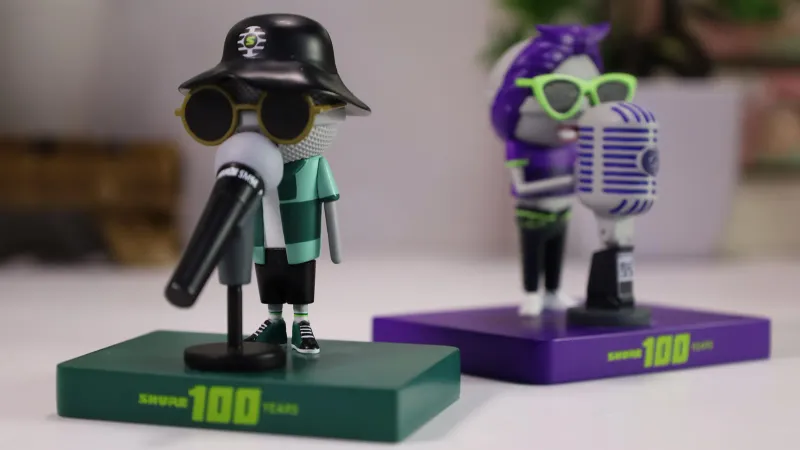 ProjectShure 100 Years mic figurines