

How do you choose the right colour for a 3D print?
Updated
Colour on a 3D print either comes straight from the material, is painted on afterwards, or is UV printed onto the surface. Most parts need only the colour of the material itself. Paint is for an exact brand colour, and UV printing is for a logo or artwork.
Filament printing (fused deposition modeling, FDM)
This is where most of the colour is. We print in our own studio, and one print can carry up to four colours at once. The printer swaps between them as it builds, so the colour goes all the way through the plastic. Nothing to paint, nothing to wear off.
Two things to know before you pick:
- One material per print. Choose PLA Basic, PLA Matte or PETG, then choose your colours from that material’s list.
- Your file needs the colours split. A normal 3D file has no colour in it, so each colour has to be its own part. If yours isn’t, request colour splitting in the instant quote and we’ll do it for a fee.
More colours means a longer print and more material, so it costs more. The instant quote shows you the price.
Which material?
- PLA Basic has a light sheen and the widest range of colours.
- PLA Matte has no shine at all and hides layer lines, so pieces look moulded rather than printed. It’s lovely for figurines and display pieces.
- PETG is the tough one, better with heat and outdoors, in fewer colours.
Picking a colour that prints well
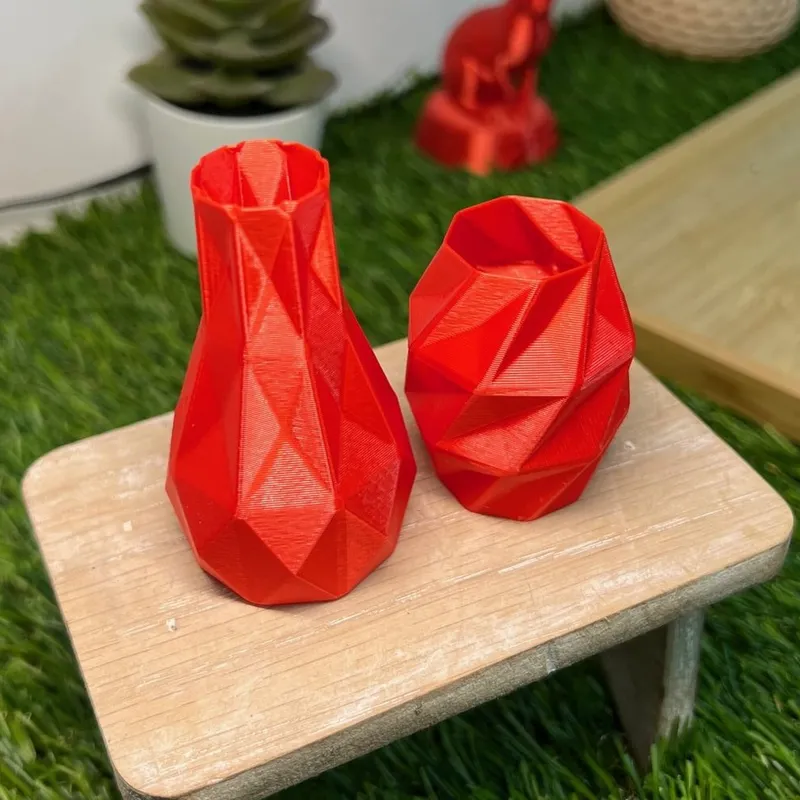
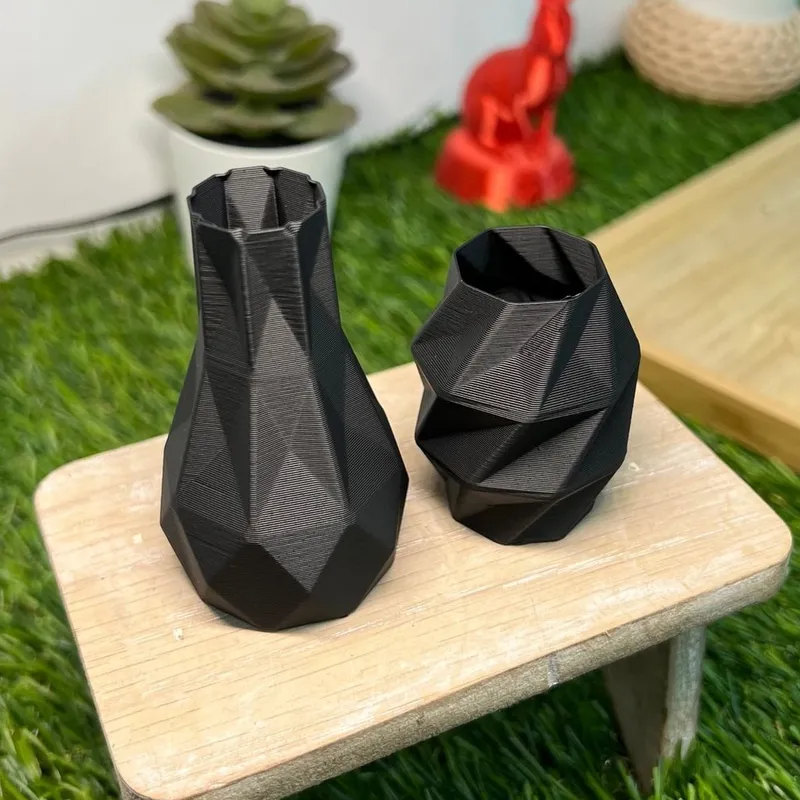
- Fine detail reads best in a light or mid colour. Black hides it, because the small shadows that make detail visible disappear.
- Layer lines show most on shiny dark colours. PLA Matte hides them best.
- Parts that must read apart need contrast, like lettering on a base. Two close shades blur into one from a metre away.
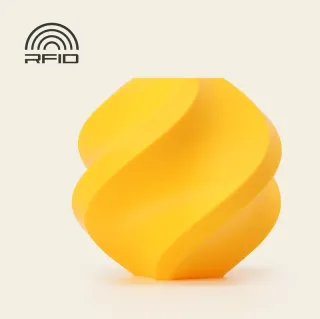
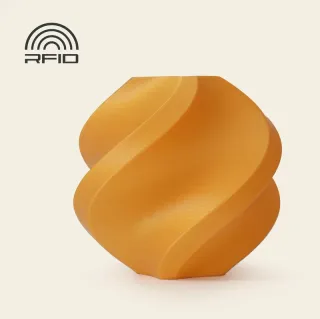
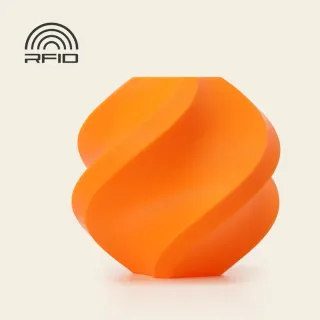
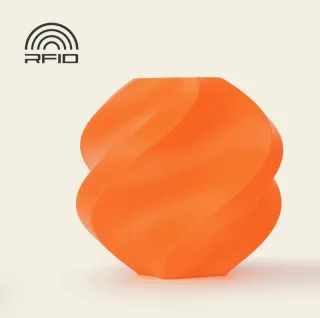
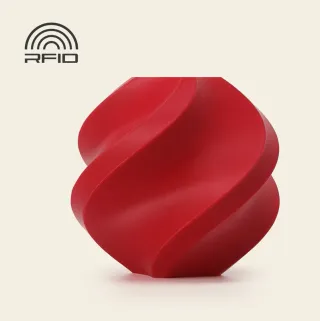
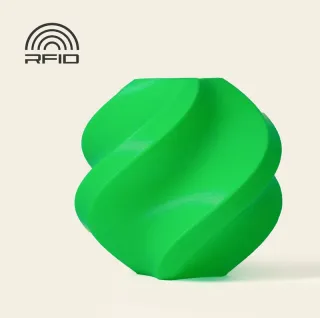
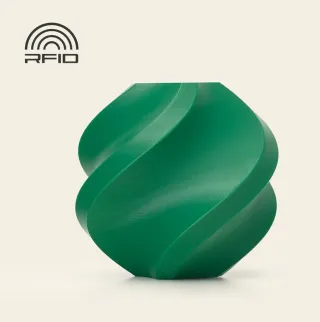
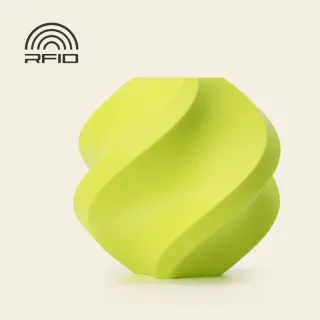
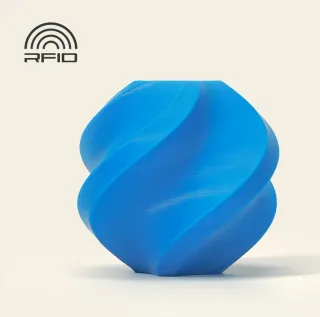
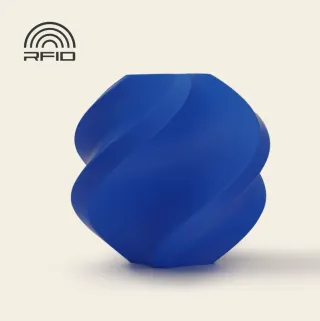
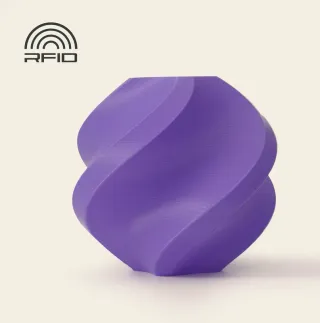
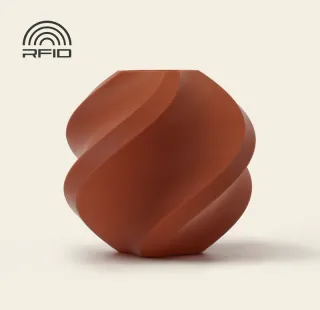
Every colour we print with, by material:
PLA Basic


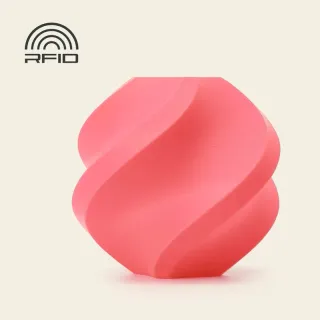
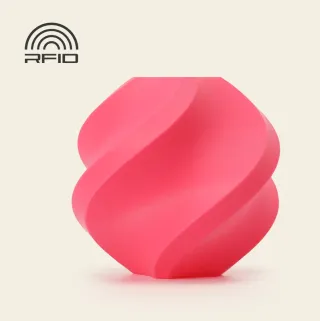
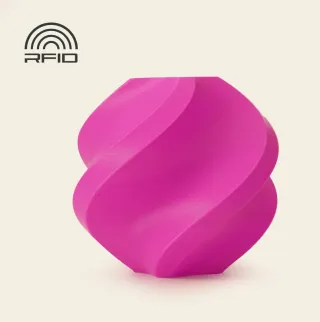
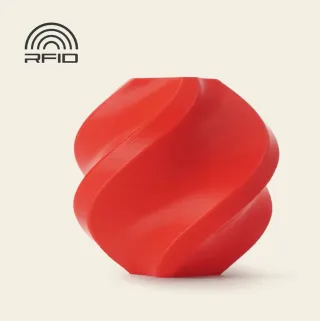




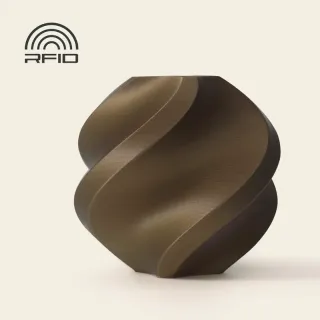
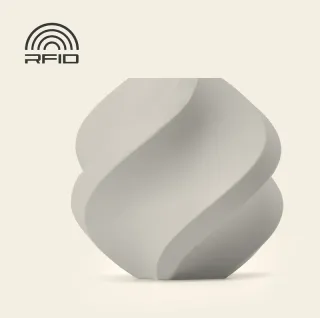
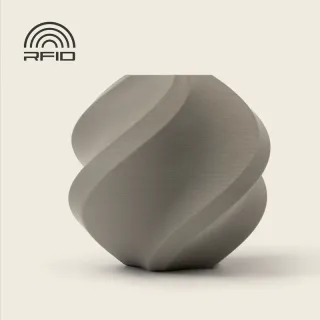

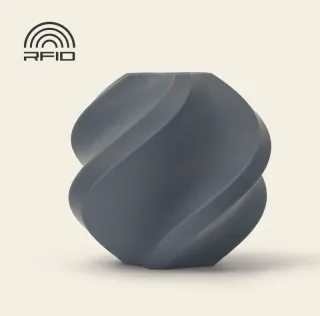
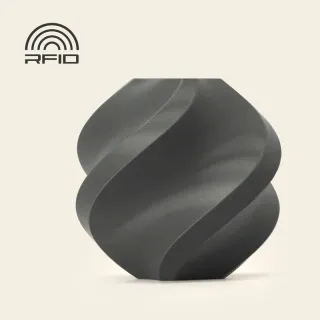
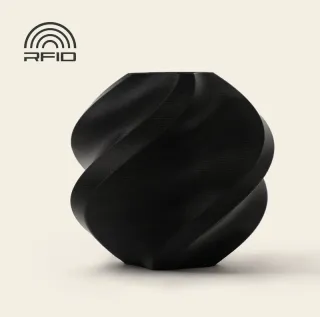
PLA Matte

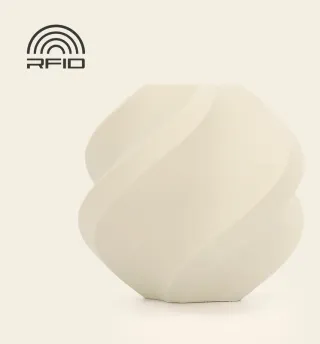




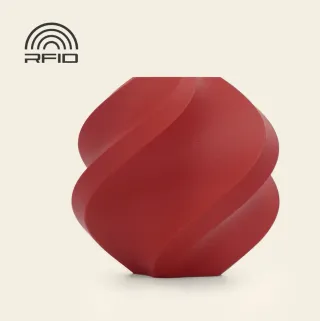
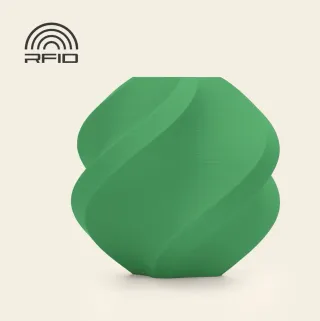
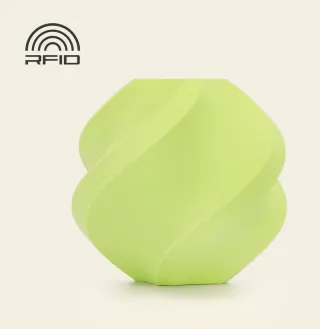
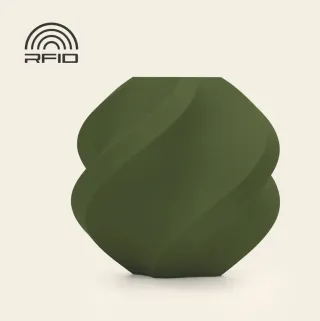


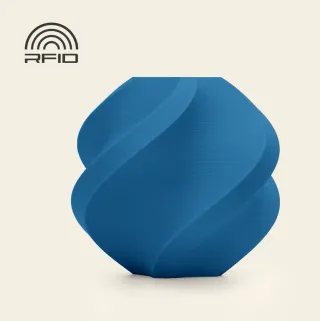
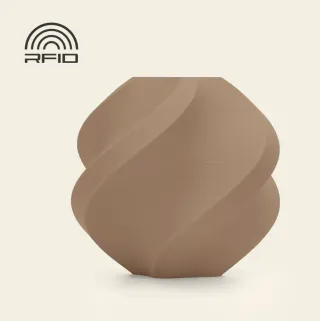
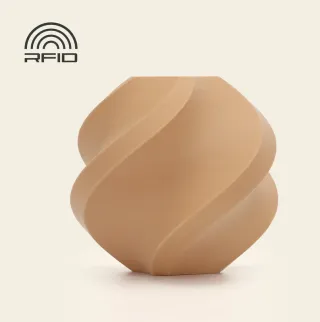
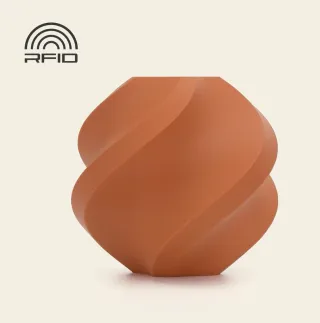

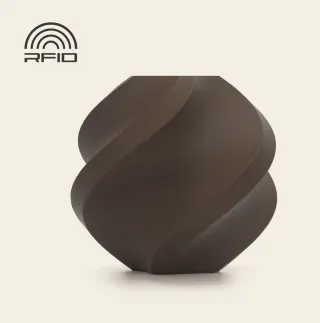
PETG
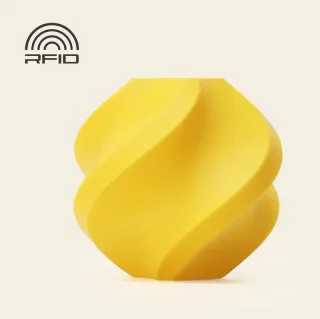
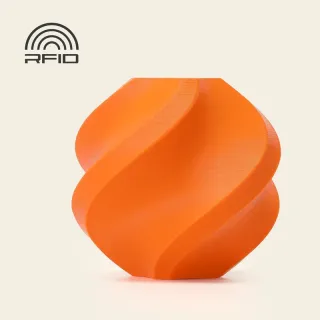

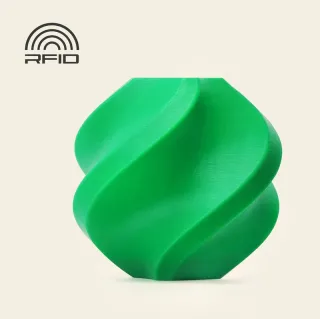
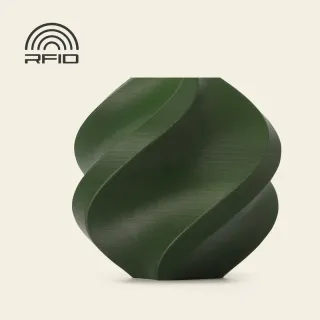
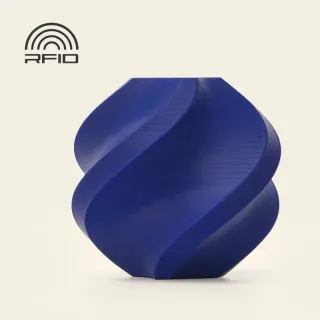

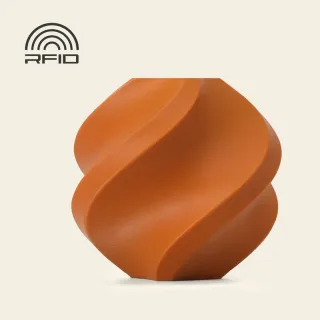

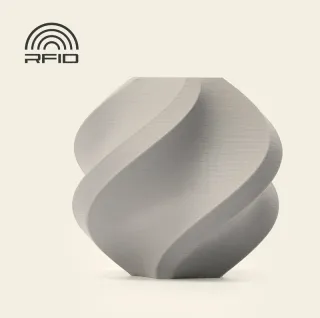
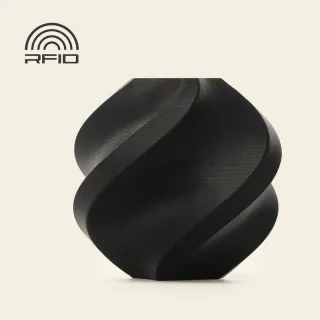
Colours on a screen never match a print exactly, so if the shade really matters, talk to us about a printed sample first.
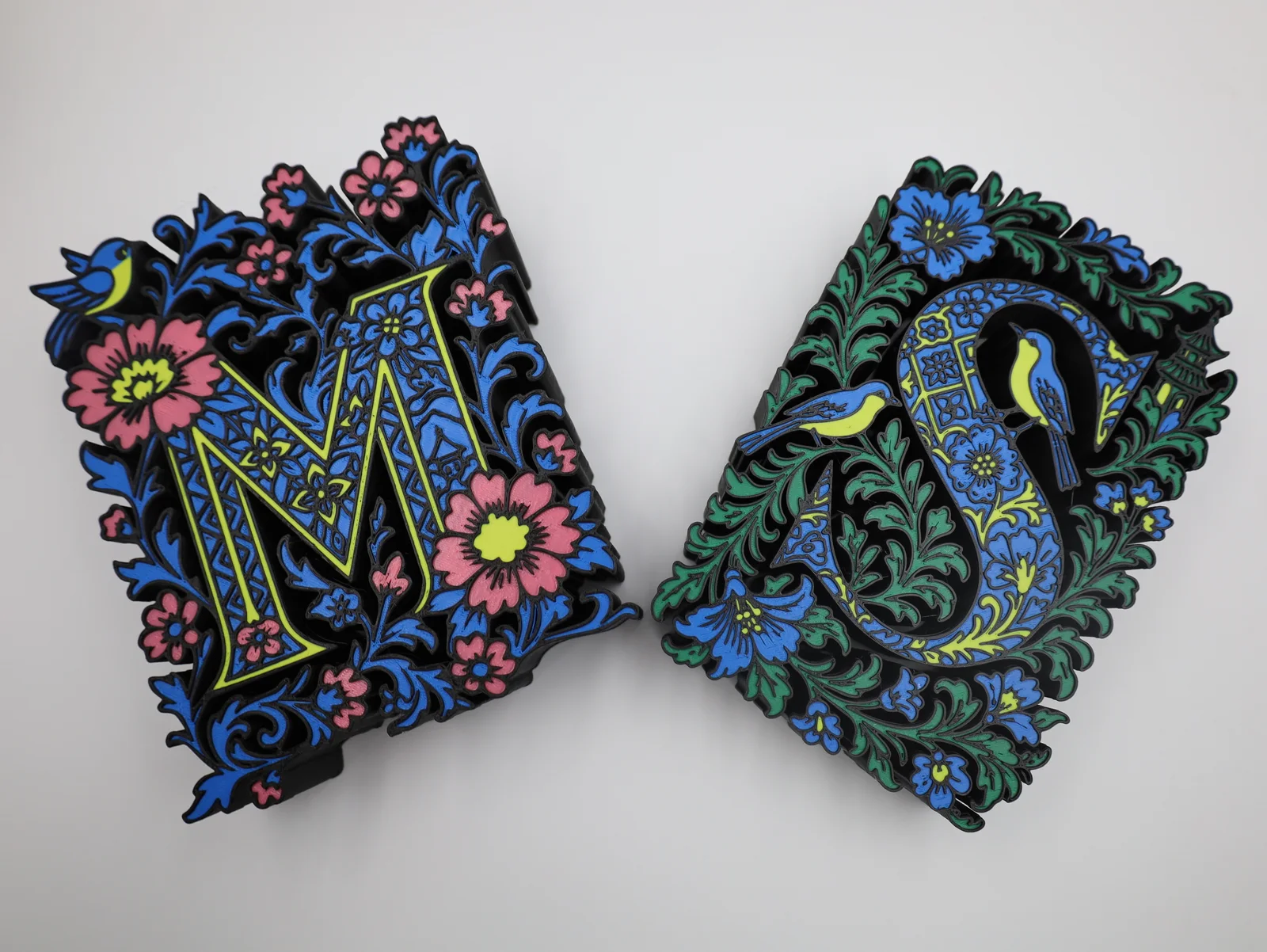
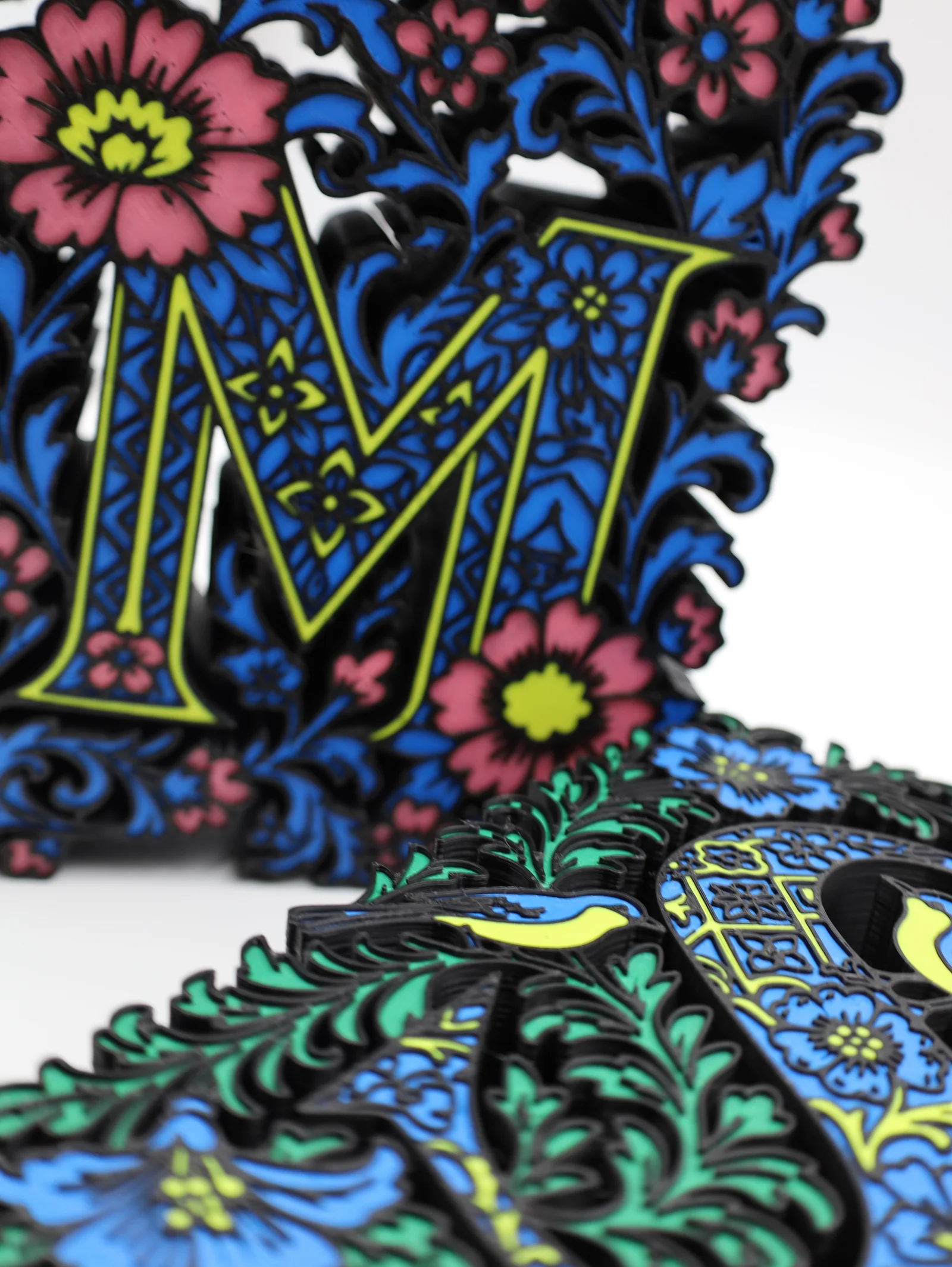
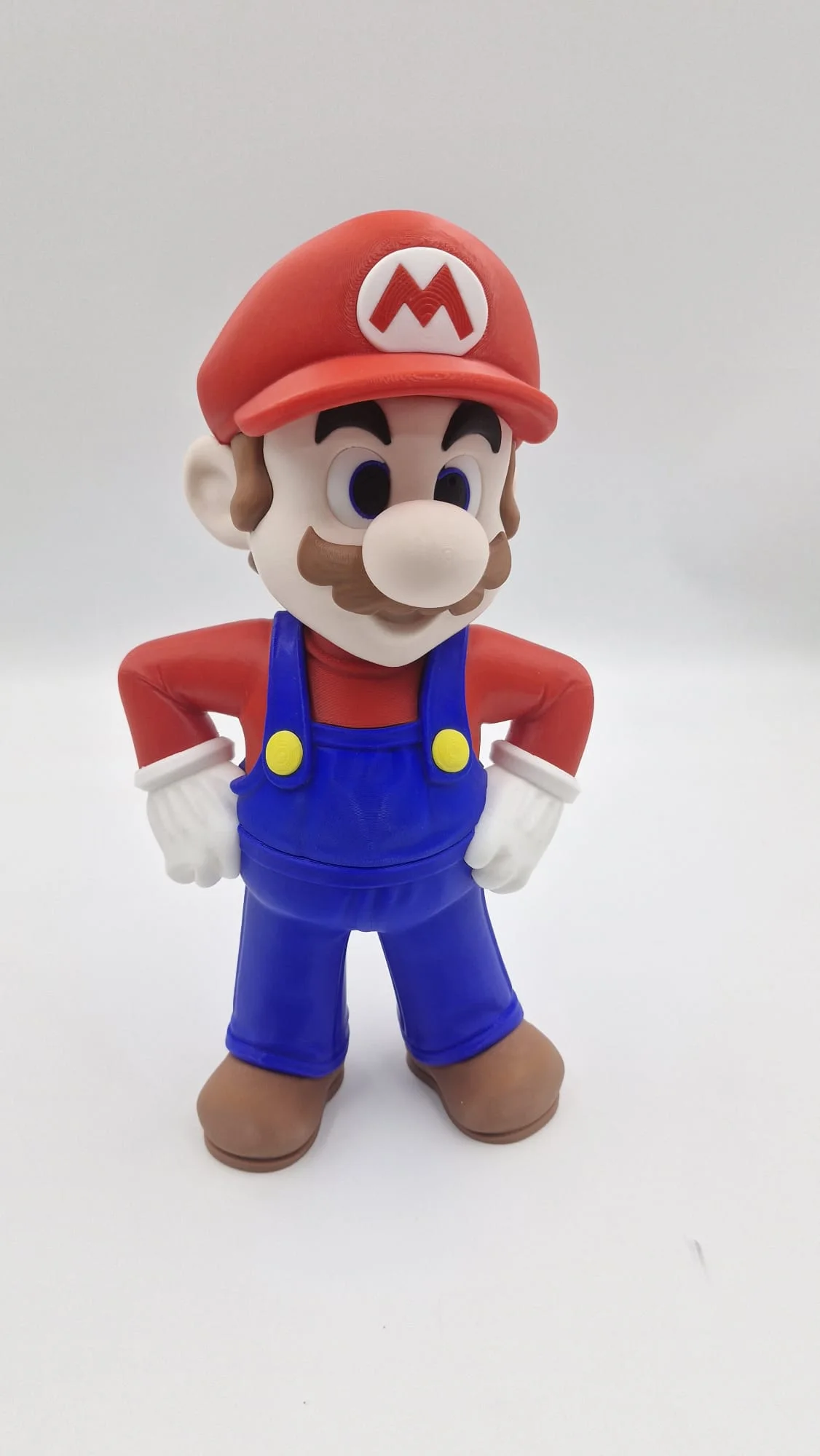
Here’s what that looks like in real work. Each of these letters is a single print in four colours. The Mario was printed in separate parts, one colour each, then put together. That’s the way to go when a piece needs more colours than one print can hold, or is too big for one print.
Special filaments like silk, marble and glow-in-the-dark aren’t part of multi-colour printing. Talk to us if you’d like one for a single-colour piece.
Resin and nylon printing
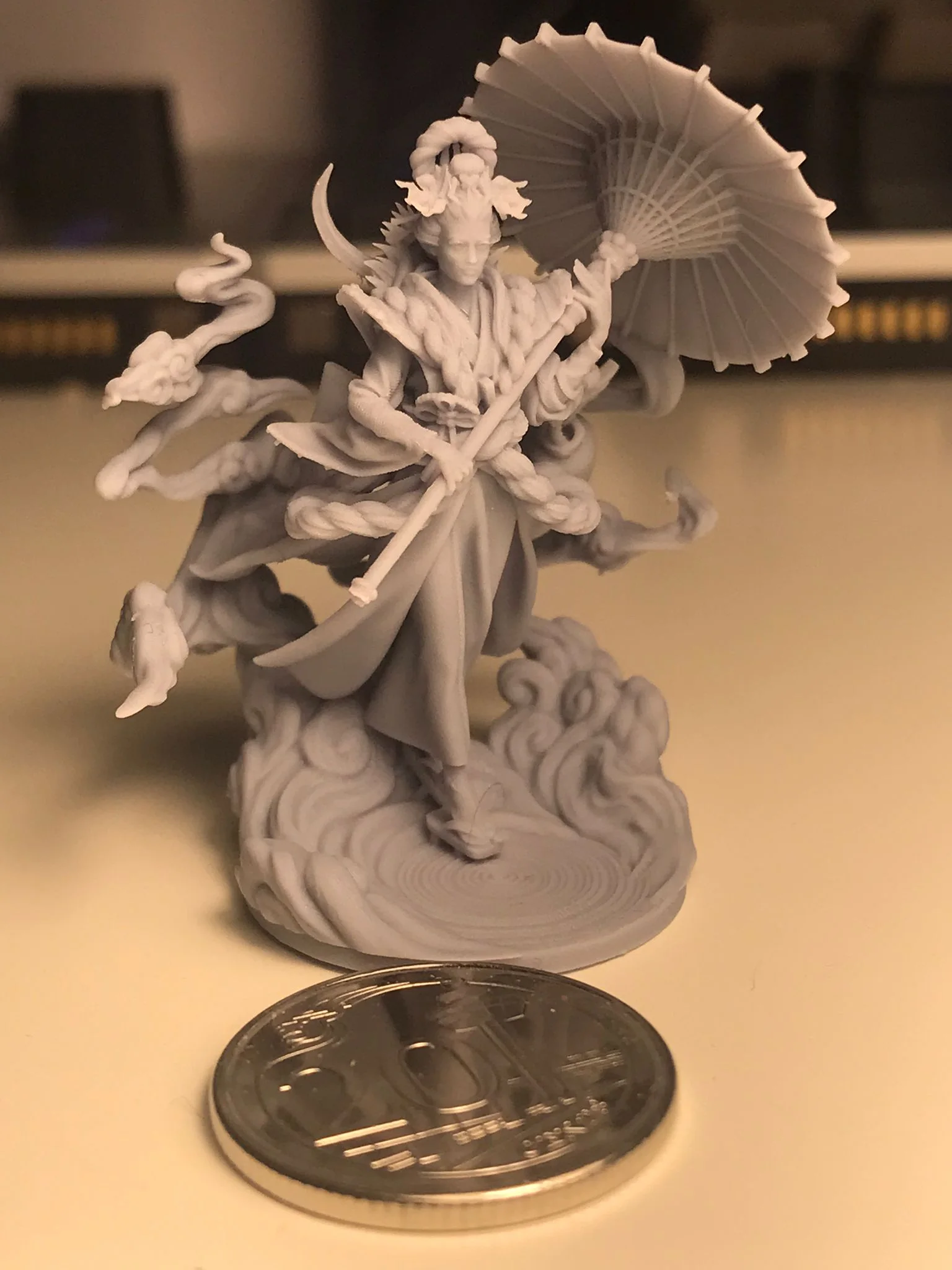
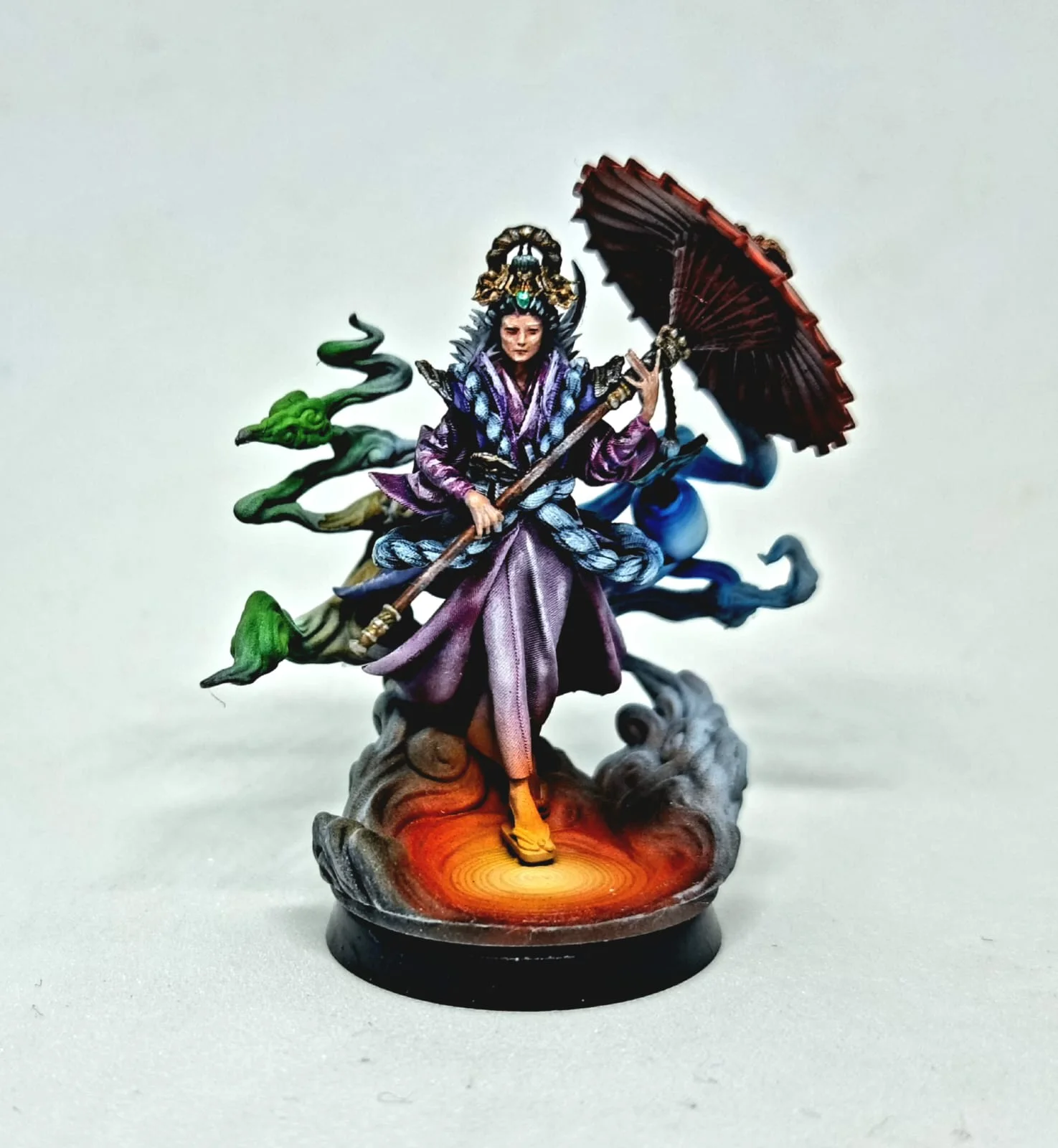
The other two processes, stereolithography (SLA) resin and selective laser sintering (SLS) nylon, barely choose colour for you. Resin, which gives the finest detail, comes mainly in black, white and grey, with clear in some resins. Clear is a job of its own: how clear a print can actually get walks through the finishing that gets you there. Nylon, which makes tough working parts, comes in grey, black or white. For anything else, both get painted.
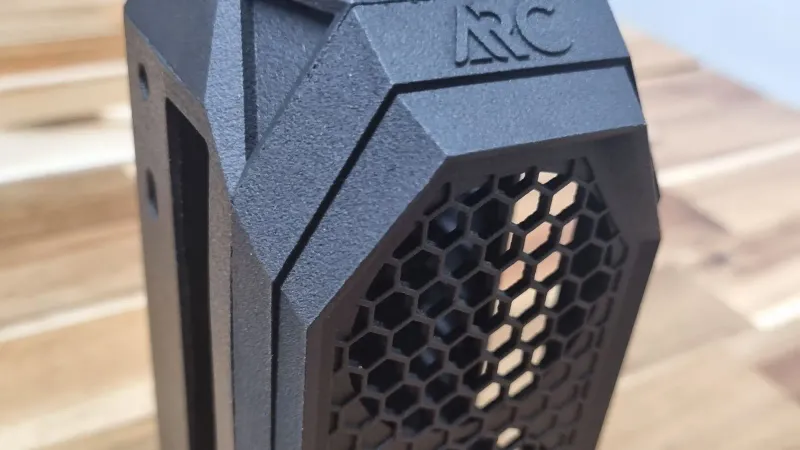
Not sure which process suits your part? FDM, SLA or SLS: which is right for you walks through it.
Painting: for an exact brand colour
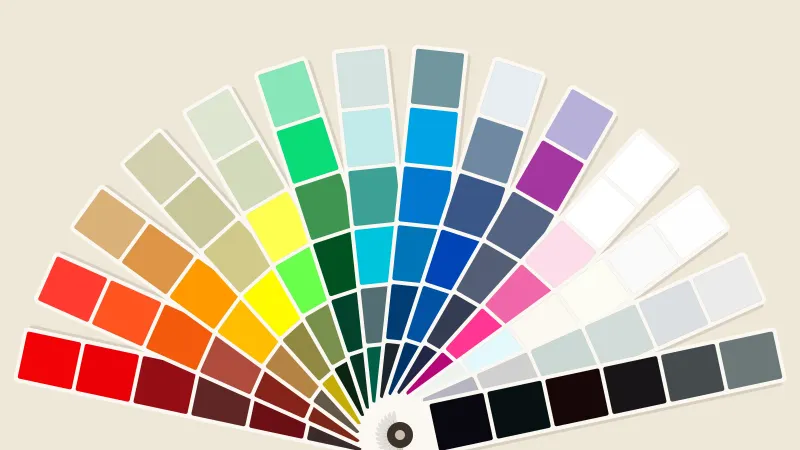
Filament colours vary a little from batch to batch, so they can’t hit a Pantone code (the numbered colour standard brands use) exactly. When the colour has to be exact, we print the part, prime and sand it smooth, then spray it in paint mixed to your code. See our colour and finishing service and the spray paint colour catalogue.
What to know before you choose it:
- It adds a few days. Priming, sanding, spraying and drying all happen after the print.
- The paint sits on the surface, so a knock on an edge can chip it. Filament colour goes all the way through.
- Fine texture softens under primer and paint, so very small engraved text can lose its edge.
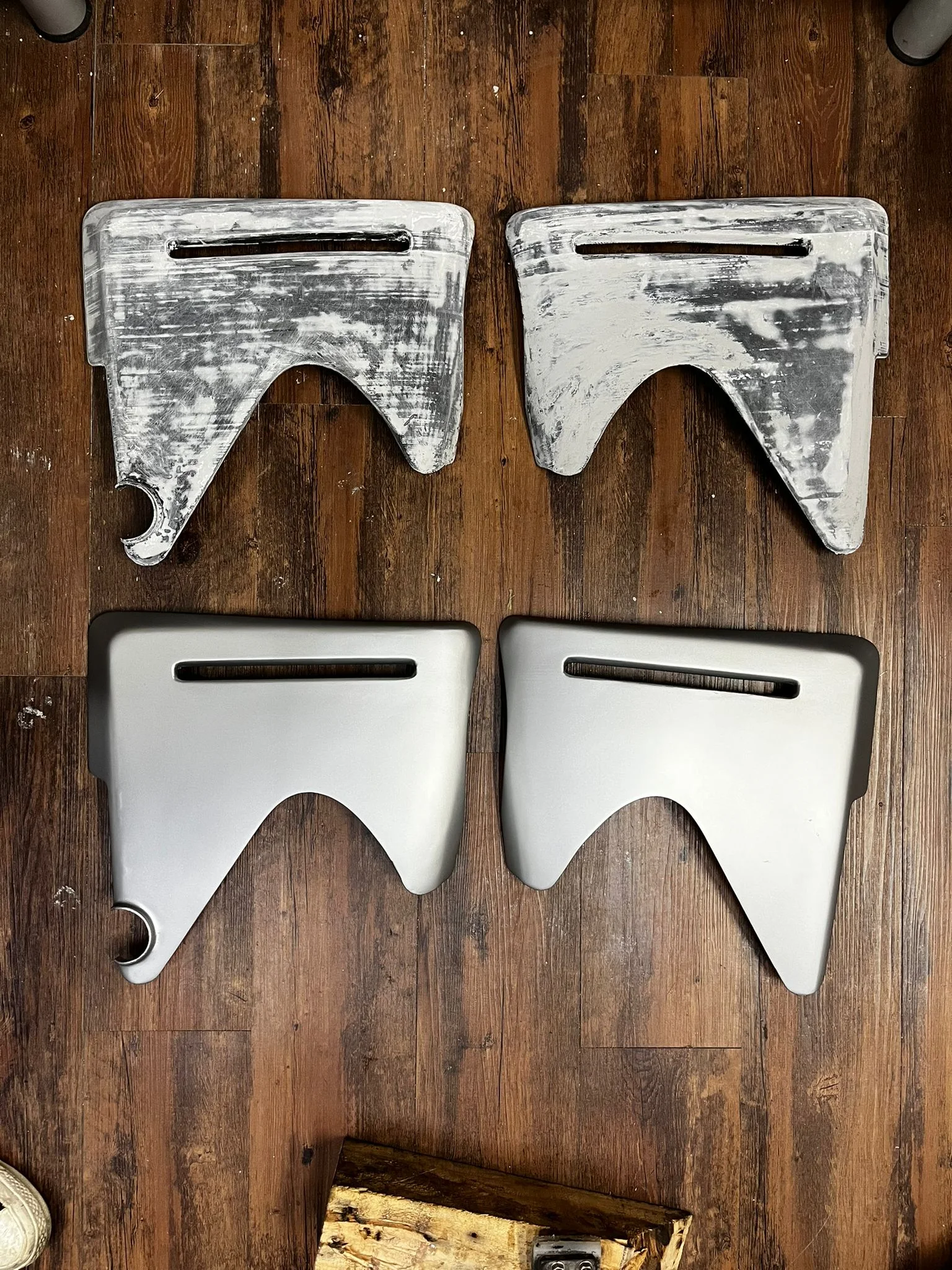

Have a sample to match instead of a code? Talk to us and we’ll match it.
UV printing: for logos and artwork
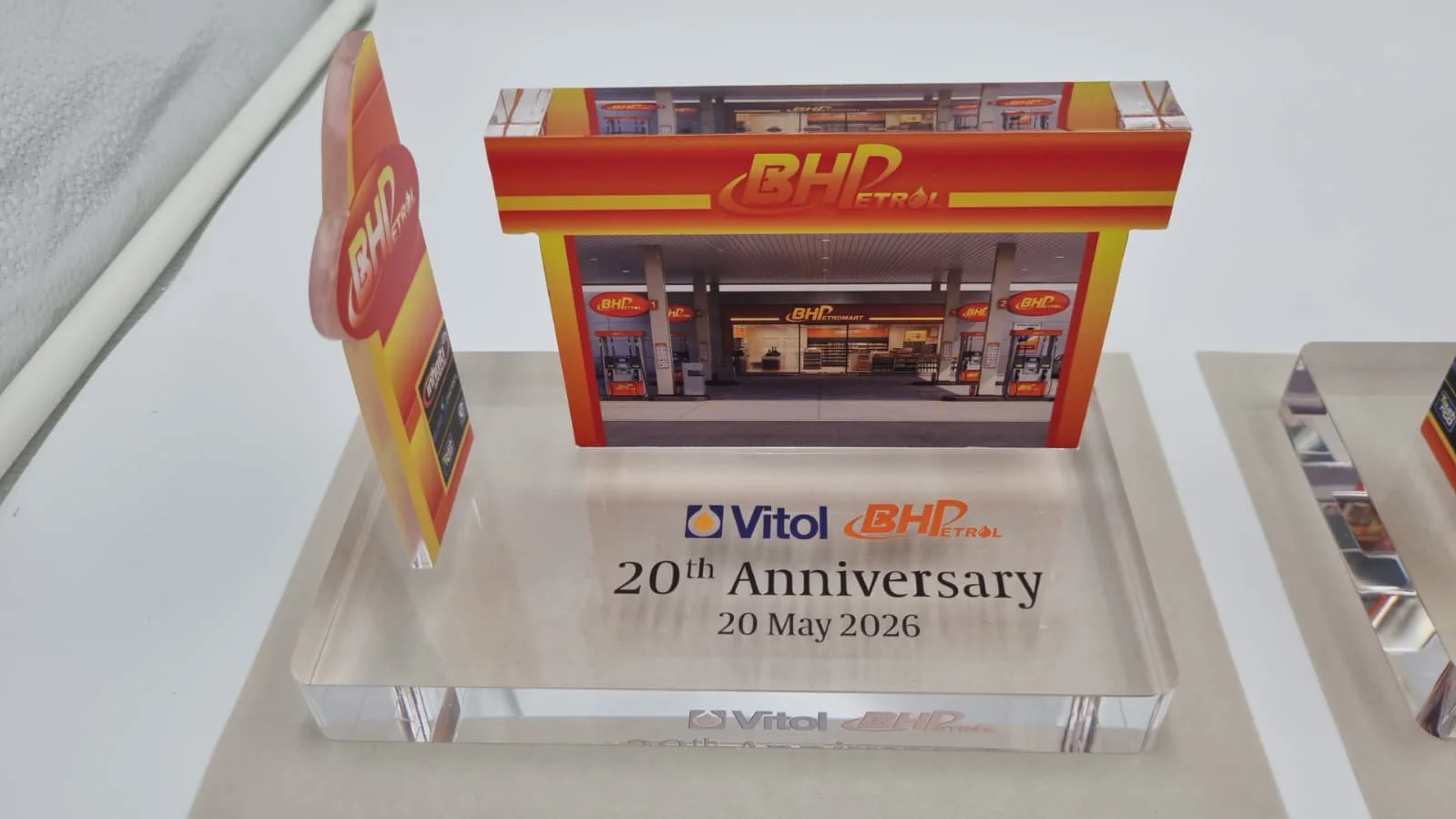
UV printing puts full-colour artwork, like a logo or a photo, straight onto the surface of a part. A few limits to know:
- On dark or clear parts, colours need a white layer underneath, or they look faded and see-through.
- It prints on flat faces and gently curved ones. It can’t reach into deep grooves or surfaces that curve in two directions at once.
- It can’t print metallic gold, silver or chrome.
Frequently asked
What colours can you 3D print in?
Filament printing comes in dozens of colours across PLA Basic, PLA Matte and PETG, up to four in one print. Resin comes mainly in black, white and grey, with clear in some resins, and nylon in grey, black or white. For an exact brand colour, we paint the part after printing.
How many colours can I have in one print?
Up to four in one print. Each extra colour adds print time and material, so it costs more. A piece that needs more is printed in separate parts, one colour each, and assembled.
Can I mix materials, like PLA and PETG, in one print?
No. One print uses one material, so all its colours come from PLA Basic, or all from PLA Matte, or all from PETG. PLA and PETG don't stick well to each other, and one material keeps the finish even across the piece.
Will the printed colour match my screen or the spool?
Close, but not exact. Screens and photos show colour differently, and a printed surface can look slightly different from the spool. For colour-critical work, we can print a small sample first so you can check it.
My file is one colour. Can you still print it in several?
Yes. Each colour needs to be its own part of the file. If yours isn't split that way, request colour splitting when you get your instant quote and we'll do it for a fee.
Can you match a Pantone colour exactly?
Yes, but not with filament, because filament colours vary slightly from batch to batch. We print the part, then spray-paint it with Pantone-matched paint. Tell us the Pantone code when you get your quote.
Related
-
 GuideWhat spray paint colours can my 3D print come in?
 -
 GuideElectroplating colours and finishes
 -
 GuideFDM, SLA, SLS, MJF or metal: which 3D printing process suits your part?
 -
 ServiceColour Application & Finishing
 -
 ServiceConcept to Fabrication
 -
 ServiceUV Printing
 -
 ProjectCustom dragon shoe attachments
 -
 ProjectFrigate scale models, VICTORY 88
 -
 Project3D printed stag antlers for Glenfiddich