

How do you cut acrylic sheet, and when is it better to send it out?
Cut acrylic by score and snap, saw, router or laser. Which method suits which thickness, what each edge looks like, safety, and when to send it out.
How should you cut your acrylic?
Two questions, and you get the method from this guide that fits your sheet and shape.
You can cut thin acrylic by hand: score it and snap it for straight lines, or use a saw for curves. Thicker sheet, tidy edges, tight curves and many copies are easier on a router or a laser. This guide covers each way, what the edge looks like, and when sending it out is the better call. It is one of the posts in our guide to acrylic sheet in Singapore.
Cutting acrylic: the method for each job
| Method | Thickness it suits | The edge it leaves | Verdict |
|---|---|---|---|
| Score and snap | Under 3 mm | A clean break along the line | Straight lines only |
| Hand saw, fine teeth | Thin sheet (makers’ examples are 3 and 6 mm) | Rough and cloudy until sanded and polished | Slow; fine for one or two cuts |
| Jigsaw, plastics blade | Thin sheet | Rough, and melted if you go too slowly | Inside cuts and rounded shapes; expect to sand the edge |
| Router or table saw | Depends on the machine and the blade | Cleaner than a hand saw, when the tool is sharp and the sheet is clamped | Workshop tools, with real safety needs |
| Laser | 3 to 25 mm on our machines | Clean and glossy on extruded sheet, with fine detail | Best for curves, small parts and many copies |
The makers’ guides for scoring and for laser cutting keep the protective masking on while you cut. Peel it when you finish.
Score and snap: thin sheet, straight lines
This needs no power tool or saw. Makers limit it to thin sheet: Acrylite says under 3 mm for its standard grade, and 2.5 mm or less for its impact-modified one. One UK supplier puts the line at a quarter inch (6.35 mm). Follow the lowest figure for the sheet you have.
- Mark the line on the masked sheet and clamp a straight edge along it.
- Score it with a plastics scriber, with several firm, even passes, until the groove is about a third of the way through (Acrylite’s figure; the UK supplier says about an eighth).
- Snap it. Put the line at the edge of a table, scored side up, hold the sheet down and press the free end down quickly and steadily.
Limits: straight lines only, short lengths, and thin sheet only.
Saws: hand saw, jigsaw and band saw
A saw cuts shapes you can follow, but it leaves a rough edge. A few rules from the sheet makers:
- Count the teeth. Aim for at least two teeth in the thickness of the sheet at all times. For 3 mm, 16 teeth per inch is a good start, and for 6 mm, about 8.
- Read the edge. Chipping means try more teeth per inch. Melting means try fewer, or a faster feed.
- Use a blade kept for acrylic. One that has cut wood or metal is too dull.
- Clamp the sheet and keep the saw moving, because vibration chips it. Blowing air onto the blade cools it.
- Jigsaw blades. For its tougher grade of sheet, one maker suggests a wavy-set blade of 8 to 13 teeth per inch. Fewer than 8 leaves jagged, white, stressed edges. The same maker’s older brief says to use jig and scroll saws only for inside cuts and intricate letters, and notes that band saws are frequently used for curves.
A hand-sawn edge needs sanding and polishing to look clear again.
Router and table saw: workshop tools
A hand router follows a template to cut a shape, and a table saw makes long straight cuts. Both need real care.
- Router. The maker asks for at least 1 horsepower and 20,000 rpm. Single or double-fluted bits are common. Even small vibration puts stress in the sheet that later shows as crazing, which means fine cracks.
- Table saw. The maker suggests a triple-chip carbide blade, 80 teeth on a 10 inch blade. It warns that many anti-kickback devices do not work well with plastic.
- Router protection. The maker says face shield or safety goggles, hearing protection for long jobs, and a respirator or dust mask if there is no vacuum.
- Table saw safety. The maker’s list says no loose clothing or jewellery and long hair tied back. Never put your hands within 4 inches (about 100 mm) of the blade, never force-feed the sheet, and never stand directly behind the blade. If the motor slows, the sheet rides up or vibration is heavy, stop and switch off. Handle blades with cut-resistant gloves.
Acrylic is a combustible thermoplastic, so keep sparks and flames well away.
Laser: curves, detail and clean edges
A carbon dioxide laser melts and vaporises a narrow line as it moves, so there is no blade to chip the sheet. Makers describe the edge as smooth, polished and free of saw chips. They also say it can cut small, complex parts with clean, sharp inside corners. The edge depends on the sheet: a laser maker says extruded acrylic cuts with a flame-polished edge, and cast acrylic does not.
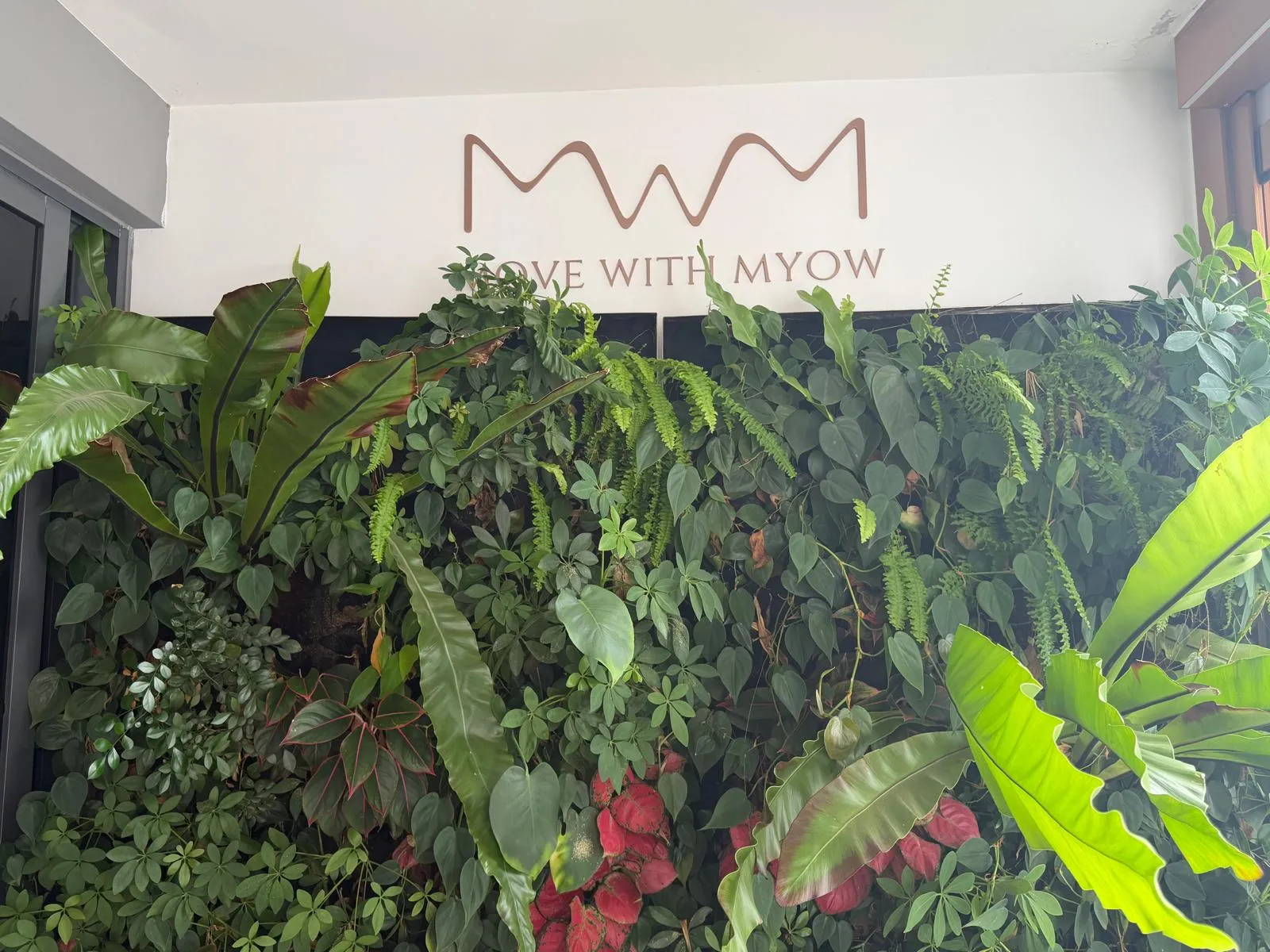
On our laser:
- Thickness. We cut acrylic from 3 mm to 25 mm.
- Accuracy. Finished parts hold plus or minus 0.1 mm.
- Files. Send DXF, AI, SVG or PDF, with cut lines on their own layer.
- Edge. Flame-polished edges are available for display pieces.
The honest limit is stress. Laser cutting heats only part of the sheet, and the maker says the edge is then very susceptible to crazing from incompatible solvents, so anneal a laser-cut part before you glue it. Our guide to gluing acrylic explains why. Cutting needs a proper exhaust too: the sheet maker calls the vapours potentially harmful, and more than 90% of them is methyl methacrylate. It also says eyewear must be labelled for the laser’s wavelength. Acrylic burns rapidly once alight, and a laser maker says never to leave the machine unattended when cutting it.
When sending it out beats doing it yourself
Send it out when the job has any of these:
- Curves or small detail. A UK supplier says the laser does cut-outs and fine detail that no other method here can match.
- Many copies. For RVM Systems we laser cut a sample from a sketch, then 20 identical 3 mm matte black panels the day the order was confirmed.
- Clean edges that must be seen. A sawn edge needs polishing, and the supplier says saw results never match the precision and clean edge of a laser.
- Thicker sheet. One supplier says sheet under a quarter inch (6.35 mm) needs no power tool or saw for a straight cut, so anything thicker does.
- Mirror sheet. Its back coat needs care. See our guide to acrylic mirror.
Our laser cutting is described on the laser cutting page, and the sheets it takes are in our laser cutting materials guide. If the piece needs artwork on it, we also UV print acrylic up to A4.
Where these facts come from
Every outside fact was read on the page named below on 19 November 2026. Sheet from different makers varies, so check the maker’s guide for yours.
- Acrylite, Other methods of cutting Resist sheet, Cutting, Routing and Laser machining: scoring limits, blade teeth, router, saw and laser guidance, stress and fumes.
- Acrylite, Other methods of cutting (fabrication brief #3, hosted by TAP Plastics): scoring under 3 mm, blade teeth by thickness, melting and chipping.
- Cut Plastic Sheeting, How to cut acrylic Perspex: the scoring limit, hand saws, the laser’s edge and detail.
- Epilog Laser, laser cutting acrylic: leaving the masking on, the laser edge on extruded and cast sheet, and never leaving the machine unattended.
- Plaskolite, Fabback mirror fabrication guide: annealing after laser cutting, jigsaws for inside cuts, and the mirror back coat.
- Our own work and offers come from our laser cutting service page, our materials guide and the project pages linked above.
Frequently asked
What is the easiest way to cut acrylic at home?
Score and snap, if the sheet is thin and the line is straight. Run a plastics scriber along a straight edge several times, put the line over a table edge and press down on the free side. For anything else, use a fine-tooth saw with the sheet clamped.
Should I leave the protective film on when cutting acrylic?
Yes, for scoring and for laser cutting. A laser maker advises cutting with the masking on, to stop scratches and heat marks, and peeling it only when the job is finished. The sheet maker asks for it to be wrinkle-free on a laser cut, because hot gas trapped under a wrinkle can etch the sheet.
Why does acrylic melt or chip when I cut it?
Melting comes from heat: a blunt blade, a feed that is too slow, or too many teeth. Chipping comes from vibration or too few teeth. Clamp the sheet, use a sharp plastics blade and blow air on the cut.
Can I use a blade that has cut wood or metal?
No. Makers say a blade used on other materials dulls too much to cut acrylic well. Keep one blade for acrylic only.
How do I stop acrylic cracking when I cut it?
Clamp it, so it cannot vibrate, and use a sharp blade or bit. A maker warns that even small vibration puts stress in the sheet that later shows as fine cracks. Anneal parts that will be glued, and keep solvents away from a freshly cut edge.
Is it safe to laser cut acrylic?
Only in a machine built for it, with a proper exhaust, and never left running unattended. Over 90% of what comes off is methyl methacrylate vapour, the sheet maker says eyewear must be labelled for the laser's wavelength, and a laser maker says acrylic is especially flammable when laser cut.
How accurate is laser cut acrylic?
On our laser, finished parts hold plus or minus 0.1 mm. The beam is narrow, with a cut width of about 0.25 to 0.5 mm in the sheet maker's figures, so a drawing should allow for it where parts must fit.
Does acrylic need polishing after cutting?
A saw edge does: it is rough and cloudy until sanded and polished. A scored and snapped edge can be clean. A laser edge comes off clean and glossy on extruded sheet, and flame-polished edges are available from us for display pieces.
Related
-
 GuideWhat should you know before you buy an acrylic sheet in Singapore?
-
 GuideHow do you glue acrylic so the joint stays clear?
-
 GuideWhat can be laser cut, and which material suits your job?
-
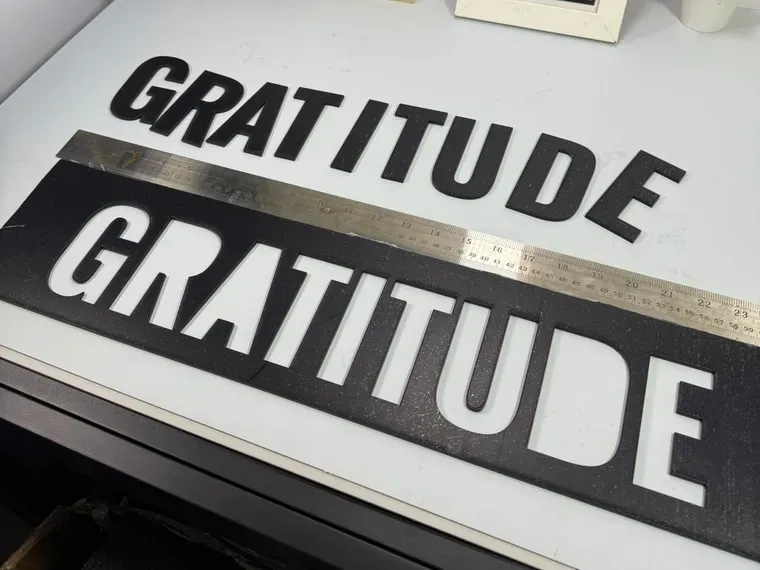 ServiceLaser Engraving & Cutting
-
 ServiceCustom Signage
-
 ServiceUV Printing
-
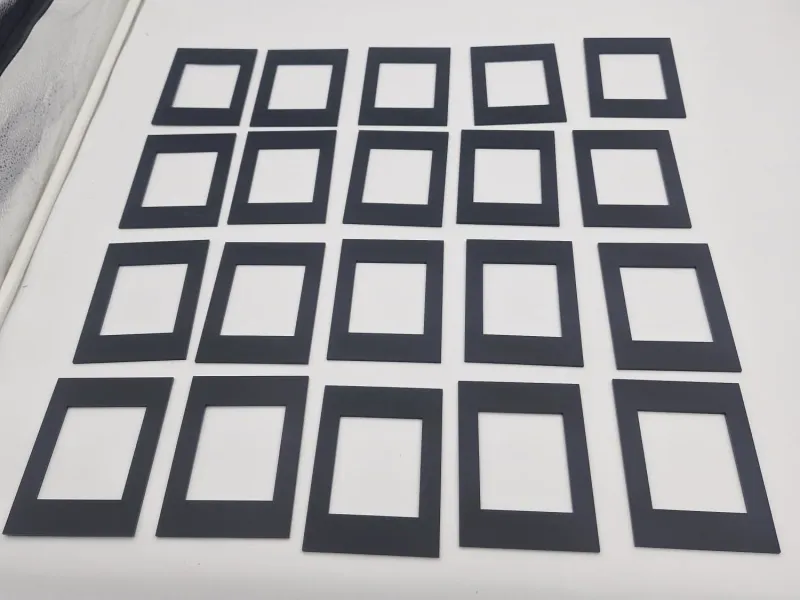 ProjectLaser-cut acrylic cover panels for RVM Systems
-
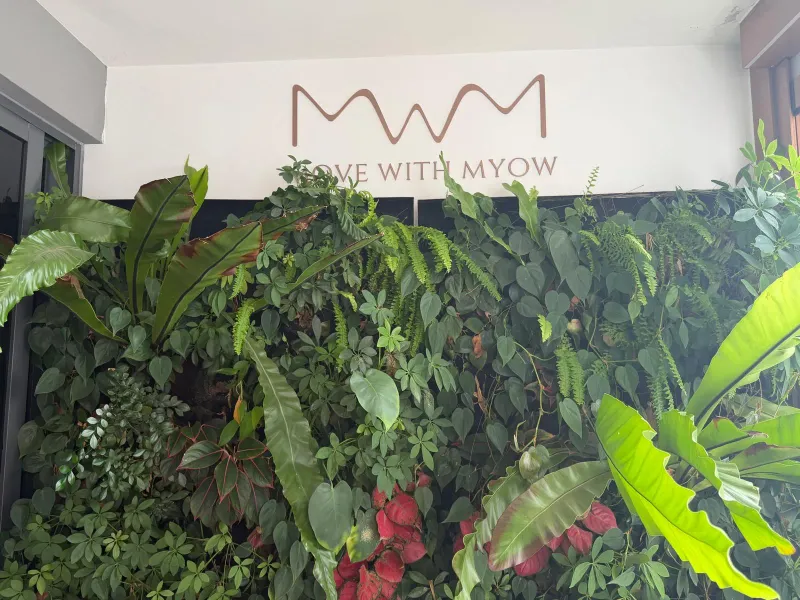 ProjectRose gold acrylic logo sign for Move with Myow
-
 ProjectCustom keychains in brass, acrylic and glow plastic