

What are the most common 3D printer problems, and how do you fix them?
On this page
- Common 3D printer problems at a glance
- First layer won’t stick: clean the plate first
- Warping: keep the part warm
- Stringing and damp filament: dry the spool
- Clogs and layer shifts: check the nozzle and belts
- Supports and long prints: plan before you press print
- Three ways out: rent, buy with help, or have it printed
- Frequently asked
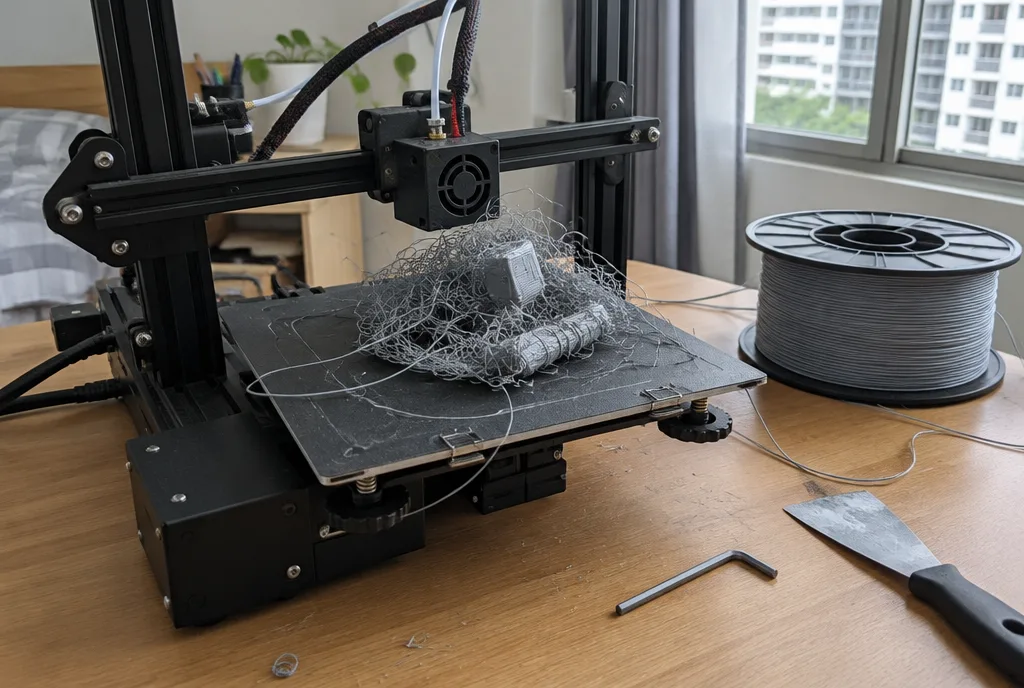
The most common 3D printer problems are a first layer that won’t stick, warping, stringing, a clogged nozzle and damp filament. Most are fixed by a clean plate, dry filament and the printer’s own calibration, before you touch a setting. In Singapore, damp filament causes more failed prints than anything else.
Common 3D printer problems at a glance
| Problem | What it looks like | The fix |
|---|---|---|
| First layer won’t stick | The print slides around or comes loose in the first few minutes | Wash the plate with dish soap, then rerun bed levelling |
| Warping | The corners curl up off the plate as the print grows | Use a brim, a glue stick, or an enclosed printer for ABS and ASA |
| Stringing | Fine hairs of plastic between parts of the print | Dry the filament, then lower the nozzle temperature |
| Damp filament | Popping at the nozzle and a rough, bubbly surface | Dry the spool and store it sealed with desiccant |
| Clogged nozzle | Thin, gappy lines, or nothing coming out at all | Clear the nozzle while hot, or swap in a new one |
| Layer shift | The top half of the print sits sideways from the bottom | Check the belts, and keep the print head from hitting curled edges |
| Supports won’t come off | Supports fused to the part and leave scars when pulled | Raise the support gap in the slicer, or use support material |
Printer or file? If one model fails on a printer that prints others well, the problem is in the file. See our guides to 3D model problems and files that won’t slice.
First layer won’t stick: clean the plate first
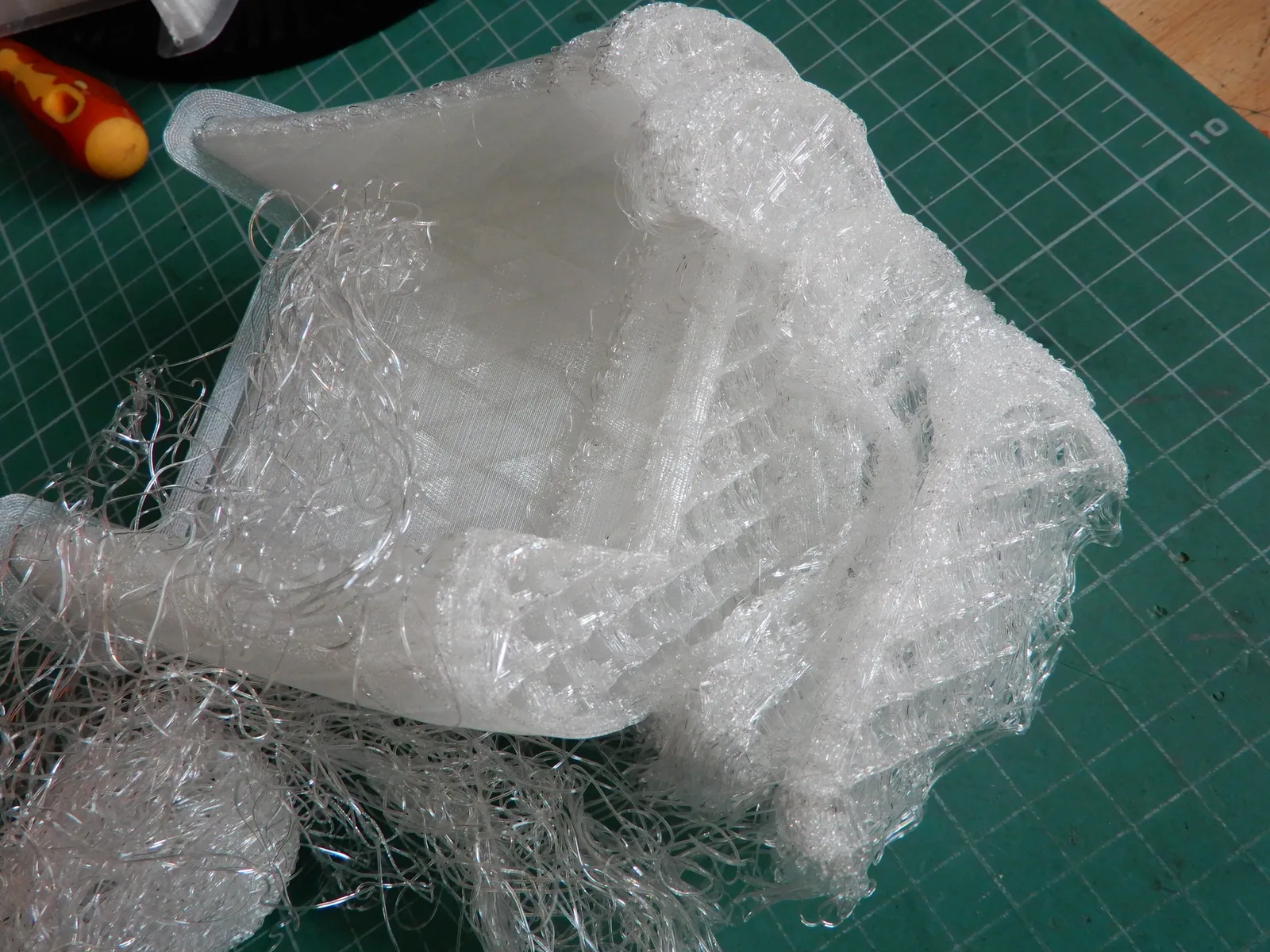
Grease from fingers is the usual cause. Wash the plate with dish soap and warm water, hold it by the edges, and let the printer run its own levelling after a plate swap or a move. The A1 mini, A1 and P1S do this for you.
Warping: keep the part warm

PLA rarely warps on a clean plate. ABS and ASA need an enclosed printer such as the P1S or P2S. For big flat parts, add a brim or a glue stick. If the shape itself is the problem, see filament print defects you fix in the design.
Stringing and damp filament: dry the spool
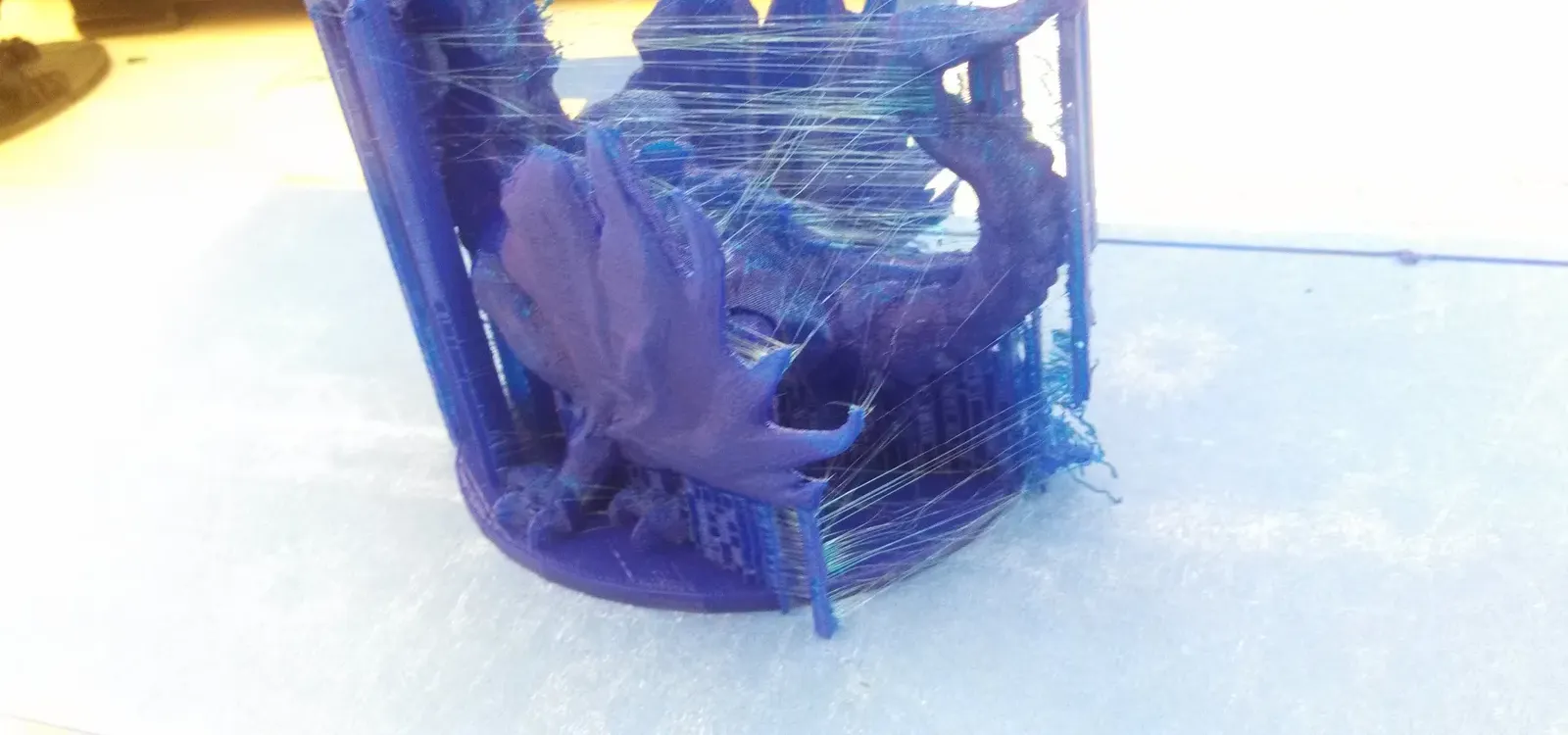
Singapore’s air averages around 82% humidity, according to the Meteorological Service Singapore, and opened filament soaks it up within days. Damp filament pops at the nozzle, strings and prints rough walls. Keep spools in an airtight box with desiccant, and dry any that were left out in a filament dryer or an AMS 2 Pro. If it still strings, lower the nozzle temperature 5°C at a time.
Clogs and layer shifts: check the nozzle and belts

A clog lays thin, gappy lines, then nothing. Heat the nozzle and push the filament through by hand, or swap the nozzle; on the A1, P2S, X2D and H2 series it comes out with one latch. A layer shift comes from loose belts or the head catching a curled edge, so tighten the belts and fix the warping.
Supports and long prints: plan before you press print
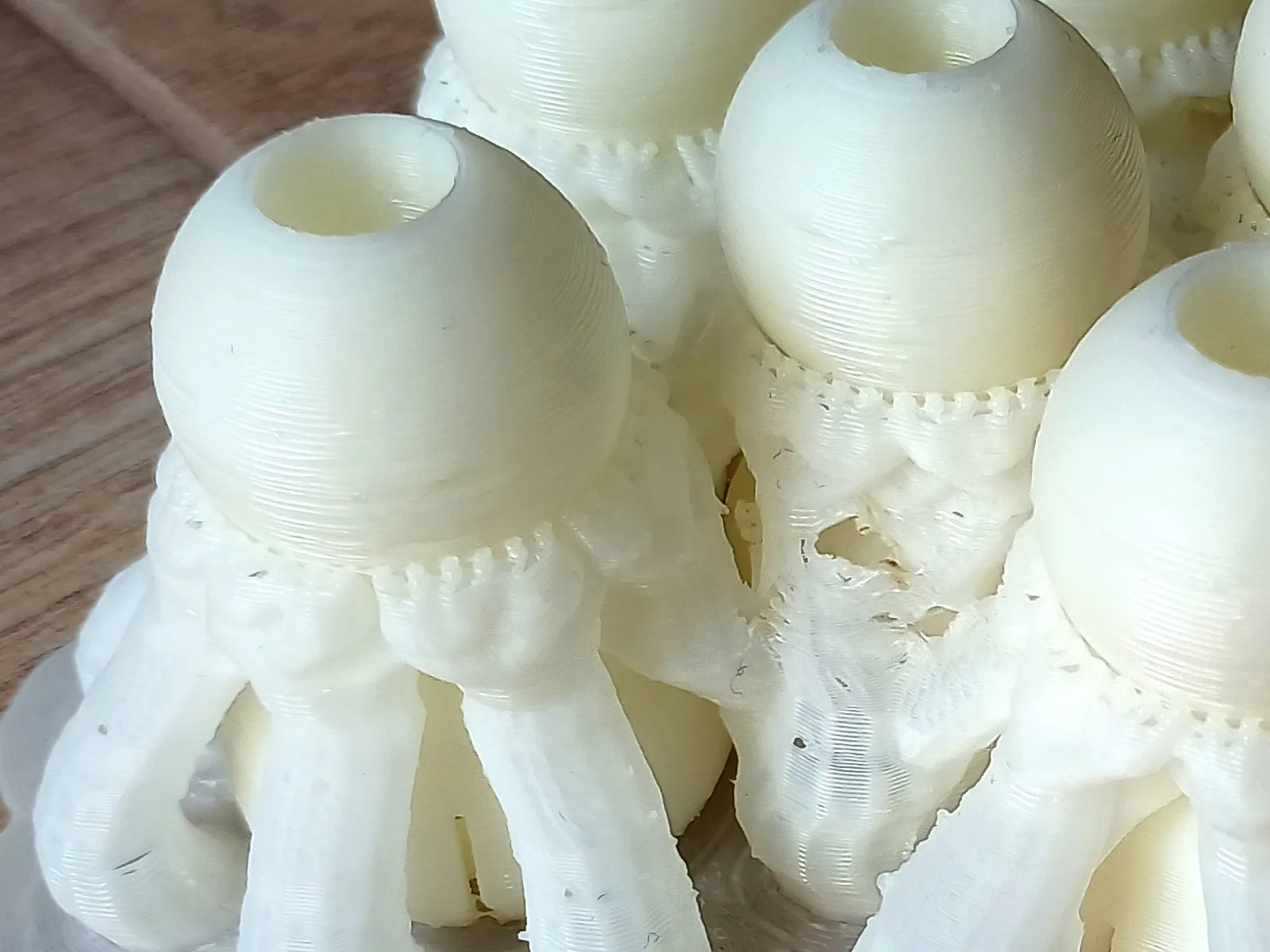
Supports that fuse to the part sit too close to it: raise the support gap in the slicer, or print them in a material that peels or washes away on a two-nozzle printer like the X2D or H2D. For prints of many hours, turn on power loss recovery and split big pieces into parts.
Choosing a printer that avoids most of this? Our guide on which 3D printer to buy compares every model.
Three ways out: rent, buy with help, or have it printed
- Rent a printer we’ve set up. We rent the A1 mini, the P1S and the X1 Carbon for 5 days or more, tested and calibrated. See how renting works or book one.
- Buy one from us and ask how we can help you set it up. Collect it from our Bendemeer studio.
- Have it printed. Upload your file to our 3D printing service and we print it.
Photo credits. Print that came off the plate: EwkaC, CC BY-SA 4.0, via Wikimedia Commons. Stringing: SuperBlobMonster, CC BY-SA 3.0, via Wikimedia Commons, cropped. Parts on their supports: A7N8X, CC BY-SA 4.0, via Wikimedia Commons, cropped.


Frequently asked
What is the most common 3D printer problem?
The most common 3D printer problem is a first layer that won't stick to the build plate. Most of the time the plate is greasy from fingers or the nozzle is too far from it. Wash the plate with dish soap and warm water, dry it, and run the printer's own bed levelling or calibration before you change anything else.
Why is my 3D print stringy?
A 3D print goes stringy when the filament is damp or the nozzle is too hot. In Singapore's humid air, damp filament is the usual cause, so dry the spool first and store it sealed with desiccant. If it still strings, lower the nozzle temperature a few degrees at a time.
How do I know if my filament is wet?
Filament is wet if it pops or crackles as it leaves the nozzle and the print comes out stringy, bubbly or rough. PETG, TPU, nylon and PC soak up moisture fastest. Dry the spool in a filament dryer or an AMS 2 Pro, then keep it in a sealed box with desiccant.
How do I unclog a 3D printer nozzle?
To unclog a 3D printer nozzle, heat it to the filament's printing temperature and push or pull the filament through by hand to clear the jam. If that fails, swap the nozzle or hotend: on many newer printers it comes out with a single latch. Damp filament and dust on the spool cause most clogs.
Is it the printer or my 3D file?
It's the printer if every file fails the same way, and the file if one model fails on a printer that prints others well. Print a small test model you know is good. If that prints cleanly, the problem is in your design, and our guides to model problems and files that won't slice explain the fixes.
What happens to a 3D print if the power goes out?
If the power goes out, most 3D prints stop and can't be finished, because the part cools and the nozzle loses its place. Some printers can resume after a short cut, so check whether yours has power loss recovery and that it's switched on. For very long prints, split the model into parts that each print in a few hours.
Which 3D printer has the fewest problems for a beginner?
A printer that calibrates itself has the fewest problems for a beginner printing PLA and PETG. If you want ABS or ASA, choose an enclosed printer, because those plastics warp in open air. Our printer buying guide compares every model we sell.
Are budget 3D printers more trouble?
Budget 3D printers are often more trouble, because many leave bed levelling, belt tension and slicer settings to you. They can print well once tuned, but expect evenings of adjusting before your first good print. If you'd rather print than tinker, a self-calibrating printer, or a rental, saves that time.
Related
-
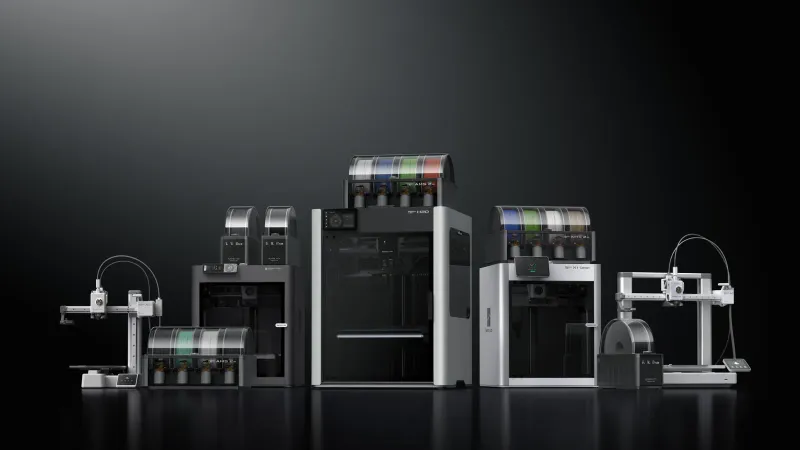 GuideWhich 3D printer should you buy in Singapore?
 -
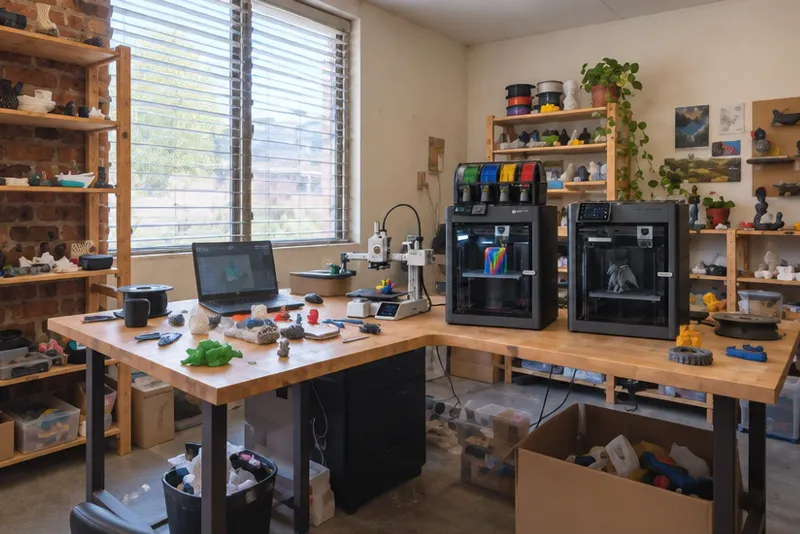 GuideShould you rent a 3D printer in Singapore, and how does it work?
 -
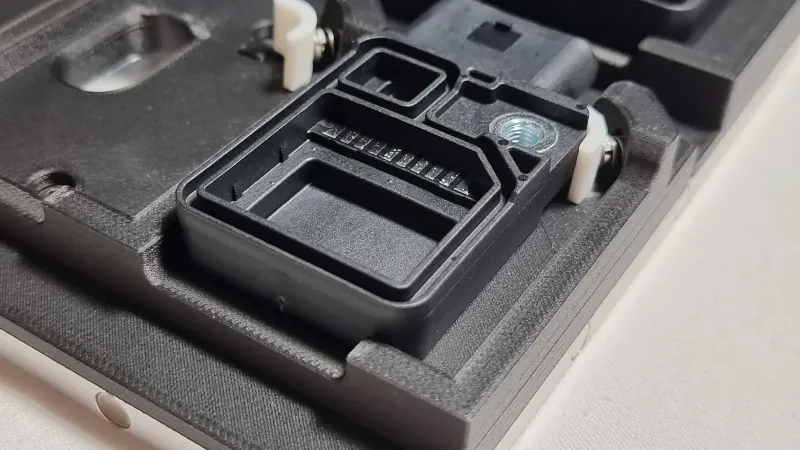 GuideWhich filament (FDM) print defects can you fix in the design?
 -
 ServiceIndustrial 3D Printing
 -
 ServiceConcept to Fabrication
 -
 ProjectMulticolour 3D printed letters
 -
 Project3D printed electronics enclosure (FDM)