Should you rent a 3D printer in Singapore, and how does it work?
On this page
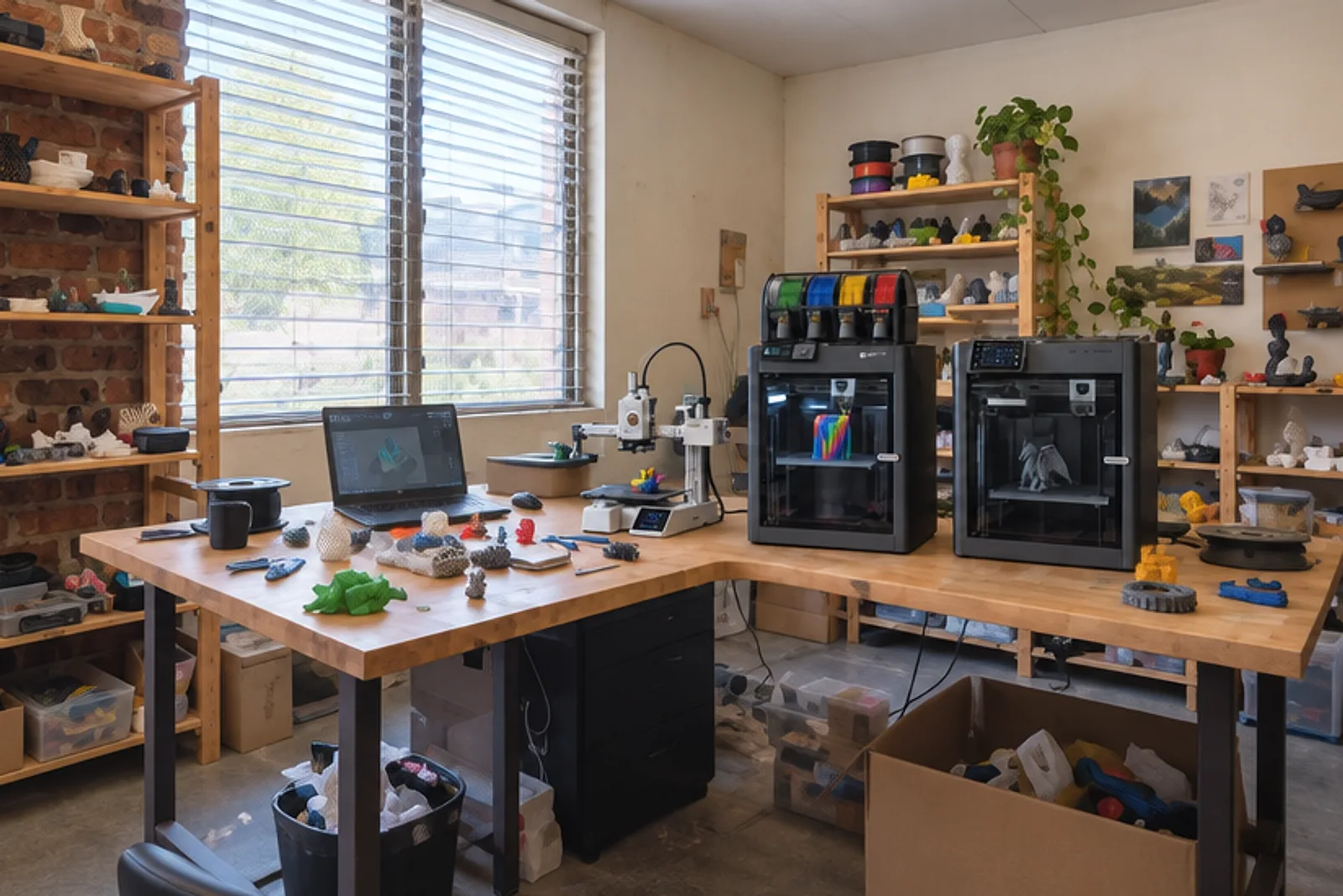
Renting a 3D printer makes sense when you need one for a few days or weeks: a school project or CCA, a short run of parts, a workshop, or a trial before you buy. We rent three printers for 5 days or more, booked online at our printer rental page and collected from our Bendemeer studio.
Rent, buy or order prints: which one fits
| Option | Best when | What it involves |
|---|---|---|
| Rent a printer | You need one for a few days to a few weeks | You run the prints yourself and pay a daily rate, plus a refundable deposit at collection |
| Buy a printer | You will print most weeks, for a long time | You pay for the printer, then filament, spare parts and repairs |
| Order the prints | You need a few parts, or a finish a desktop printer can’t give | You upload a 3D file and we print, check and finish it, priced per part |
Current rental rates and deposits are on the rental page. Printer prices are in our store.
Who renting suits: short projects
A rental fits when the printing is the point, but only for a while.
- A school project or CCA: a robotics team, a design and technology project or a club that needs a printer for a term’s crunch weeks, without a budget for one.
- A short run of parts: jigs, brackets or prototypes you want to print and tweak yourself over a week or two.
- Trying before buying: live with a printer for a week and find out how often you really use it.
- An event or a workshop: a printer running on a stand, or a few printers for a hands-on class.
If you have never printed before, plan a day to learn the slicer, the program that turns your 3D file into printer instructions. We also run hands-on 3D printing workshops, charged separately.
Our printers: one open, two enclosed
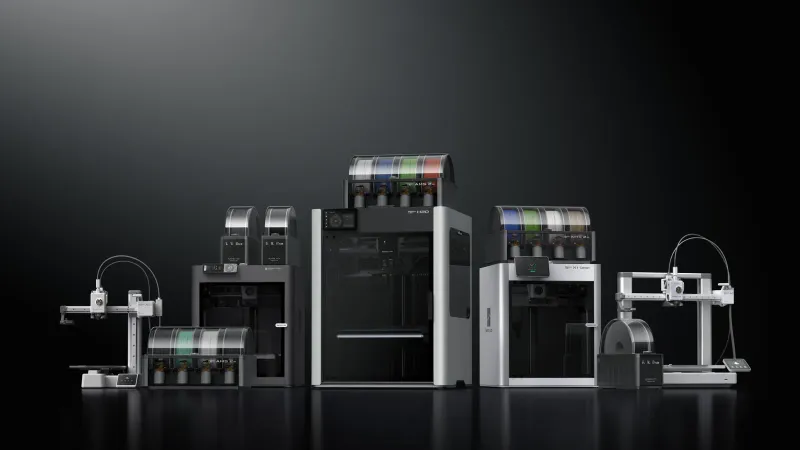
We rent three machines. The rental page compares them side by side, with sizes and materials.
- A1 Mini: compact, quiet and quick to set up. Prints up to 18 cm across in PLA, PETG and TPU. The best pick for first-timers and smaller parts.
- P1S: enclosed, faster, and prints up to 25.6 cm across. The enclosure lets it print ABS and ASA, which the A1 Mini cannot.
- X1C: our most capable machine, for engineering parts and fibre-filled filaments, with sensors that watch the print.
Each one can take a four-colour filament unit for multi-colour prints, chosen when you book.
How booking works: online, paid at the cart
You book on the printer rental page in three steps.
- Choose your machines and how many of each.
- Pick your dates on the calendar, and a collection slot. The calendar only offers days when we have a printer free.
- Add filament from the same page, or say you have your own.
The booking goes into your cart, and you pay there with anything else in it. Two things to know:
- One booking per cart. A cart holds one set of dates. Booking again replaces the rental in it, so for a second date range, check out the first booking before making the next.
- The refundable deposit is not charged online. You pay it at our counter when you collect, and we return it at the return check once the printer is back and undamaged.
Collection and return: working days only
You collect and return the printer at our Bendemeer studio, in half-hour slots from 10:30am to 5:30pm, Monday to Friday.
- Same day: order before 5pm on a working day and you can collect today, from about an hour after you order, rounded up to the next half hour. The last same-day slot is 6pm. After 5pm, the earliest collection is the next working day.
- Weekends and public holidays: closed for collection and return. Your rental can still run across them, and they count as rental days.
- Booking ahead: you can book up to 100 days ahead.
- Delivery: ask us when you book and we quote for it.
Extending a rental: online, until 5pm
Need longer? Extend the rental yourself from your account page, up to 5pm on the day the printer is due back. Two conditions:
- A printer must be free for every extra day.
- The new return day must be a working day.
The extension is a separate payment and never changes the first one. Missed the 5pm cut-off? Message us and we can send a payment link instead.
When to buy a printer or order prints instead
Renting is the middle path. Two signs another option suits you better:
- You print every week: a printer of your own pays off. Our guide to which 3D printer to buy in Singapore compares the models we sell.
- You need only a few parts, or a finish a desktop printer can’t give: order the prints instead. Upload your 3D file to our instant quote, and we check, print and finish it in our studio. New to it? Start with how to get something 3D printed in Singapore.
As a rough gauge for a simple, low-complexity design, a printed part of about 10 to 15 cm takes 4 to 7 working days on our standard timing. Ask us for an accurate date.
Frequently asked
Can I rent a 3D printer in Singapore?
Yes, you can rent a 3D printer from us for 5 days or more and book it online at /printer-rental. We rent the A1 Mini, the P1S and the X1C, collected from and returned to our Bendemeer studio on a working day. The rental page shows the current daily rates and the refundable deposit for each machine.
What is the shortest rental?
The shortest rental is 5 days. We test, clean and calibrate each printer before it goes out and check it again when it comes back, so a 5-day block keeps that work worthwhile. Longer bookings cost less per day.
Do I pay the deposit online?
No, the refundable deposit is not charged online. You pay it at our counter when you collect the printer, and we return it at the return check once the printer is back and undamaged. Only the rental and any filament are paid at the cart.
Can I collect a rental printer today?
Yes, if you order before 5pm on a working day. The earliest slot is about an hour after you order, rounded up to the next half hour, never before 10:30am, and the last same-day slot is 6pm. After 5pm the earliest collection is the next working day.
Can I collect or return a printer on a weekend?
No, collections and returns happen only on working days, Monday to Friday, and not on public holidays. Your rental can run across a weekend or a public holiday, though, and those days count as rental days.
How do I extend my rental?
You extend a rental yourself from your account page, up to 5pm on the day the printer is due back. It works only if a printer is free for every extra day, and the new return day must be a working day. If you miss that time, message us and we can send you a payment link.
Is filament included with a rental printer?
No, filament is not included, but you can add it to the same booking on the rental page and collect it with the printer. You can also bring your own. Check the material suits the machine: ABS needs the enclosed P1S or X1C, not the A1 Mini.
Can I book two different date ranges at once?
No, one cart holds one booking with one set of dates. You can rent several machines in that booking, but for a second date range, check out the first booking and then make another.
Related