What happens on a 3D printing learning journey for schools?
On this page
- The learning journey at a glance
- A visit: a brief, four stations, a wrap-up
- 3D printing: a model built layer by layer
- Laser engraving: a keychain to keep
- 3D pen: building in three dimensions by hand
- 3D painting: colour on a printed piece
- Group size picks the format
- Booking: online, and paid when you book
- Getting there: bring a phone and a bag
- After the visit: printing a student project
- Frequently asked
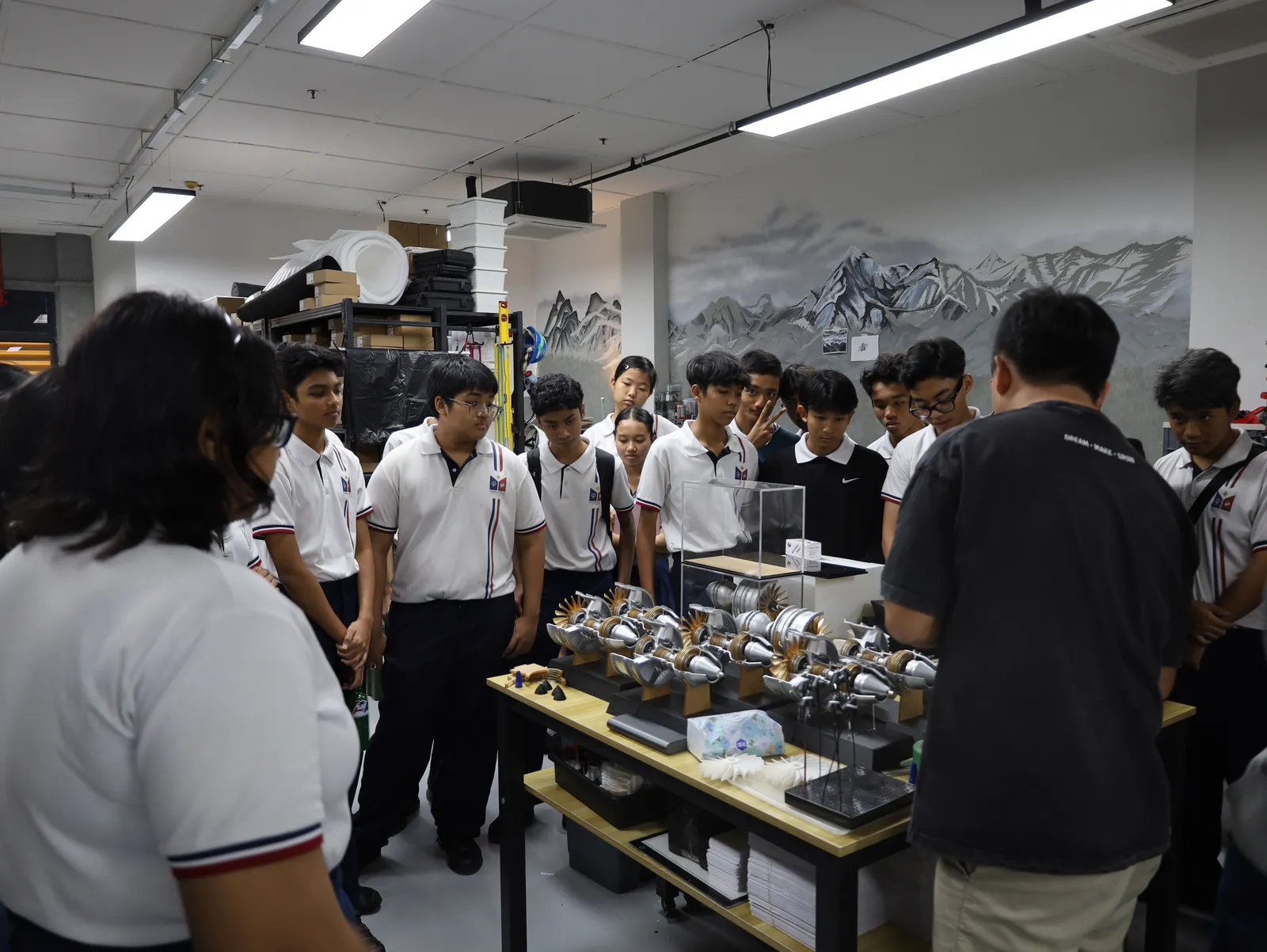
A 3D printing learning journey is a 1.5 or 2-hour visit to our working studio in Bendemeer, where students rotate through four hands-on stations: 3D printing, laser engraving, 3D pen and painting.
Every student leaves with three pieces they made, and teachers or the agency running the trip book and pay for it online at the learning journey page.
The learning journey at a glance
| What you need to know | Small group (1 to 8 students) | Learning journey (9 to 60 students) |
|---|---|---|
| How the group works | One trainer takes the whole group round together | Four teams rotate, with at least one trainer at each station |
| What students try | 3D printing, laser, 3D pen and painting, as time allows | All four stations, with a turn at each |
| How long it lasts | 1.5 or 2 hours, at the same price | 1.5 or 2 hours, at the same price |
| When it can run | Weekdays, from 10:00, finishing by 17:00 | Weekdays, from 10:00, finishing by 17:00 |
| What students take home | A keychain, a 3D print and a painted piece | A keychain, a 3D print and a painted piece |
| How to pay | Card or PayNow when you book | Card or PayNow when you book |
| Price | Shown live on the booking page | Shown live on the booking page |
The group size you enter on the booking page picks the format for you, so there is nothing to choose.
A visit: a brief, four stations, a wrap-up
A 2-hour visit has three parts:
- A 15-minute studio brief. A trainer explains what the studio makes and how 3D printing is used in real jobs.
- About 25 minutes at each of four stations. The class splits into four teams, and each team gets a turn at every station.
- A 5-minute wrap-up. Questions, final words and the take-home pieces.
A 1.5-hour visit keeps all four stations, with a shorter turn at each.
Each station opens with a quick explanation of why the machine is there and how we use it, then the students get their hands on it. Nobody just watches.
3D printing: a model built layer by layer
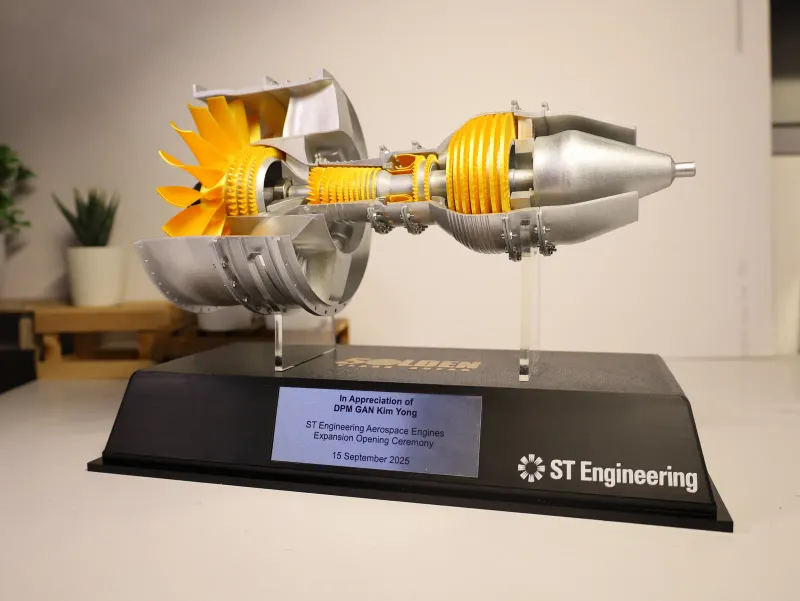
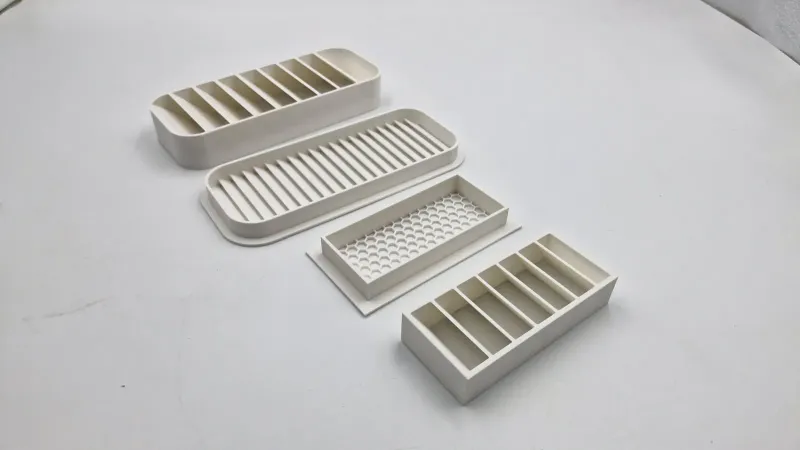
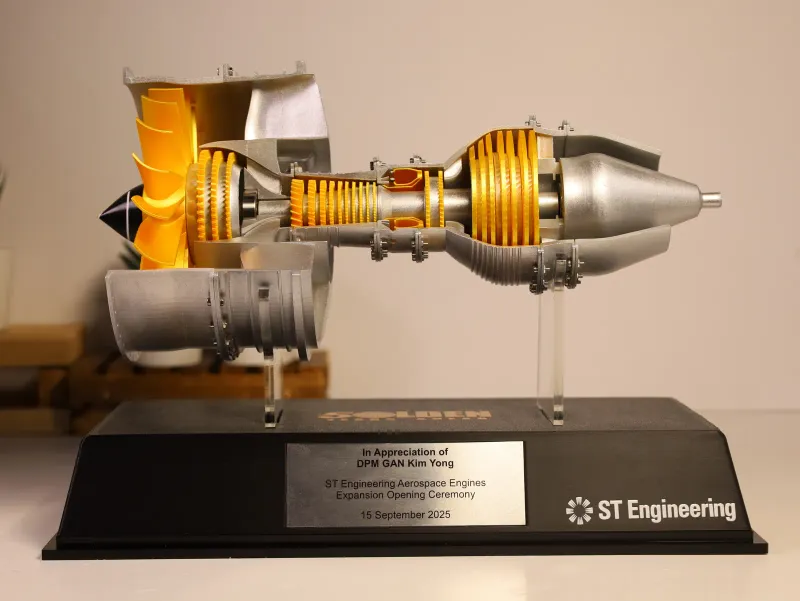
Students see the printers that make our client work and learn how a digital model becomes a real object one thin layer at a time. They also see printed parts at different stages, from a bare print to a finished, assembled model like the jet engine on the bench above.
For the teacher who wants the theory behind it, our guide to what additive manufacturing is explains the idea in plain words and is good reading before the visit.
Laser engraving: a keychain to keep
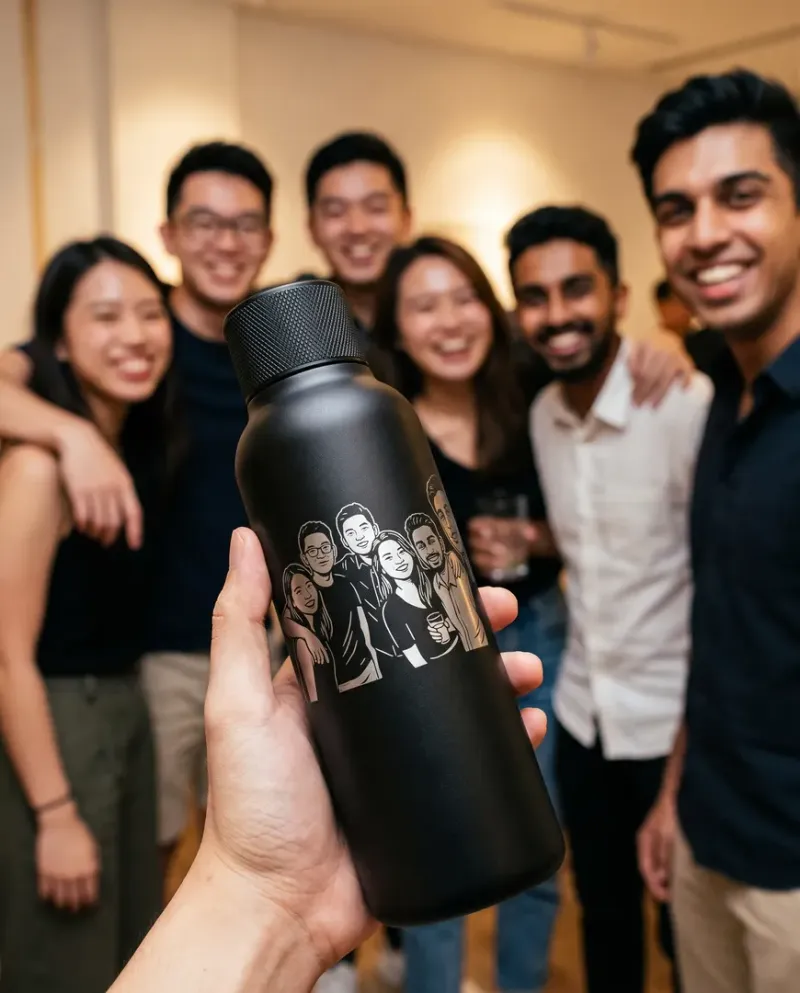
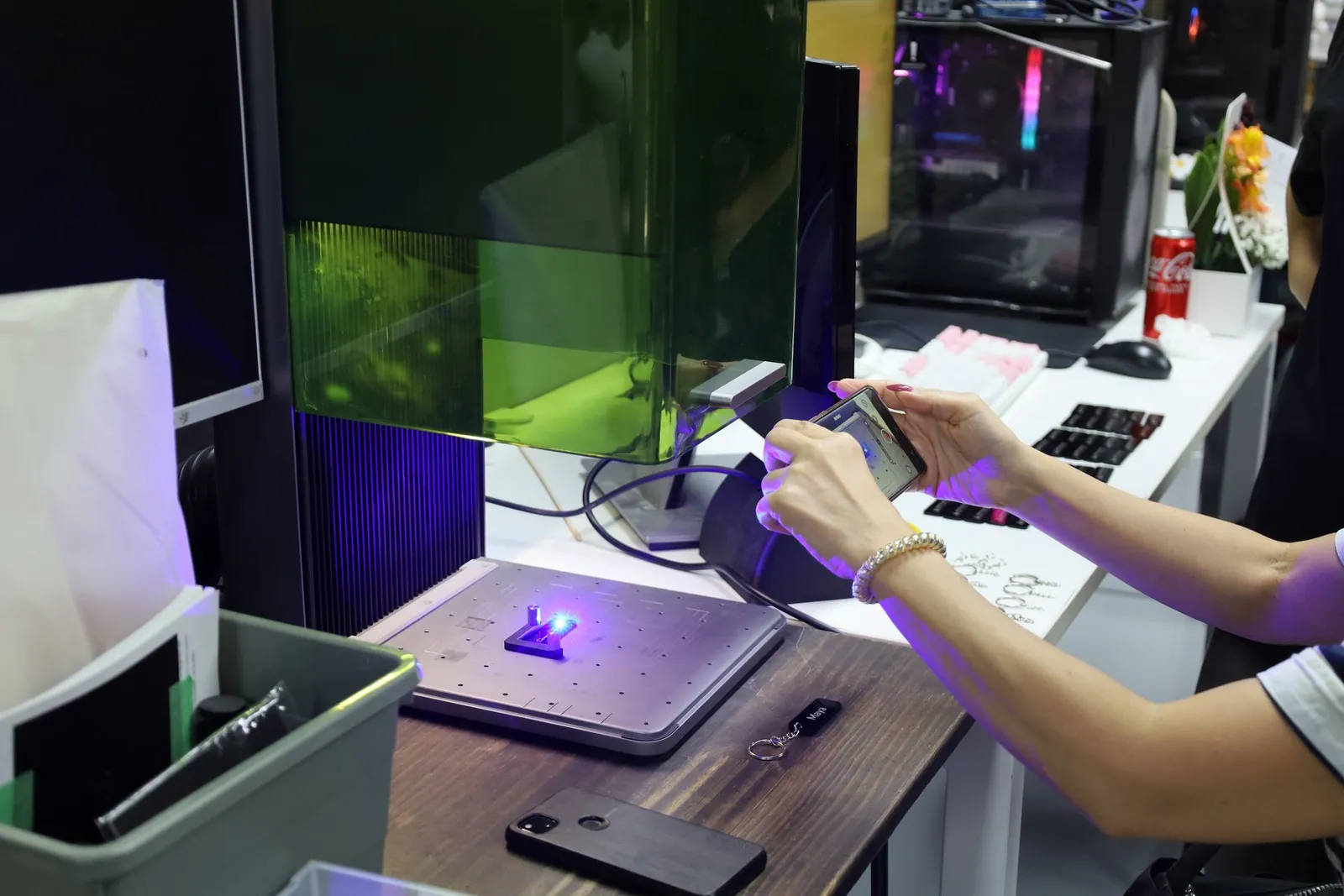
At the laser station every student scans a QR code with their phone, takes a photo or picks a picture, adds their name and checks it on the keychain before sending it.
Then they watch the laser engrave it onto black acrylic. It is the same live engraving we run at corporate events, and it shows in minutes how a design goes from a screen to an object.
3D pen: building in three dimensions by hand
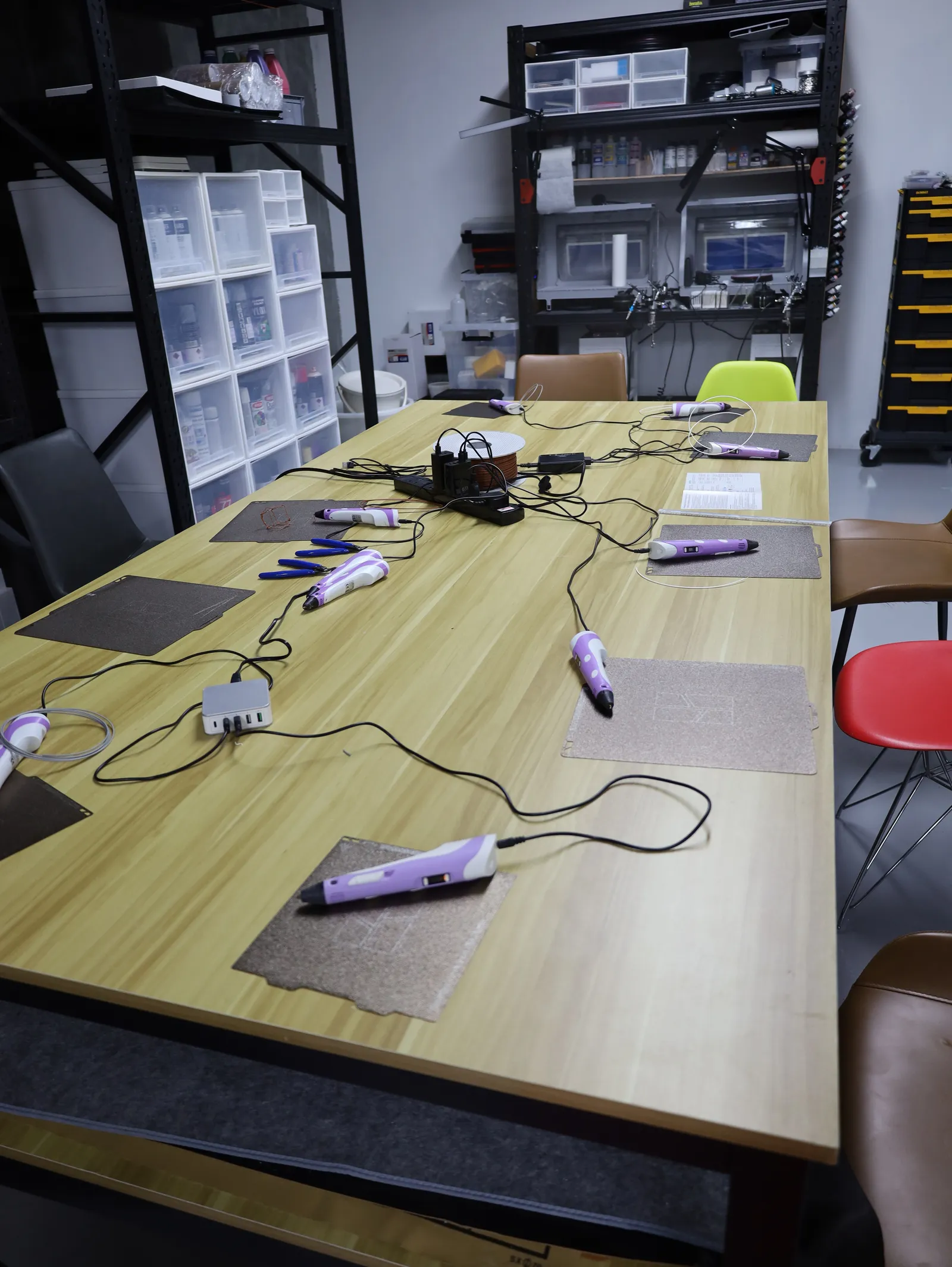
A 3D pen pushes out the same melted plastic a printer uses, but the student is the machine. They draw shapes flat, then lift them into the air to build a small object. It is the quickest way to understand why a printer works in layers, because they feel it in their own hand.
3D painting: colour on a printed piece
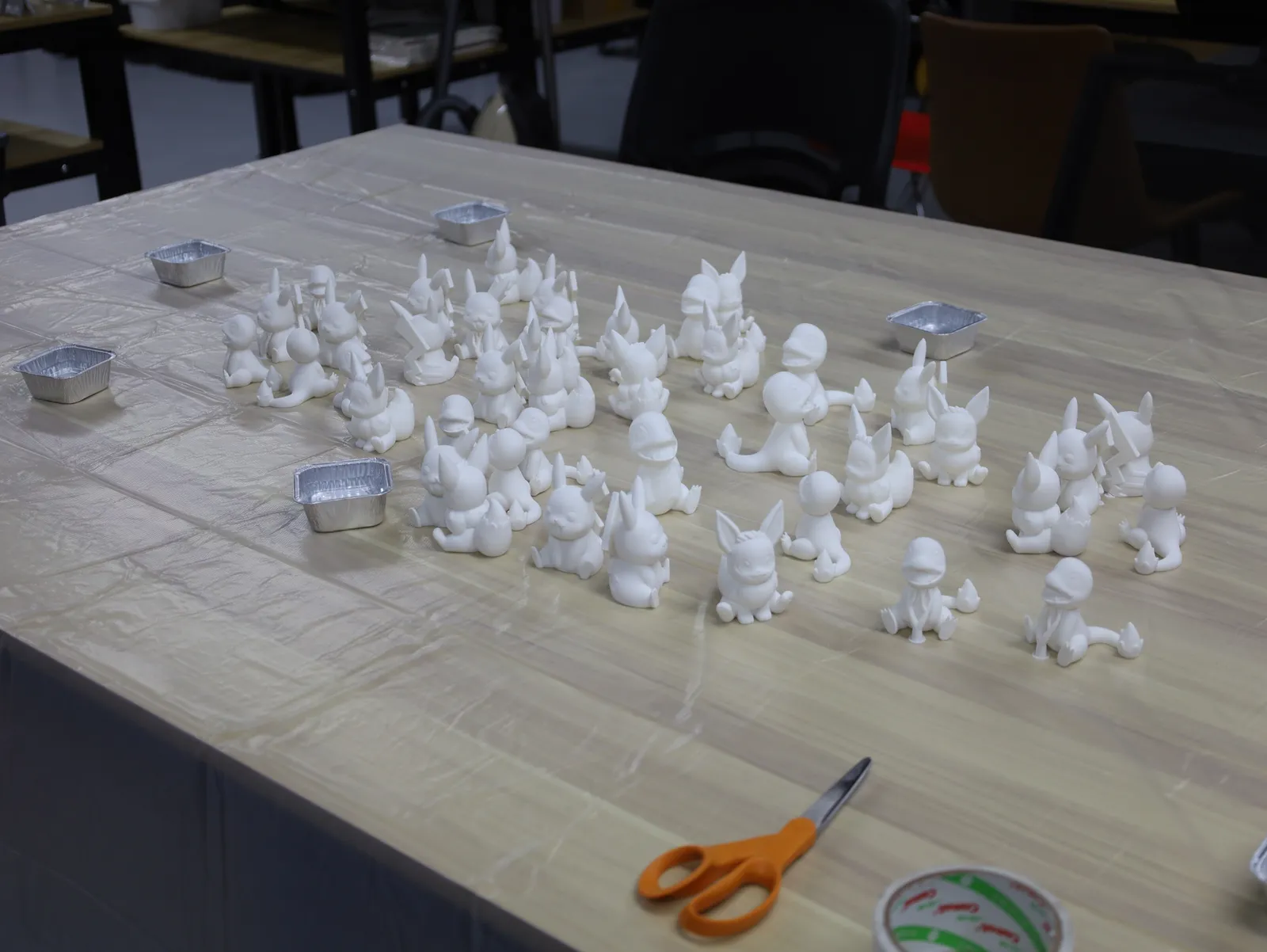
The last station turns a plain print into a display piece. Each student picks a printed figure and paints it at the table, learning how a finish changes what a print looks like. We print the figures before the visit, so every student starts on a ready piece.
Group size picks the format
From 9 to 60 students, the visit runs as four stations with at least one trainer at each, and the group rotates. From 1 to 8 students, one trainer takes the whole group through the stations together, which suits a CCA group, a small enrichment class or a handful of student leaders.
A bigger group does not need more time: four teams work at once, so 60 students fit in the same 1.5 or 2 hours as 20.
Booking: online, and paid when you book
Most visits are booked by the agencies that run learning journeys for schools, so the booking form asks for your company first (a teacher booking directly can leave it blank), then the school coming and your contact details. The steps:
- Open the learning journey page (short link: additiveinn.com/school-visits).
- Enter the number of students and pick 1.5 or 2 hours.
- Pick a weekday and a start time. Only slots that are really free are shown.
- Pay by card or PayNow, and the visit is confirmed straight away.
The payment page stays open for two hours, so there is time to get a PayNow transfer approved. We do not take purchase orders for visits: paying at booking is what holds the date for your group.
After booking, download the visit guide from the confirmation page. It covers how to get ready and how to find us.
Getting there: bring a phone and a bag
We are at 994 Bendemeer Road, #07-06, B Central, near Boon Keng MRT. Take the lift to level 7. Coming by coach? Tell us the arrival time on WhatsApp and we will meet the group downstairs.
- Bring: a phone per student for the keychain station (sharing is fine), and a bag or two for the take-home pieces.
- Provided: every machine, tool and material.
After the visit: printing a student project
Some classes leave with an idea of their own. When a student or a school project needs a real part made, our guide on how to get something 3D printed in Singapore walks through the file, the price and the wait. Teachers who want to run printers themselves can also look at our other workshops, starting with How to 3D Print.
Frequently asked
How many students can come on one learning journey?
Up to 60 students can come on one visit. From 9 to 60 students the group splits into four teams that rotate through four stations, each with at least one trainer. A group of 1 to 8 gets a small-group workshop instead, with one trainer taking everyone through the stations together.
How long is a school learning journey?
A visit lasts 1.5 or 2 hours, at the same price. The 2-hour visit opens with a 15-minute studio brief, gives about 25 minutes at each of the four stations and closes with a 5-minute wrap-up. A 1.5-hour visit keeps all four stations, with shorter turns. Visits run on weekdays, starting from 10:00 and ending by 17:00.
What do students take home?
Every student takes home three things they made: a black acrylic keychain engraved with their own picture and name, a 3D print, and a 3D piece they painted. Bring a bag or two so the class can carry them back.
How do we book and pay for a school visit?
You book on the learning journey page, where the calendar shows the free slots and the live price for your group. Payment is by card or PayNow when you book, and the visit is confirmed straight away. The payment page stays open for two hours, so there is time to get a PayNow transfer approved.
Can we pay by purchase order or invoice later?
No, a visit is paid by card or PayNow when it is booked, and we do not take purchase orders for learning journeys. Paying at booking is what holds the slot, so the date cannot be taken by another group while paperwork is in progress.
Do students need any 3D printing experience?
No experience is needed, and every station starts with a short explanation of what the machine does and why it is used. The visit is planned for primary and secondary school groups who have never touched a 3D printer.
What should students bring?
Students only need a phone with a camera, if they have one. They use it at the laser station to design their keychain, and a student without a phone can share with a friend. All equipment and materials are provided.
How soon can we book a visit?
You can book a visit for any free weekday from tomorrow, up to about six months ahead. The booking calendar only offers slots that are really free, so what you see is what you can book.
Related