

What is UV printing, and what can it print on?
On this page
- UV printing at a glance
- How UV printing works: ink that hardens under light
- What UV printing prints on: most flat, solid materials
- White ink: bright colour on dark or clear surfaces
- Curved surfaces: flat or gently curved faces only
- Durability: long-lasting indoors, clear-coated outdoors
- Artwork to send: vector files or 300 DPI images
- Lead time: about a week for a normal job
- UV printing, engraving or paint: pick by colour, wear and shape
- Frequently asked
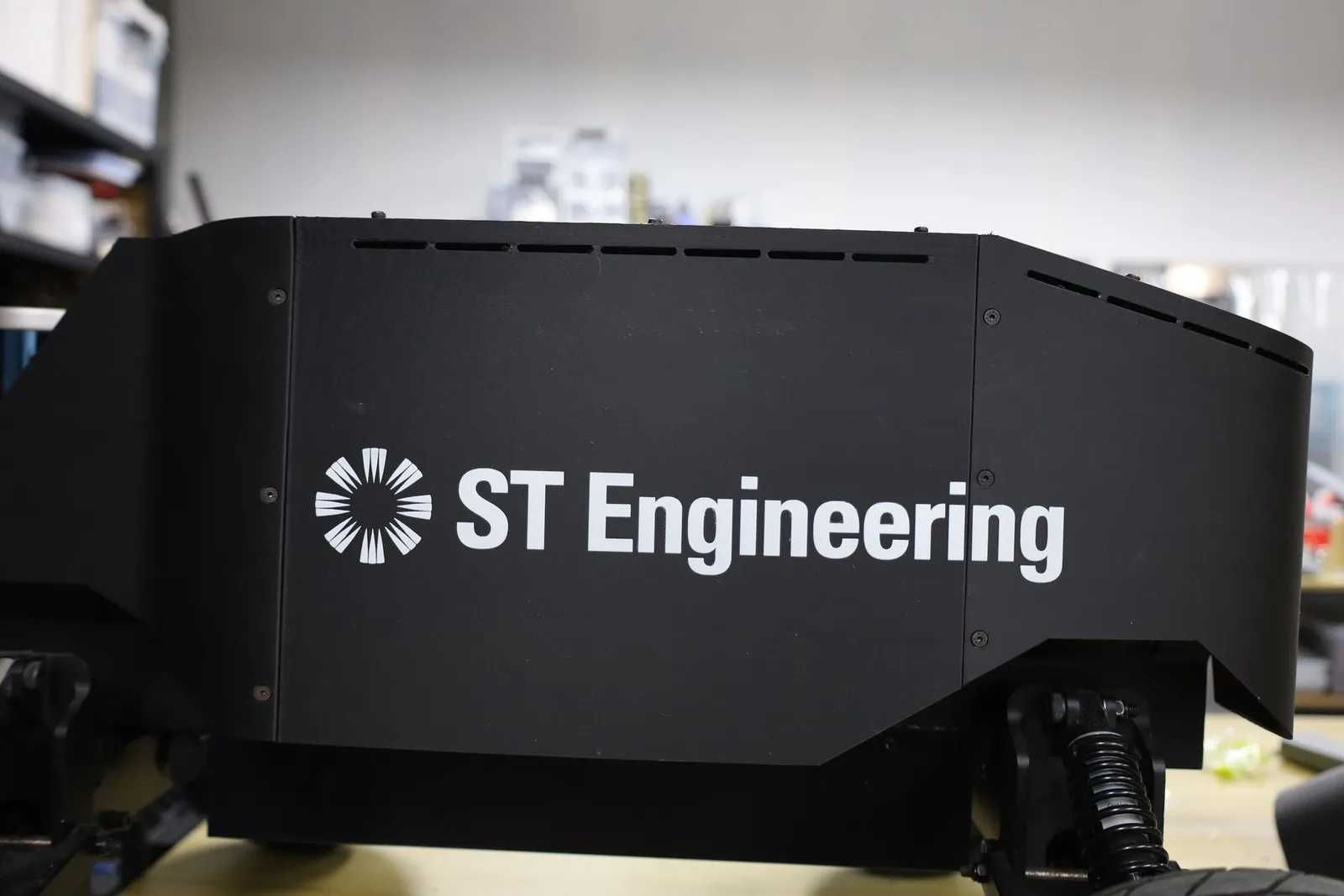
UV printing is a way of printing full-colour artwork straight onto a solid object, such as acrylic, wood, metal or a 3D printed part, with ultraviolet light hardening the ink the moment it lands. It suits logos, photos and name plates on flat or gently curved faces. We UV print in-house at our studio in Singapore, and the table below sums up what it can and cannot do.
UV printing at a glance
| What you want to know | UV printing |
|---|---|
| What it does | Prints full-colour artwork straight onto a solid object |
| What it prints on | Acrylic, wood, primed or coated metal, leather, 3D printed parts |
| Largest print in one pass | A little under A3 (A3 is 420 x 297 mm) |
| Surface shape | Flat or gently curved faces only |
| Colours | Full colour, white ink, Pantone matching, gloss varnish on chosen areas |
| Lead time, normal-size job | 5 to 7 working days |
| Best for | Logos, photos and gradients, name plates, signs, award plates |
| Not for | Balls, figurines and other shapes curved two ways at once |
| Not ideal for | Marks handled every day, where engraving lasts longer |
Lead time is counted in working days from a confirmed quote. Large prints and big batches take longer, so check with us.
How UV printing works: ink that hardens under light
A UV printer works much like an office inkjet printer, except that the item lies still on a flat table, called the bed, while the print heads pass over it, spraying tiny drops of ink. Lamps beside the heads shine ultraviolet (UV) light on the ink, and it hardens straight away. That hardening is called curing.
Because the ink cures instantly, there is no drying time and nothing to smudge. That is why UV printing works on hard, smooth materials where ordinary ink would sit wet and run. Every colour is mixed from four inks: cyan, magenta, yellow and black (CMYK). So photos and smooth gradients print in a single pass, close to how they look on screen.
What UV printing prints on: most flat, solid materials
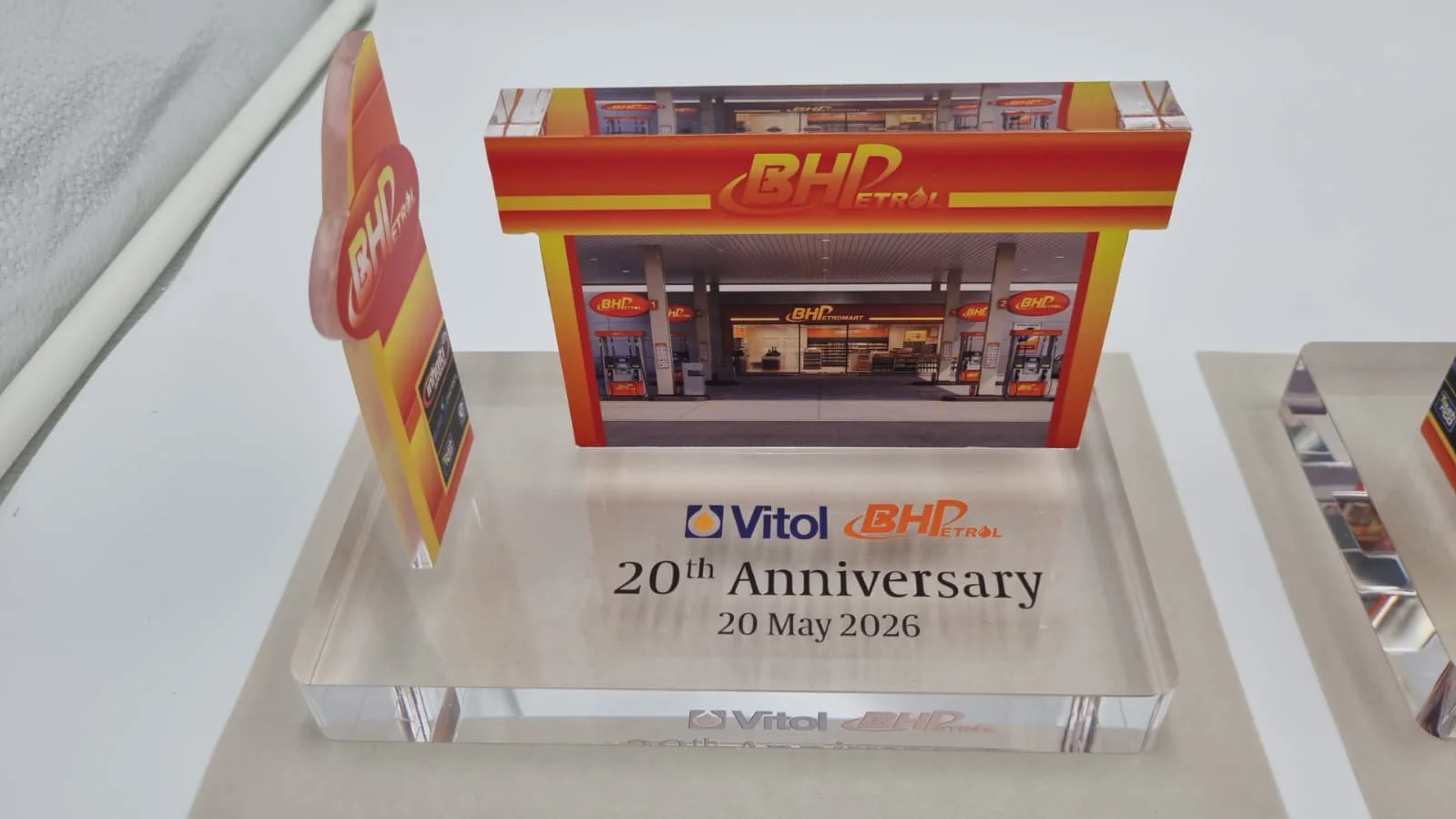
UV printing goes onto most hard or firm surfaces that can lie flat on the bed:
- Acrylic: clear, frosted or coloured, for signs, awards and display pieces.
- Wood: plywood, MDF and hardwoods.
- Metal: with a coating or primer, so the ink has something to grip.
- Leather and certain coated papers.
- 3D printed parts: PLA, PETG and ABS filament prints, and resin prints.
The item can be something we make for you, or one of your own with a flat face, such as a phone case. Send a photo and the size, and we will tell you whether it will print well.
White ink: bright colour on dark or clear surfaces
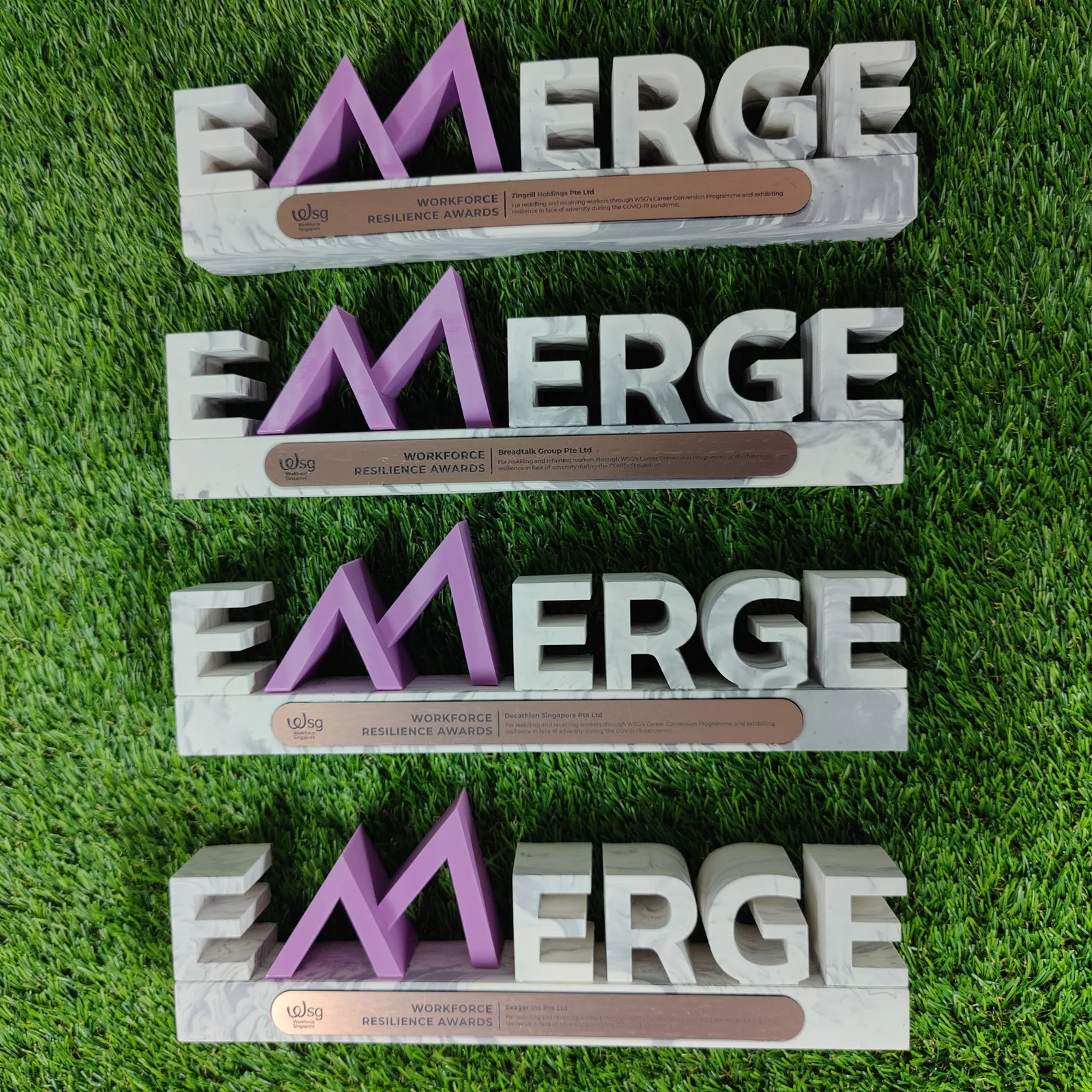
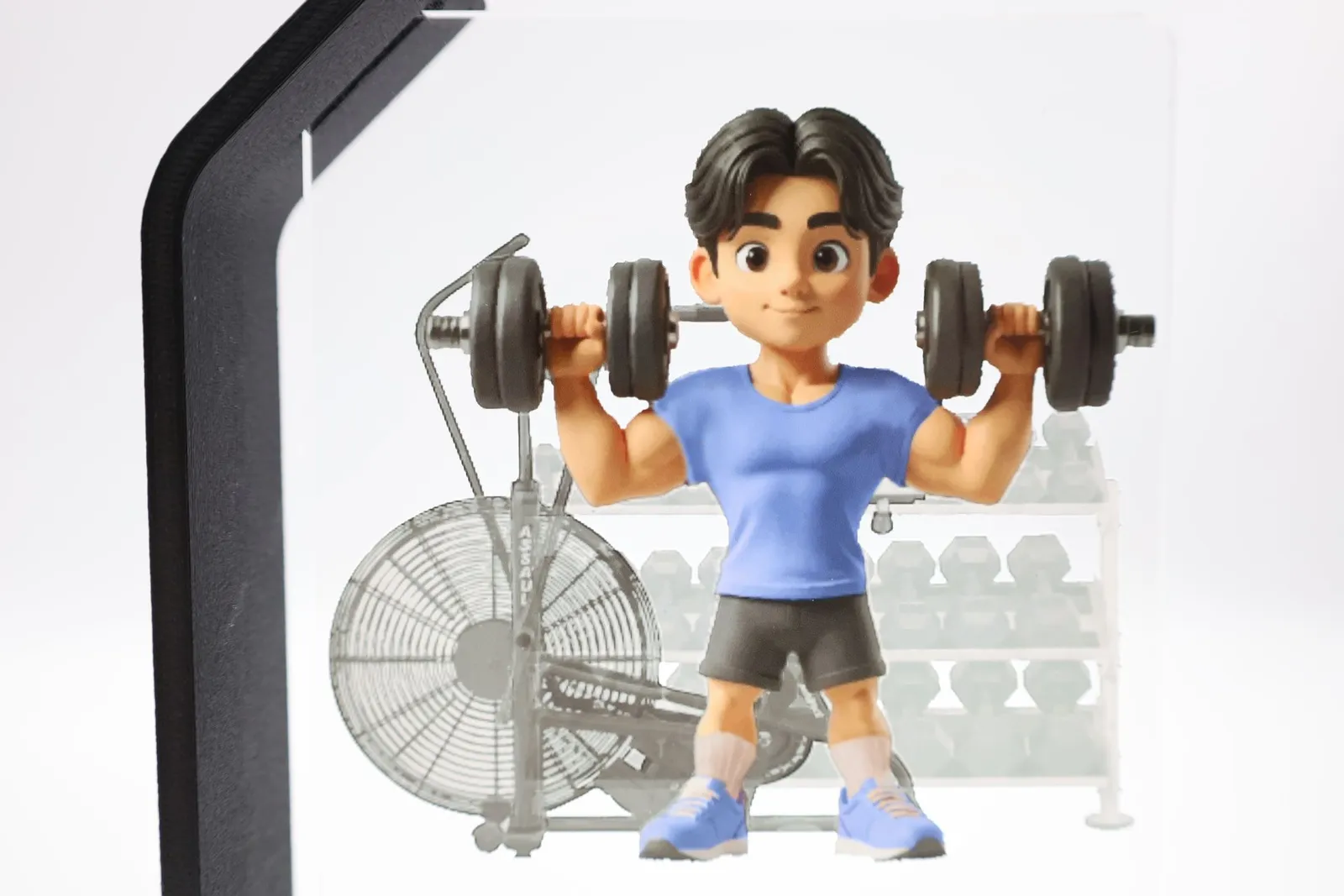
Coloured ink is slightly see-through. On a black part or clear acrylic, colours printed straight on look dark or faded. So a UV printer also has white ink: it lays a white layer first, called the underbase, and prints the colours on top. White text and white logos can print on their own, too.
Two more options help a brand print look right:
- Pantone matching: a Pantone code is the numbered colour standard brands use. Give us yours and we match it on the print.
- Spot gloss varnish: a clear, shiny layer printed only on chosen areas, such as a logo, so it catches the light against the rest of the print.
Curved surfaces: flat or gently curved faces only
The print heads pass a short, fixed distance above the bed. The face being printed has to stay close to them all the way across, so UV printing suits:
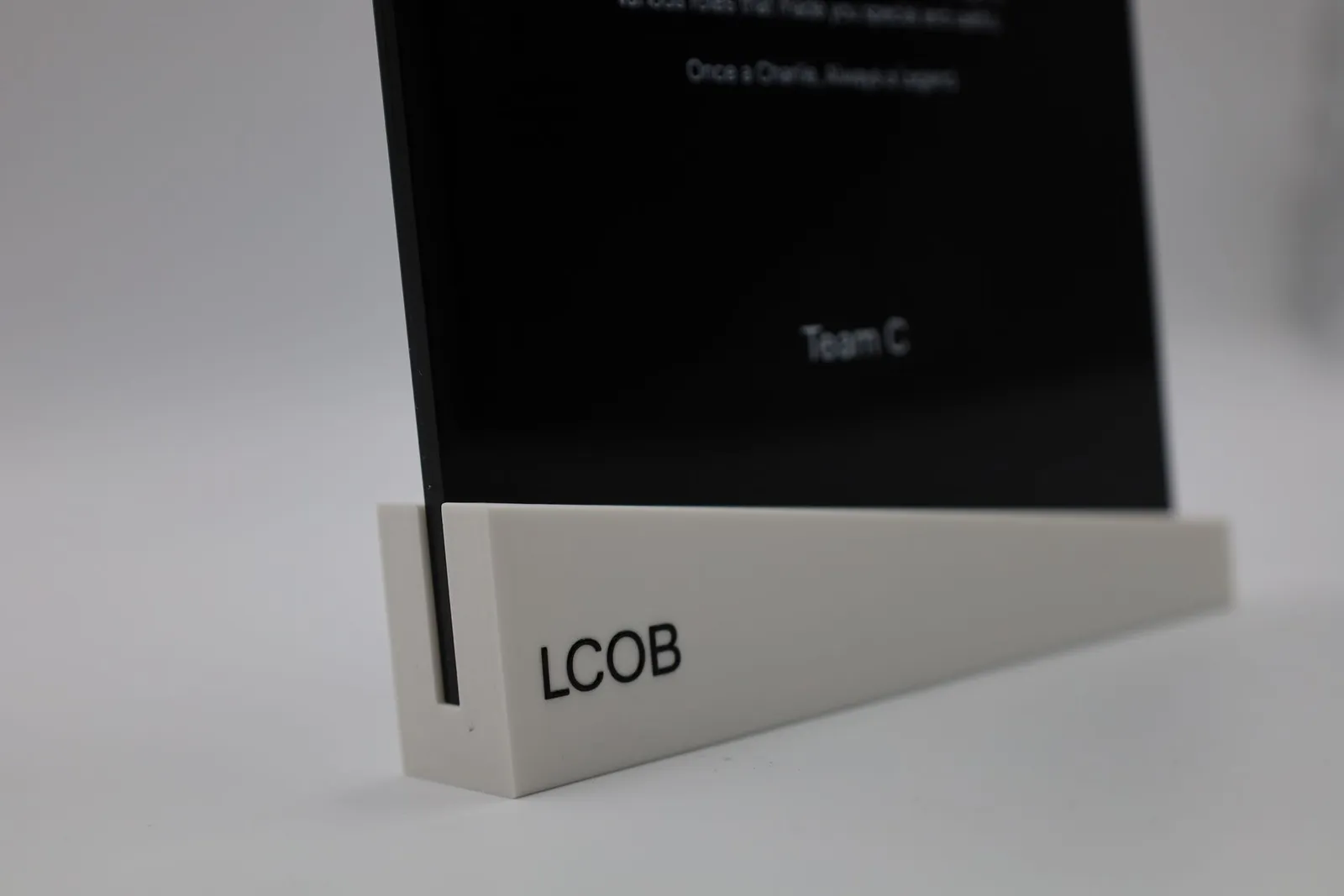
- Flat faces: plates, panels, signs, the flat side of a part.
- Gently curved faces: a shallow curve that stays close to the heads.
It does not suit shapes that curve two ways at once, like a ball, a helmet or a figurine’s face. There, the ink lands too far from where it was aimed and the print blurs. For those, spray paint or airbrushing on a primed part works better. When we design a part ourselves, we can give it a flat face where the logo goes.
Durability: long-lasting indoors, clear-coated outdoors
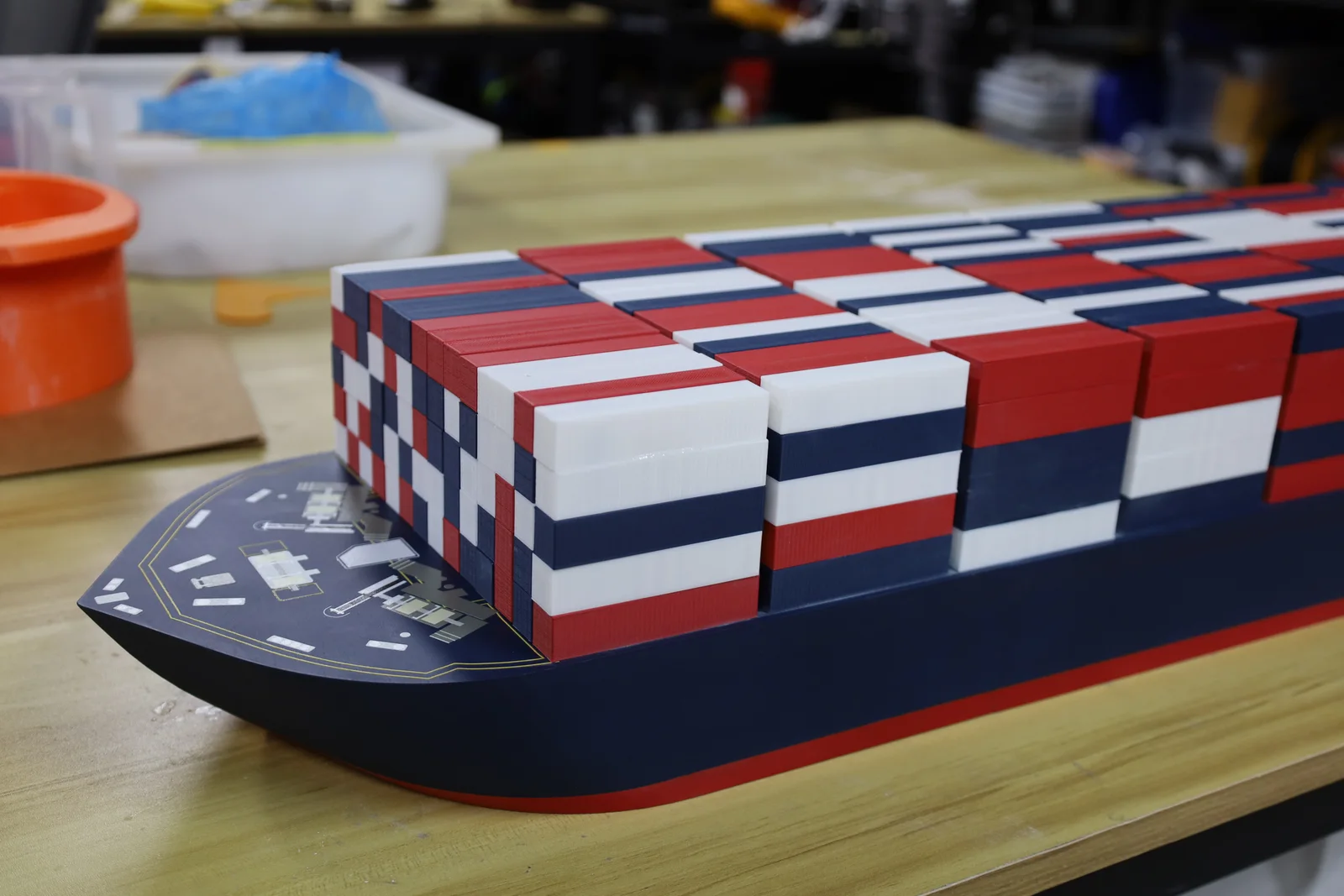
- Indoors: a UV print keeps its colour on a desk, shelf or wall, and has no edge to peel like a vinyl sticker.
- Outdoors: sun and rain are harder on any print. We add a clear coat over the print for pieces that live outside.
- Daily wear: the ink sits on the surface, so keys, tools and rough handling can scratch through it over time. A mark that must survive that is better laser engraved.
Artwork to send: vector files or 300 DPI images
- Best: a PDF or SVG with the fonts converted to outlines. These are vector files, which stay sharp at any size.
- Photos and images: a PNG or JPG at 300 DPI at print size. DPI (dots per inch) is how many pixels fall in each inch of the print. A print 100 mm wide at 300 DPI needs an image about 1,200 pixels wide.
- Shapes with no background: a PNG with a transparent background, so only the artwork prints.
- AI and EPS files: these are welcome too, sent over WhatsApp.
We build the white underbase for you, and we flag anything that will not print well, such as a blurry image or a line too thin to show.
Lead time: about a week for a normal job
A normal-size UV print job takes about 5 to 7 working days from a confirmed quote. That is a rough guide: large prints and big batches take longer, so check with us. If we are also making the item, its making time comes first: a 3D printed part, for example, takes 4 to 7 working days in filament or resin before it is printed on. Tell us your deadline when you ask.
UV printing, engraving or paint: pick by colour, wear and shape
| If you need | Choose | Why |
|---|---|---|
| A logo in full colour, a photo or a gradient | UV printing | Prints every colour in one pass |
| A mark that must never wear off | Laser engraving | Burned into the material, in one tone |
| Colour on a ball, figurine or curved part | Spray paint or airbrush | Follows any shape, over a primer |
| Thousands of the same flat print | Screen or pad printing | Usually costs less per piece at that volume |
- UV printing reproduces exact brand colours, photos and fine detail on a flat or gently curved face, from one piece upwards.
- Laser engraving burns the mark into acrylic, wood or metal. It shows in a shade of the material itself, so it suits a clean wordmark, and it cannot peel or fade.
- Paint goes on after a primer and covers any shape, including whole parts in a matched colour.
For more on putting a brand on a part, see five ways to put a logo on a 3D print.
Frequently asked
What is UV printing?
UV printing is a digital printing method that jets ink straight onto a solid object and hardens it at once with ultraviolet (UV) light. Because the ink cures the moment it lands, it can go onto acrylic, wood, metal, leather and 3D printed parts, which ordinary paper inks would just smudge on.
Can UV printing go on curved surfaces?
UV printing works only on flat or gently curved faces. A flatbed printer keeps its print heads a short, fixed distance above the item, so a face that curves away from them, or curves two ways at once like a ball or a figurine's head, prints blurred at the edges. For those shapes, paint or a decal under a clear coat suits better.
Does a UV print fade or scratch off?
Indoors, a UV print holds its colour and has no sticker edge to peel. It does sit on the surface, though, so keys, tools or a rough bench can scratch through it over time. For outdoor pieces we add a clear coat over the print, and for a mark that must survive daily wear, laser engraving lasts longer.
Can you UV print white or print on black?
Yes, UV printing has white ink as well as full colour. On a black, dark or clear surface we print a layer of white under the colours, so they stay bright instead of sinking into the background, and white text or a white logo prints on its own.
What file should I send for UV printing?
The best file for UV printing is a PDF or SVG with the fonts converted to outlines, or a PNG or JPG at 300 DPI at the size it will print. AI and EPS files are welcome over WhatsApp. If you need an exact brand colour, add its Pantone code, and if a shape must print with no background, send a PNG with a transparent background.
How long does UV printing take?
A normal-size UV printing job takes about 5 to 7 working days, counted from a confirmed quote. Treat that as a rough guide: a large batch or a large print takes longer, so check with us and tell us your deadline. If we are also making the item, such as a 3D printed part or a laser-cut acrylic piece, its making time comes first.
Should I choose UV printing or laser engraving for a logo?
Choose UV printing when the logo needs colour, a photo or a gradient, and laser engraving when one tone is enough and the mark must never wear off. Engraving burns the mark into the material, so it always shows in a shade of the material itself, while UV printing can reproduce your exact brand colours.
How big can you UV print?
Our UV printer covers an area a little under A3 size in one pass (A3 is 420 by 297 mm). The smallest print is about 5 by 5 mm. For anything bigger, send the size and we will tell you what we can do.
Related
-
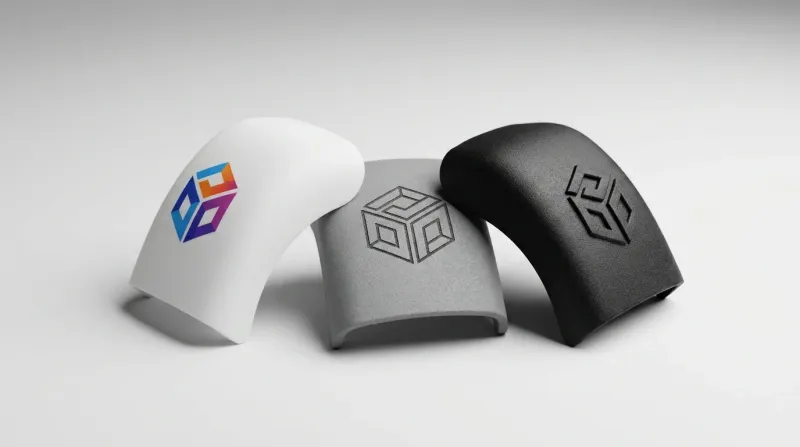 GuideHow do you get a logo onto a 3D print?
 -
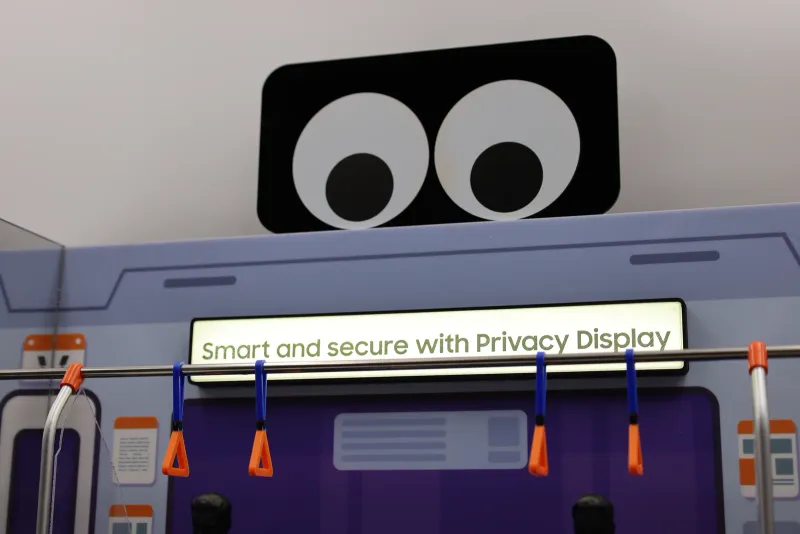 GuideBuying an acrylic sign: the decisions to make before you order
 -
 GuidePersonalised corporate gifts in Singapore: which technique fits your list?
 -
 ServiceUV Printing
 -
 ServiceLaser Engraving & Cutting
 -
 ServiceColour Application & Finishing
 -
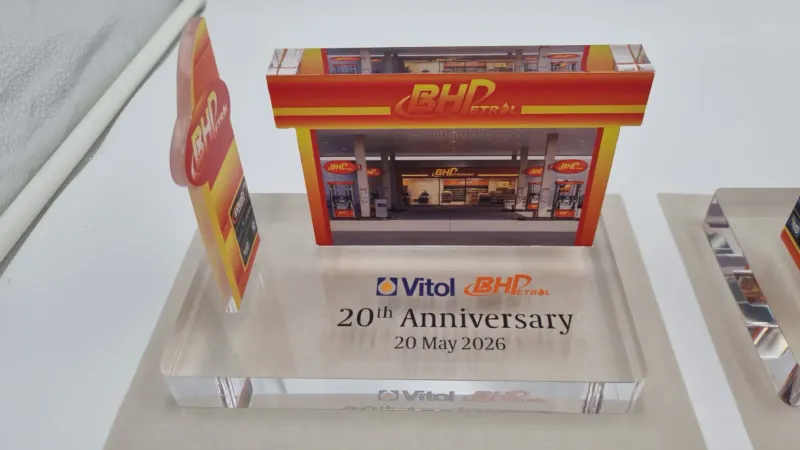 ProjectClear Acrylic Trophy for Vitol Asia
 -
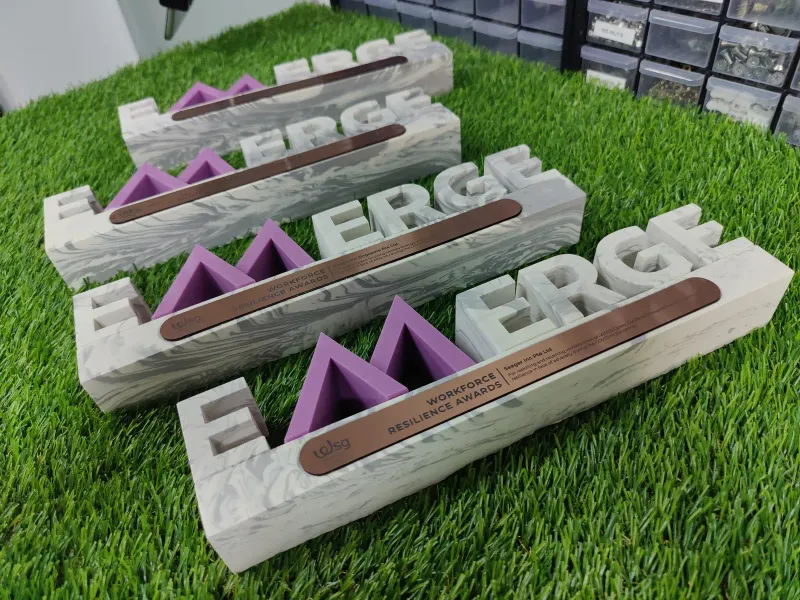 ProjectWSG Workforce Resilience Awards Trophies
 -
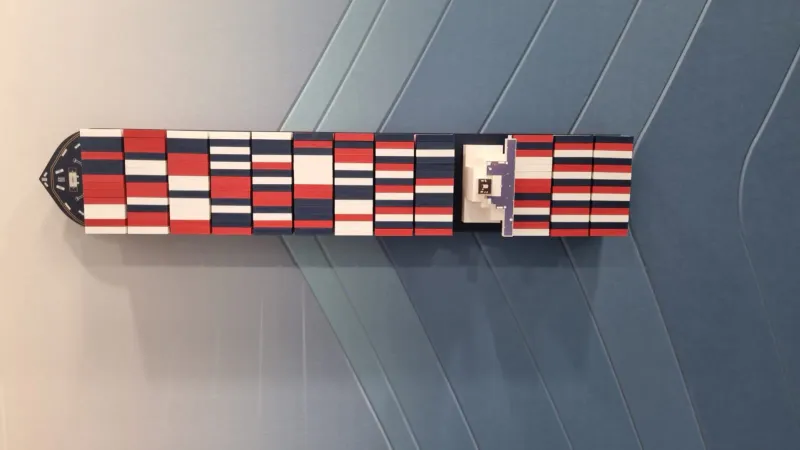 ProjectContainer Ship Model for Interasia