

Bambu Lab Build Plate
$24.00 – $115.00 SGD
excl. GST · 9% added at checkout
Made to order
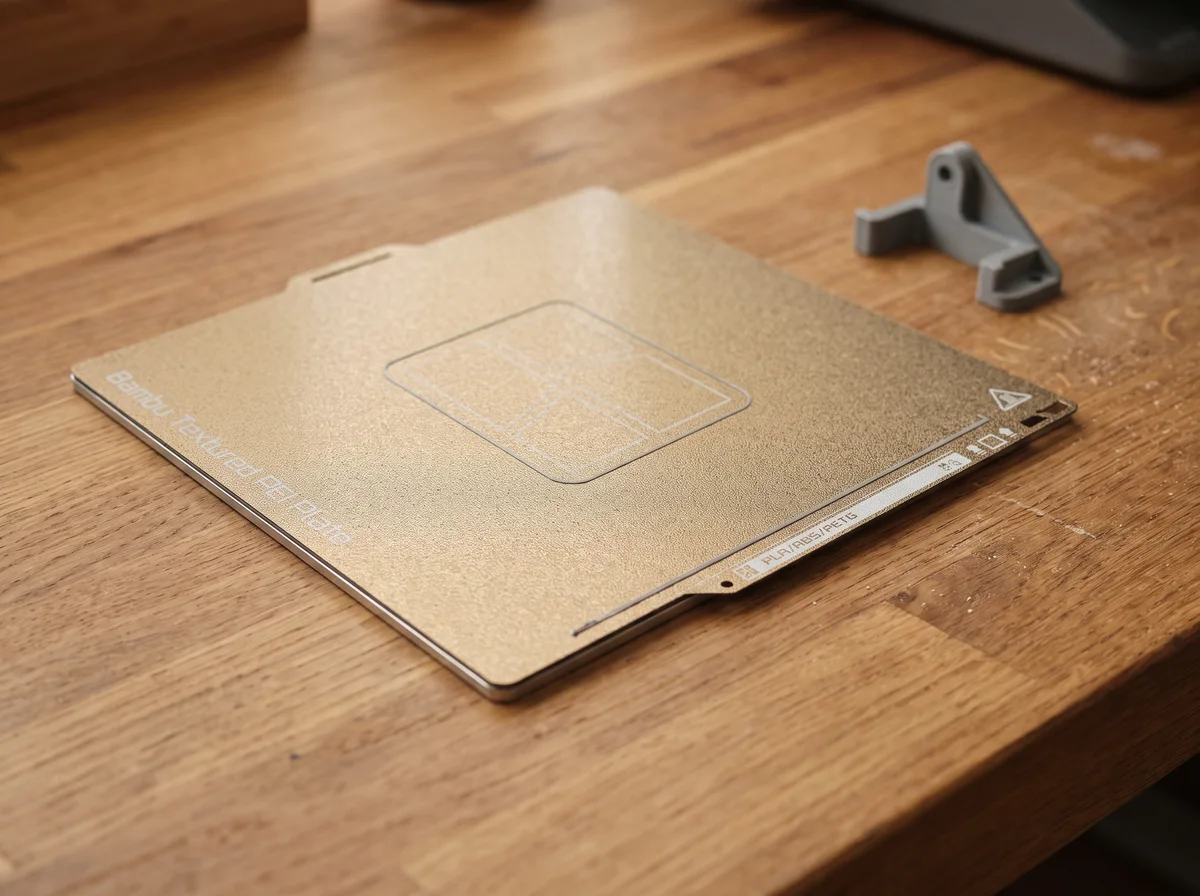
The default for almost everything. Sprayed PEI both sides, grips PLA, PETG, TPU, ABS and nylon, and leaves a fine matte texture on the first layer.
Made to order, ships in about 7 days.
SKU · BL-PLATE-TEX-A1M
Bambu Lab
Bambu Lab Build Plate
The plate decides whether a print sticks and how its bottom face looks. Underneath, every one of them is the same object: a thin steel sheet with a coating on it, held down by magnets and flexed to pop the part off. Pick the machine first, because a plate is cut to one bed size and won't fit another.
Which surface, and why
Six surfaces, and they're not interchangeable. The first three are about finish. The next two are about making a difficult material stay put, and the last one is decoration.
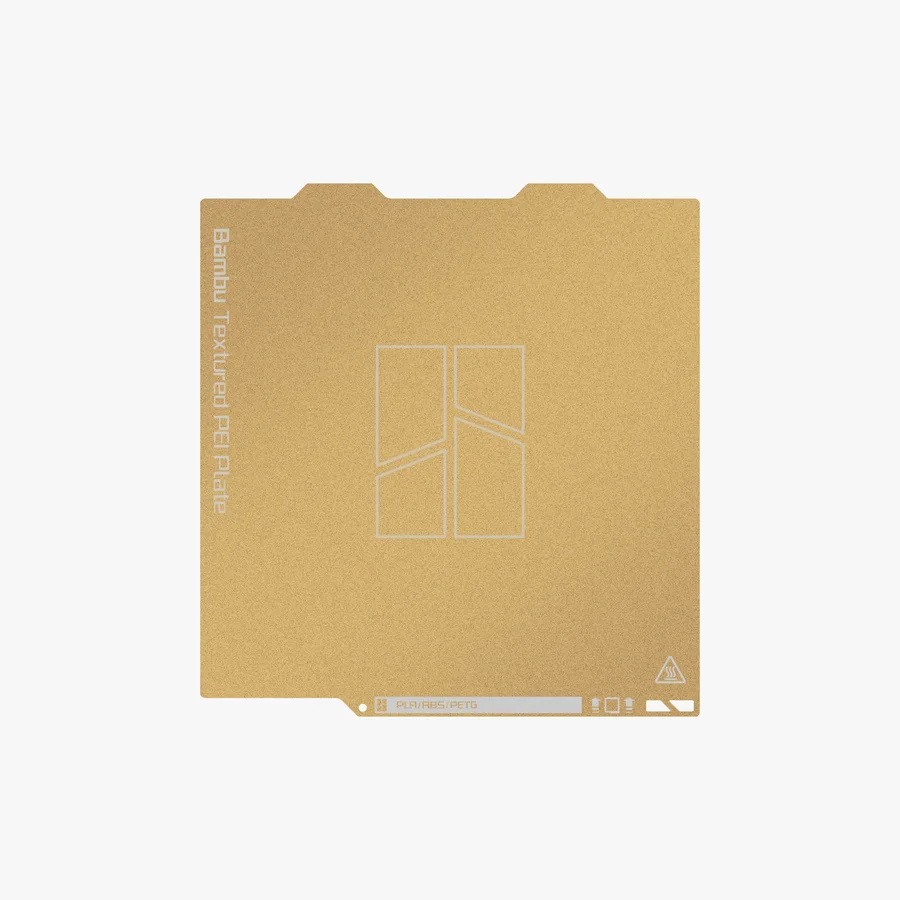
Textured PEIThe default
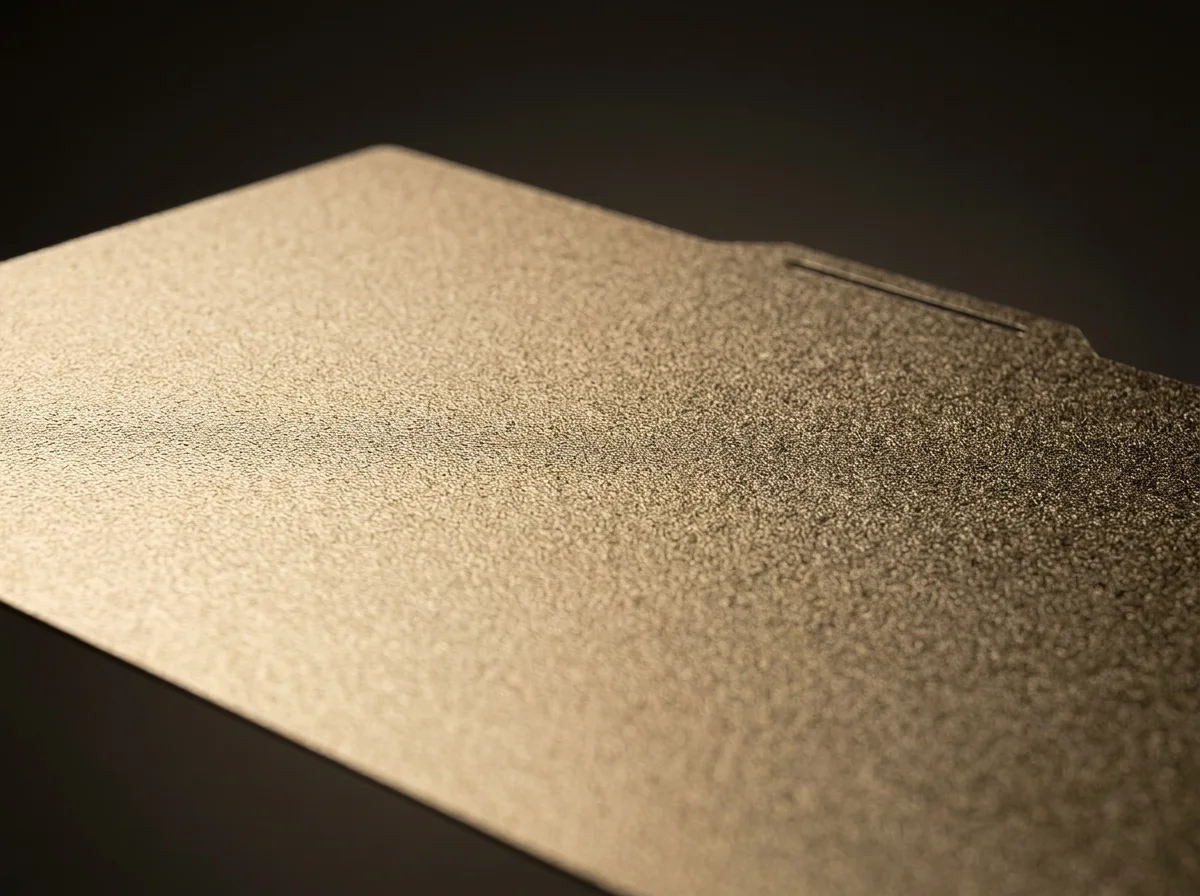
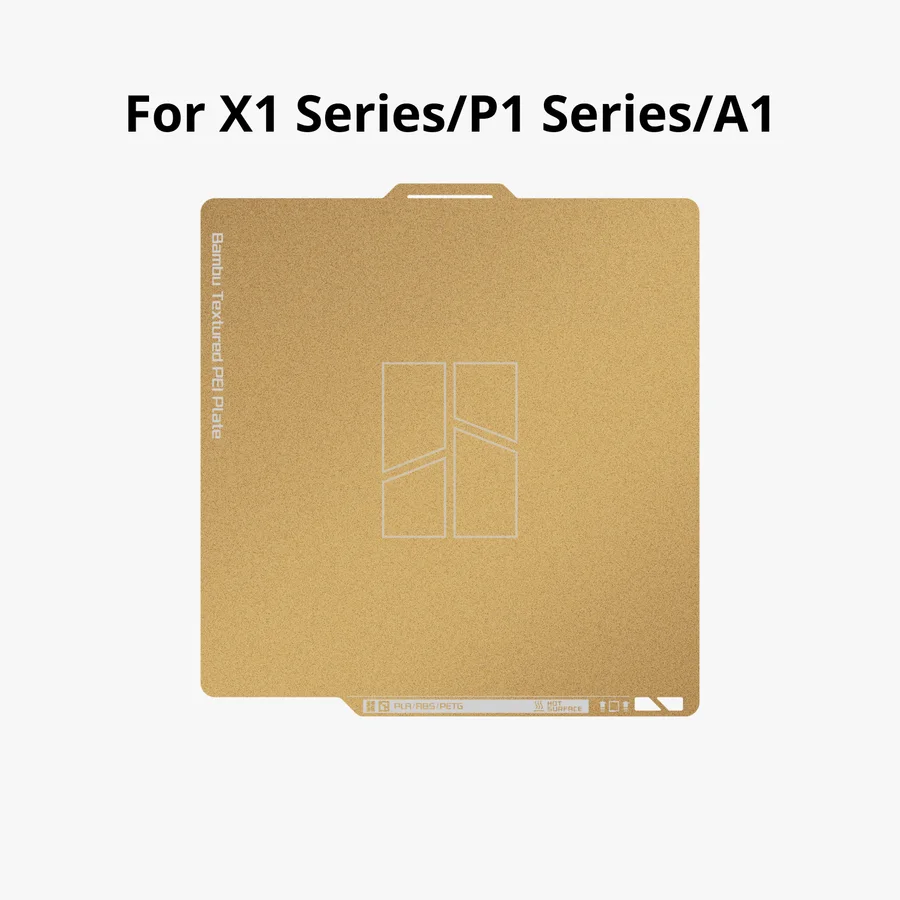
PEI powder sprayed onto both faces of a stainless steel sheet, 0.075 mm of it. Handles PLA, PETG, TPU, ABS and nylon, survives 180°C at the surface, and leaves a fine matte grain on the first layer. If you're replacing the plate that came with the printer, this is that plate.
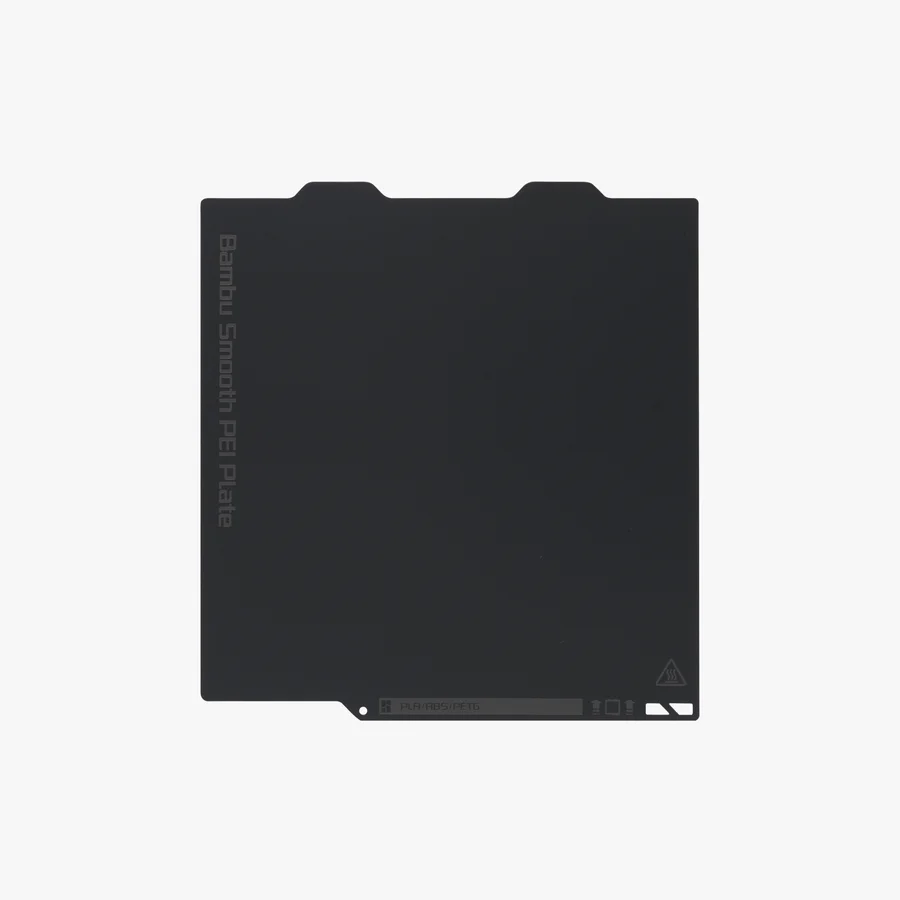
Smooth PEIGloss
A 0.125 mm PEI film bonded to spring steel, so the first layer comes out flat instead of grained. PLA prints on it bare. Everything else wants glue down first, or the film tears when the part comes off.
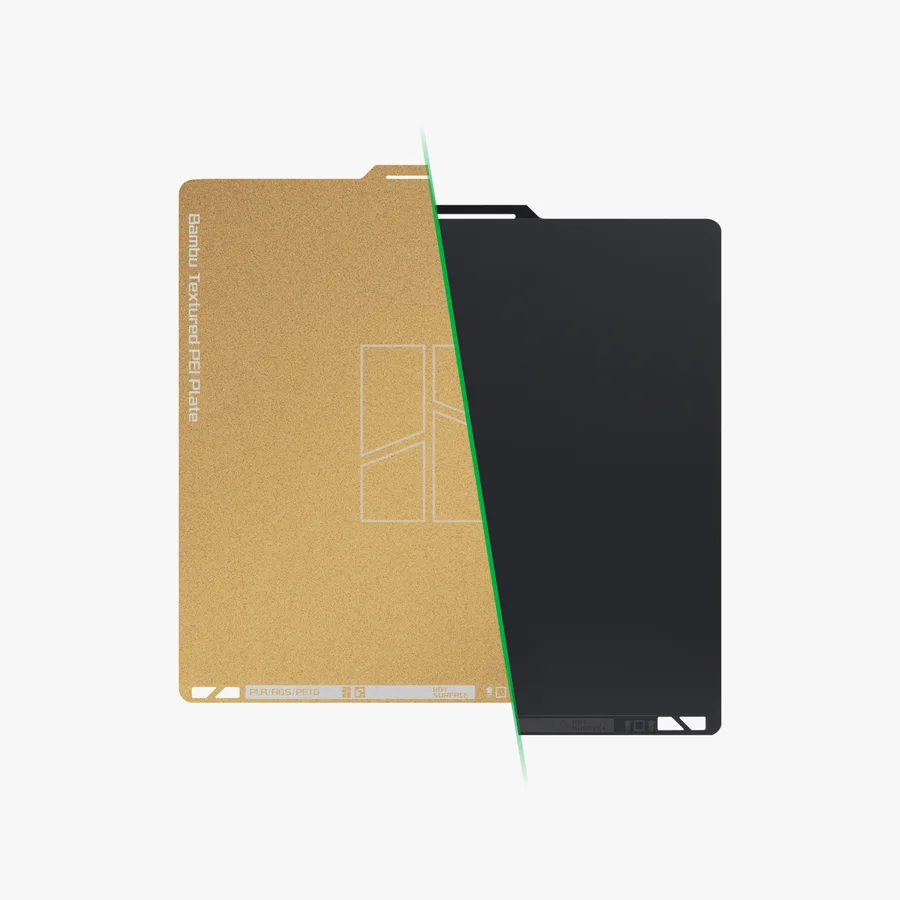
Dual-Texture PEIBoth faces
Sprayed PEI powder on the gold face, bonded PEI film on the charcoal one. One plate, two bottom finishes, and a fresh surface waiting when the first one wears.
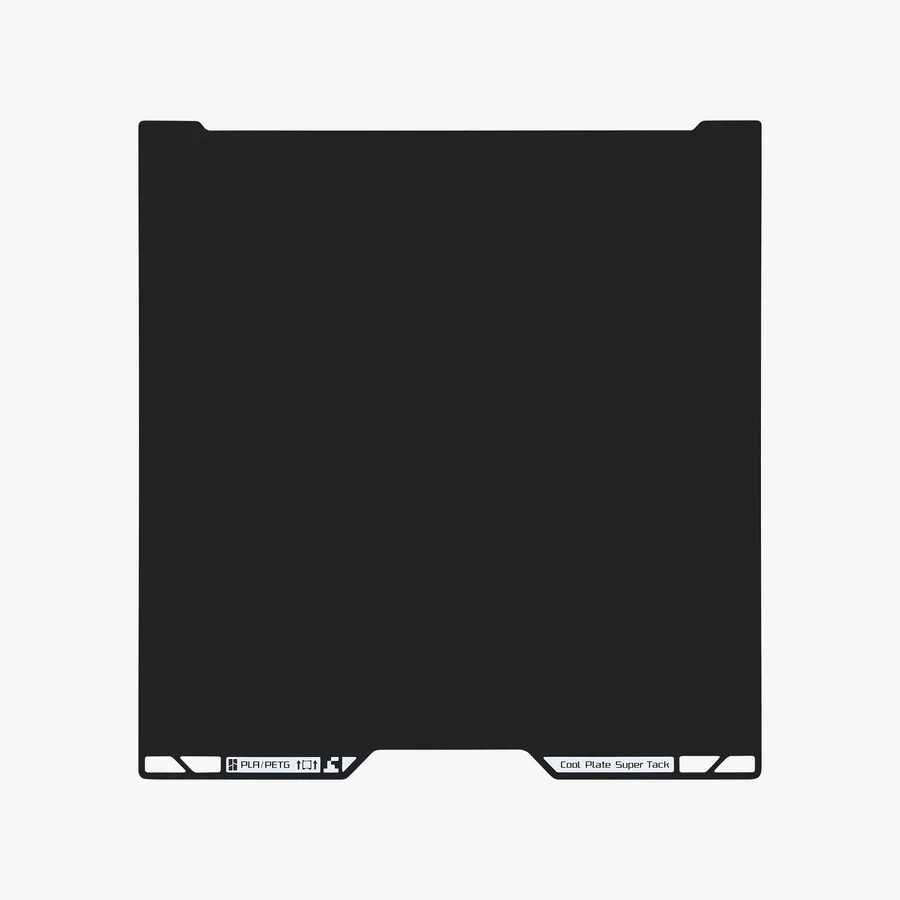
Cool Plate SuperTackNo glue
0.05 mm of Bambu's own tack coating on spring steel. It holds PLA at about 40 to 45°C with nothing applied. PLA and PETG only, though: TPU and the hot materials damage the surface.
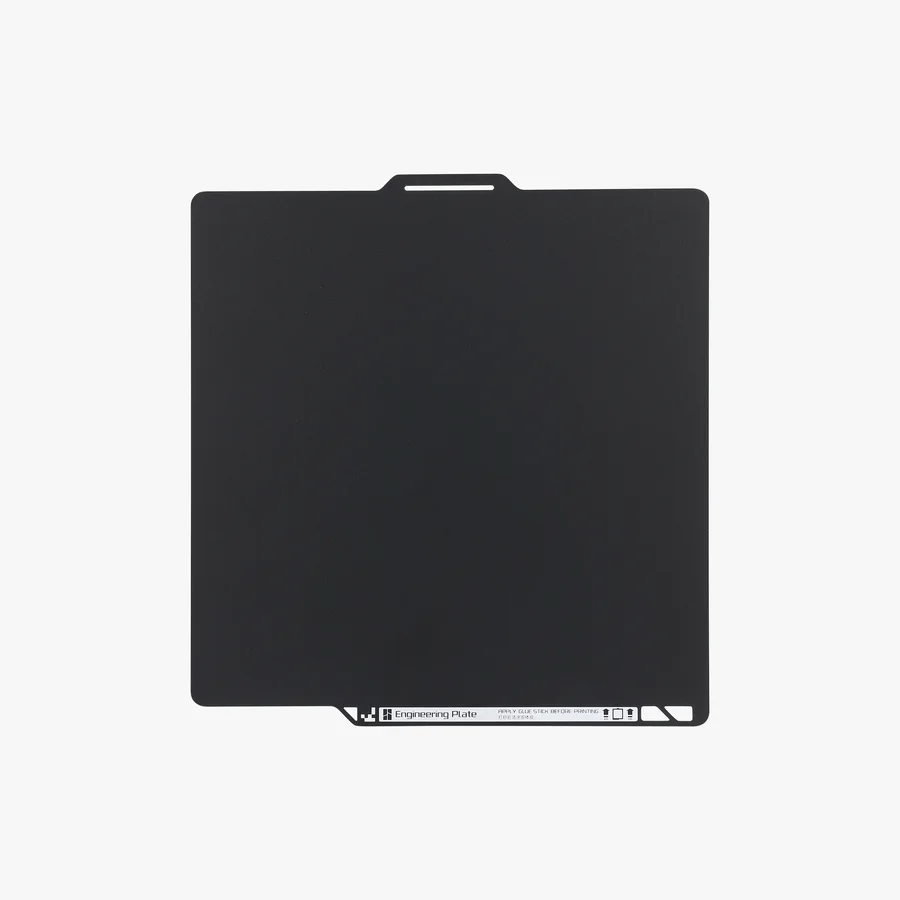
EngineeringHot bed
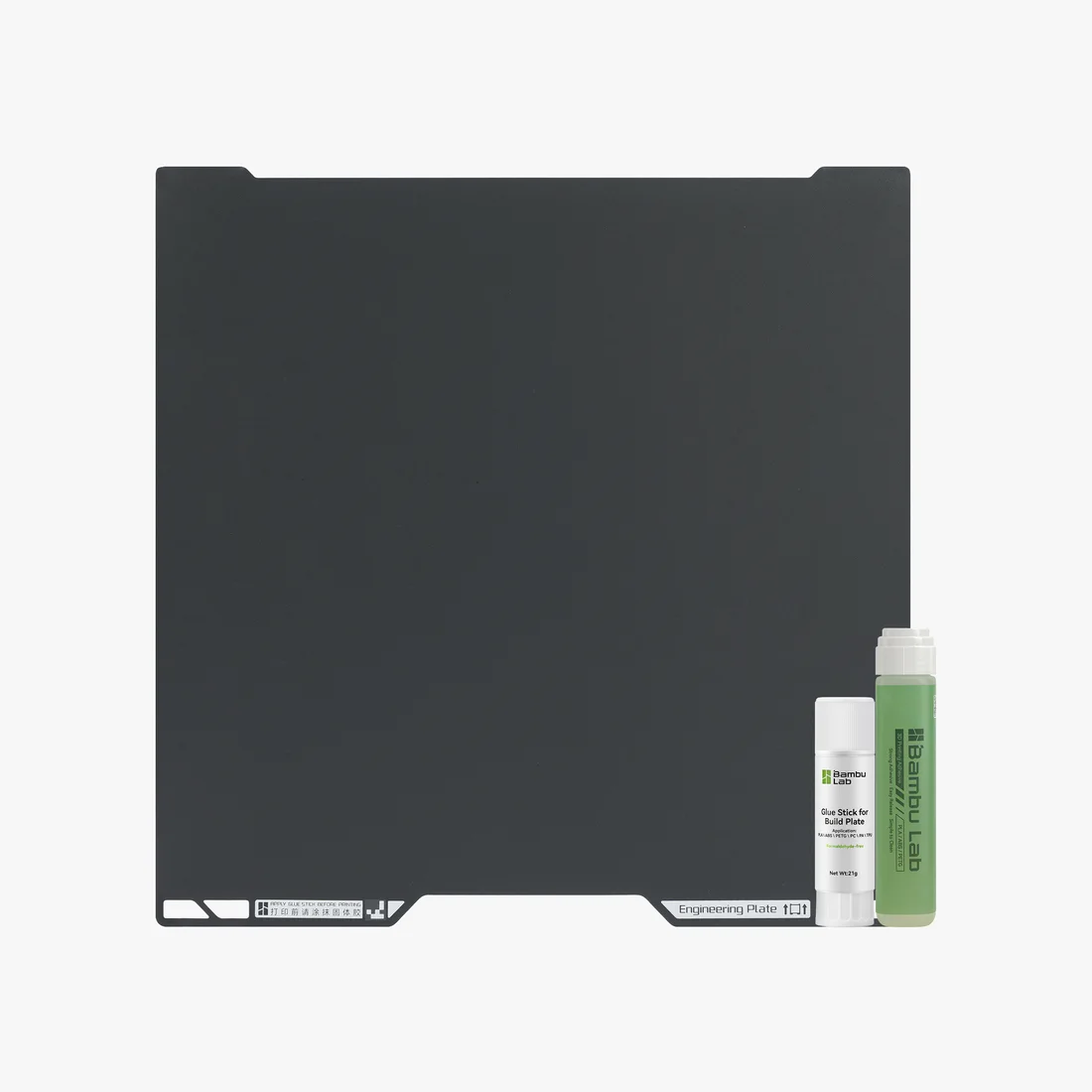
Not PEI at all. Polyester powder on manganese steel, 0.5 mm all in, built for ABS, ASA, PC and nylon. It wants glue under every material including PLA, and leaves a nearly glossy bottom.
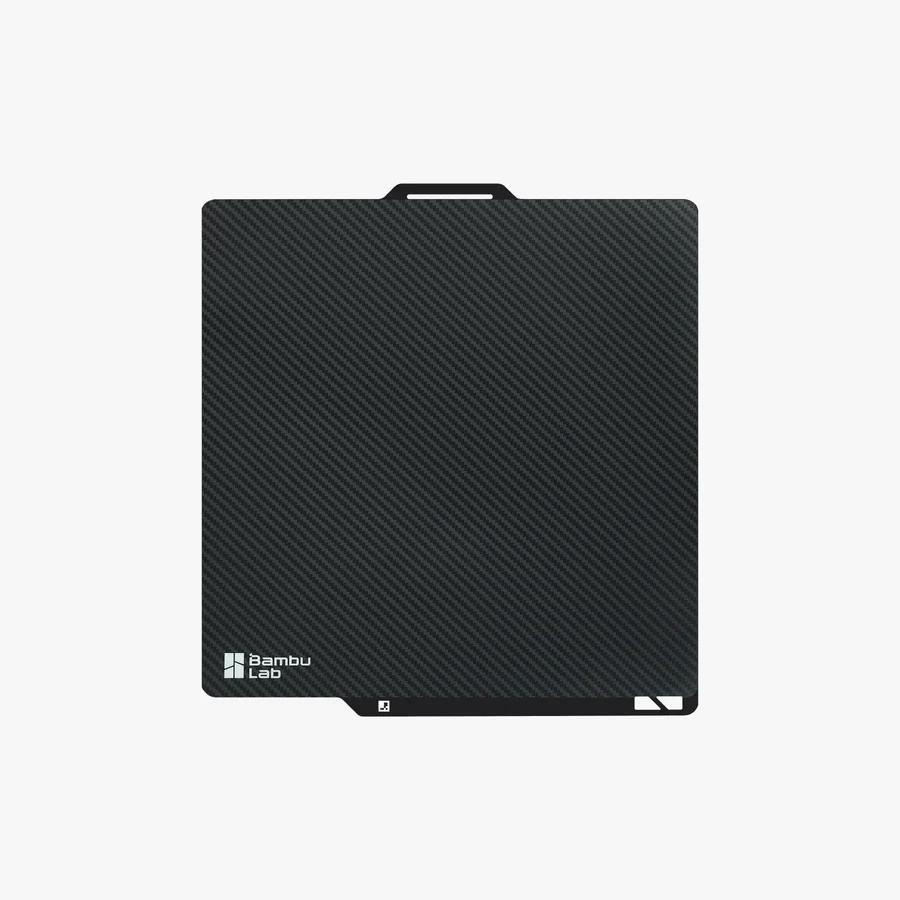
3D EffectCosmetic
A laser-textured film on steel. The molten first layer flows into the microtexture and takes a cast of it, so the bottom face comes out carbon-fibre weave, diamond, starry or galaxy. PLA and TPU only.
The plate almost everything prints on
Sprayed PEI on both faces, leaving a fine matte grain on the first layer.
This is the plate that shipped with the printer, so it's usually the one you're replacing rather than discovering. It takes PLA, PETG, TPU, ABS and nylon. Only ABS, ASA, PC and nylon ask for a glue stick first. For everything else there's nothing to prepare and nothing to apply.
The coating is PEI powder, sprayed on rather than stuck on: 0.075 mm of it over a stainless steel sheet 0.4 to 0.5 mm thick. Both faces get sprayed, so both faces print. It also carries the highest heat ceiling in the range, 180°C at the surface, which is why it's the PEI plate that copes with ABS, PC and nylon.
The texture does as much work as the grip. The face that lay against the plate comes out with an even matte grain. It hides layer lines and fingerprints in a way a gloss bottom never manages.
Plates wear where you print, and they wear unevenly. When a patch stops holding, wash it before you write it off. It's usually skin oil rather than the coating giving up.
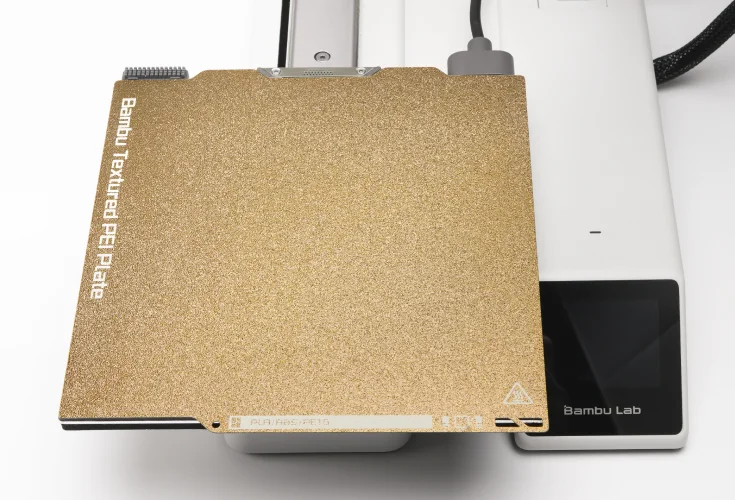
It goes back where the old one came from
Line it up with the fixed points, name facing you, and let the magnets take it.
Changing a plate is a lift and a drop. You align it with the fixed points on the platform with the plate's name facing you, lower it, and the magnetic bed holds it flat. There's nothing to unscrew, nothing to clamp and nothing to shim.
Pick the printer at the top of this page before you buy. A plate is cut to one bed size. The A1 mini plate is 180 × 180 mm and the A1 plate is 256 × 256 mm, and neither stands in for the other.
The same grip, a glass first layer
A 0.125 mm PEI film bonded to spring steel, with no texture in it at all.
The face that comes off it is flat and reflective where the textured plate leaves a grain. It's also the plate for anything that has to fit rather than just look right: Bambu credits it with better Z-axis precision, which makes it the one for parts with tight tolerances and mating faces.
There's a rule that comes with it and it isn't optional. Only PLA prints on bare smooth PEI. Everything else, PETG included, needs glue down first, because those materials bond to the film harder than the film is bonded to the steel. Pull the part off and you can take the coating with it. Glue here isn't there to help anything stick. It's what saves the plate.
The film is thicker than the sprayed coating on a textured plate, so it holds the steel a fraction further from the bed magnets. On an A1 that's enough for Bambu to warn about corners curling and parts letting go, and it's the reason this plate isn't the one for big flat prints.
Bambu now makes the smooth plate in A1 mini size only, and points everyone else at the Engineering Plate when they want a smooth bottom face.
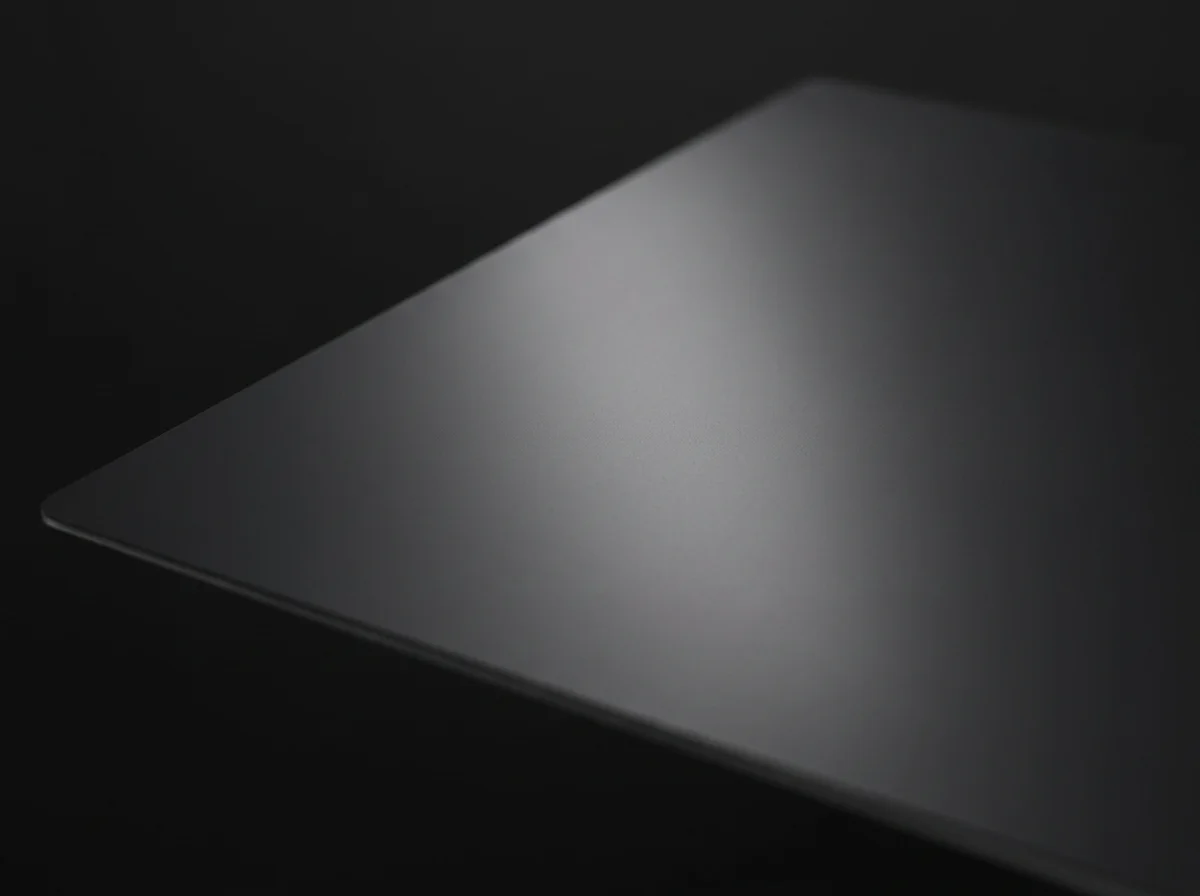
Both finishes, one plate
Sprayed PEI powder on one face, bonded PEI film on the other.
This is the sensible buy if you only want one spare on the shelf. Print matte today, turn it over tomorrow for a job whose underside shows. You haven't had to buy or store a second plate to do it.
It's genuinely two processes on one sheet. Bambu sprays 0.075 mm of PEI powder onto the gold face and bonds a 0.125 mm PEI film to the charcoal one, both on a single 0.4 mm stainless steel plate.
The two faces don't behave the same, and that catches people out. The textured side takes PLA, PETG, ABS and ASA bare and only wants glue for PC and nylon. The smooth side is a film, so everything except PLA needs glue on it first, exactly like the standalone smooth plate.
It also buys time. A plate wears where you print, and when a patch on one face stops holding and a wash doesn't bring it back, this is the one plate that still has a fresh surface on the other side.
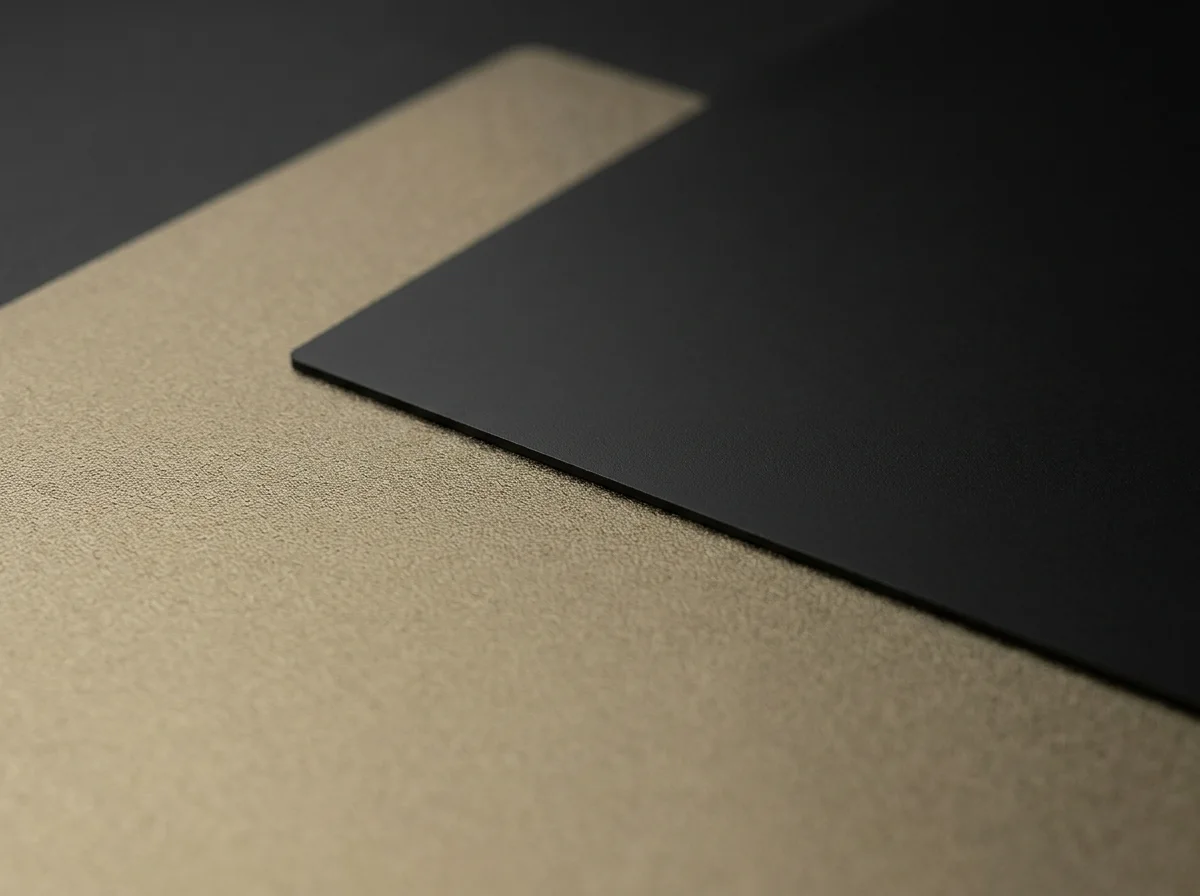
Grip without heat, and without glue
Holds PLA and PETG hard on a cool bed, with no glue stick anywhere in the routine.
The coating does the work a hot bed usually does. PLA that wants 65°C on a textured PEI plate holds on this one at about 40 to 45°C, and there's nothing to apply first. Bambu says no glue is required, and they mean none is wanted.
The limits are deliberate rather than accidental. It's a PLA and PETG plate. TPU damages the coating and Bambu says so outright, silk PLA grips so hard it can wreck the model, and ABS, ASA, PC and nylon want a bed far hotter than this surface is for. Slice PLA or PETG support touching the first layer and Bambu Studio will refuse to print at all.
In exchange you get the thing a cool bed is good at: large flat parts that would normally warp, staying put, with far less elephant foot at the base.
Let it cool before you flex a part off, the same as every plate here. The coating is deliberately softer than PEI so it can grip cold, which also means it scratches more easily. Minor scratches from normal use won't hurt adhesion, but a gouge doesn't heal.
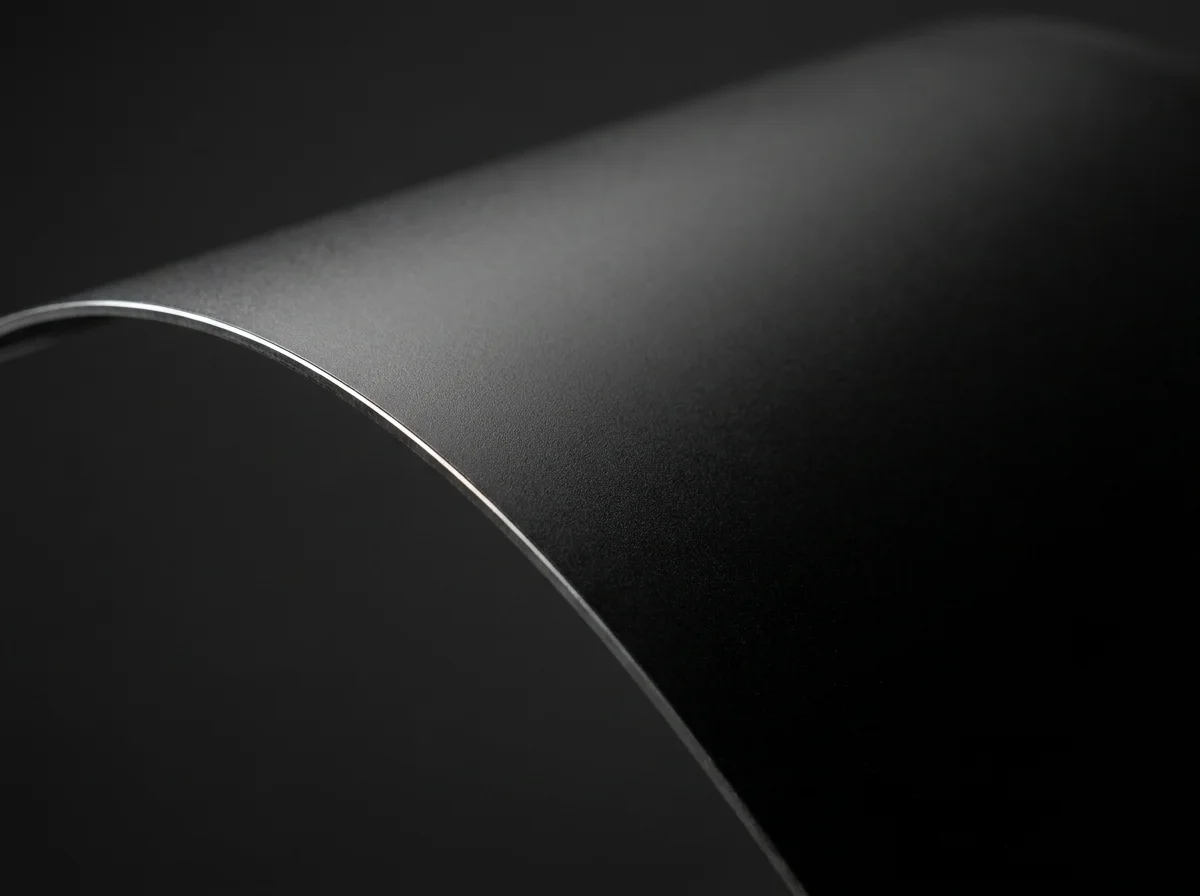
For the materials that want a hotter bed
ABS, ASA, PC and nylon, on a plate built for the temperature they ask for.
It isn't PEI at all. The coating is polyester powder on manganese steel, 0.5 mm all in, and Bambu built the current version around corrosion resistance and scratch resistance rather than raw grip. That's why it's the one to reach for when a part absolutely must not lift halfway through a long print.
It's the only plate here that wants glue under everything, PLA included, and the glue isn't there to stick anything down. It's a release layer. Without it, a part that's properly bonded can take coating with it on the way off.
Everything else still prints on it, TPU included, so it isn't a single-purpose plate. Bambu now calls it the all-round choice when you're not sure which plate to use, and it's their stated replacement for the discontinued smooth PEI plate. The bottom face it leaves is flat and nearly glossy, so the first layer blends into the rest of the model instead of announcing itself.
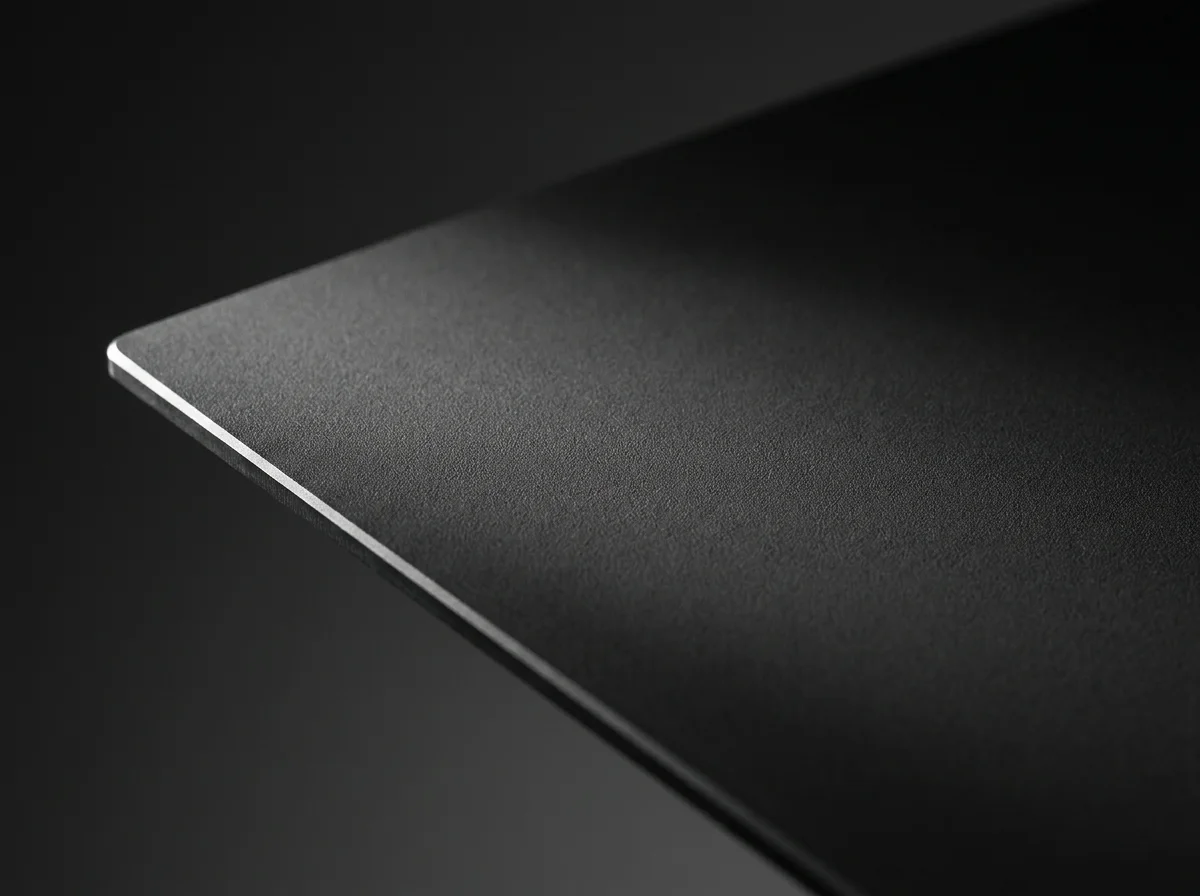
Glue goes on before the print, not after the problem
A release layer, applied from new.
The plate says so along its own bottom edge. On this surface, glue isn't a rescue for a print that won't stick. It's the layer that lets a fully bonded part come off again without taking coating with it.
A stick is easier to control and makes the part easier to lift, but it goes on thick and unevenly, so the first layer usually isn't as clean as it is with liquid. Liquid lays flat and prints better, and makes the part harder to get off again.
Don't wait for it to dry. The bed's preheat handles that on the way up to temperature. Renew it rather than build it up: wash the plate down once the film starts to look patchy instead of laying another coat over the old one. The How to use tab has the drying times and how many coats is too many.
A pattern pressed into the first layer
Carbon-fibre weave, diamond, starry or galaxy, on the face that touched the plate.
This is a finishing tool more than a printing one. It doesn't change how the print goes down, and it doesn't touch the other five faces of the part. It decorates exactly one surface, the one lying against it.
That makes it a coaster, badge and signage plate: anything flat, printed face down, that gets its whole appearance from the side nobody usually looks at.
Stick to PLA and TPU, which is what Bambu recommends for these plates, and run PLA a little hotter than usual at 60 to 65°C so the plastic has time to flow down into the texture. No glue on the surface, ever.
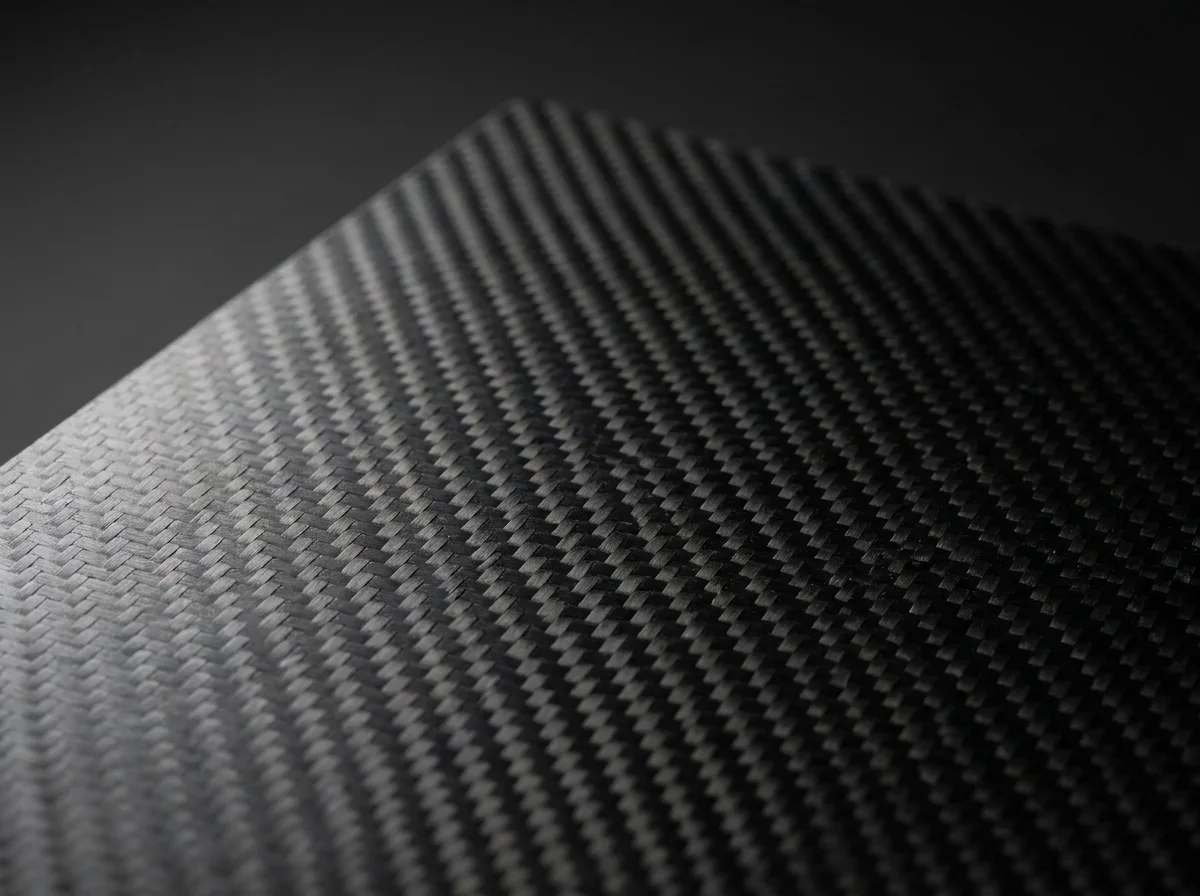
The four patterns
Each pattern is its own plate, not a setting on one, so the finish you pick at checkout is the surface that arrives. All four work the same way: the pattern lands on the face lying against the plate and nowhere else. Three of the four want silk or shiny filament to show properly, and on a matte PLA the effect is much quieter.
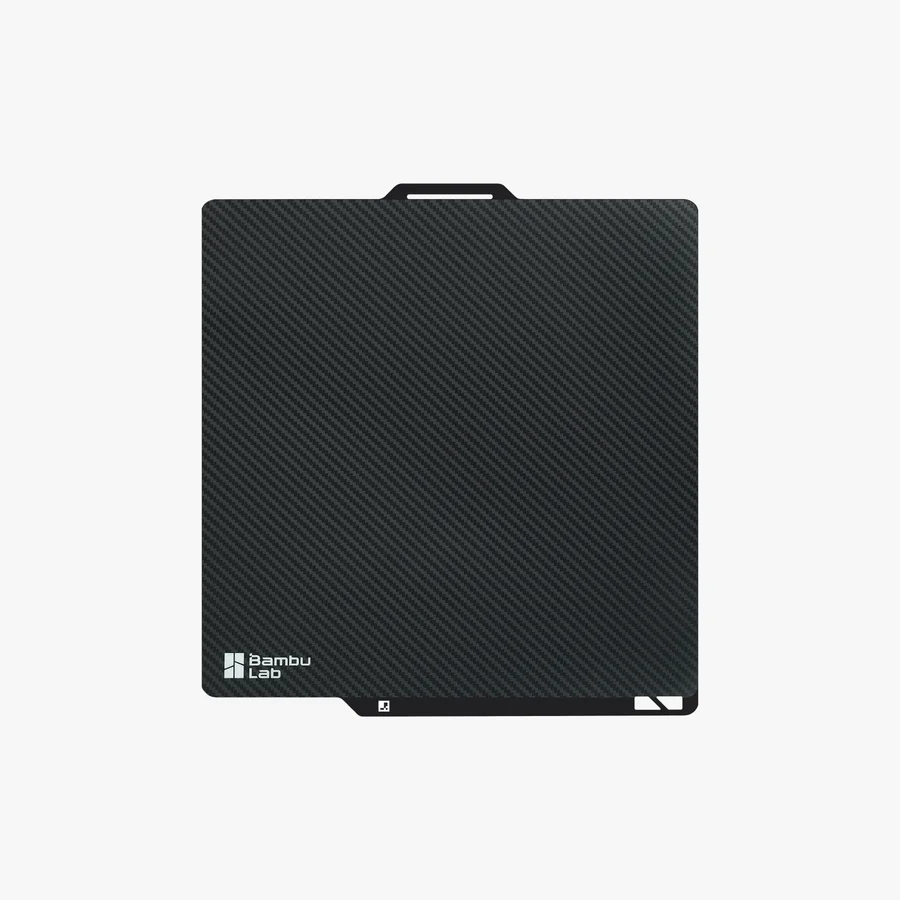
Carbon Fiber
A very slight diagonal twill, close to real carbon fibre. The most restrained of the four, and Bambu rates it best against a grey carbon-coloured filament, where it reads as a material rather than a decoration.
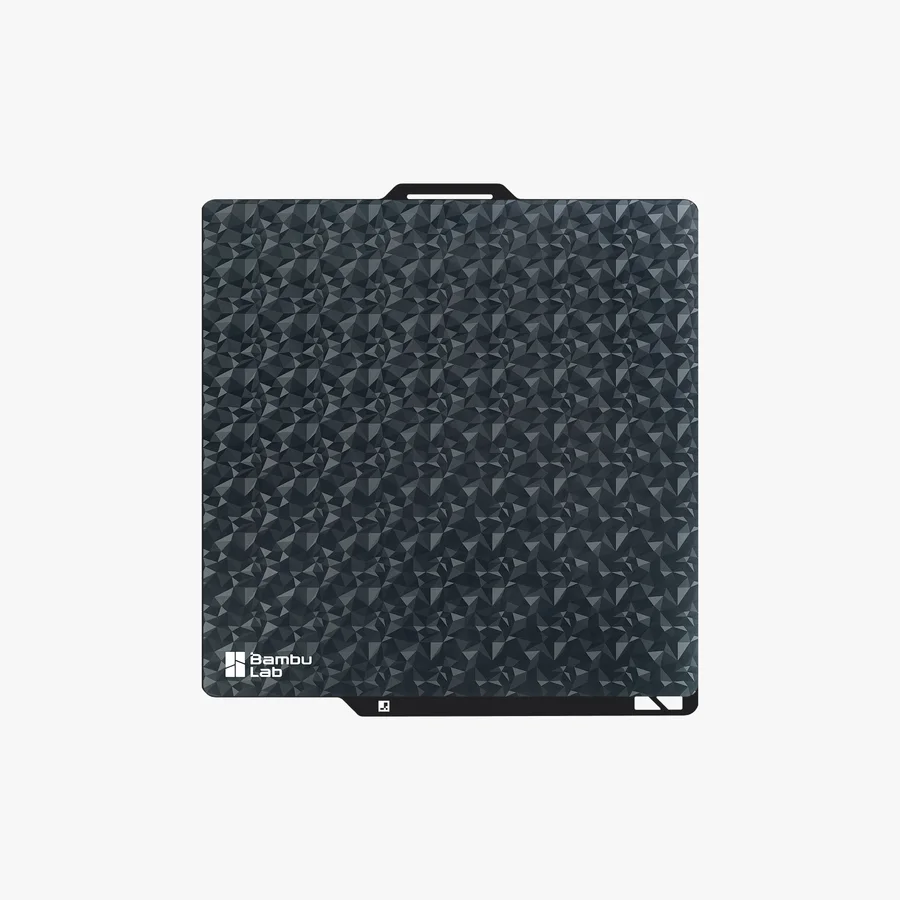
Diamond
A diamond pattern imprinted on a smooth field, mixing glossy and matte facets. It picks up light from a different angle every time you turn the piece. Best on silk or shiny filament.
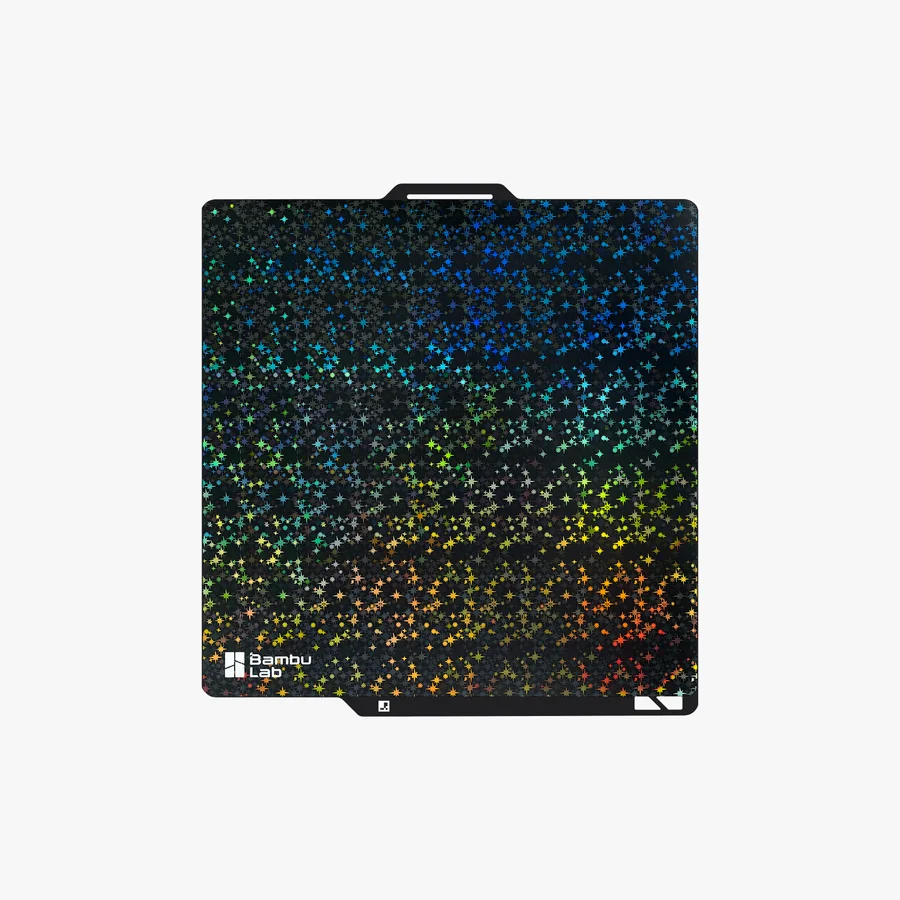
Starry
A rainbow kaleidoscope starry effect that glitters and changes colour with the viewing angle. The loudest of the four, and it also wants silk or shiny filament.
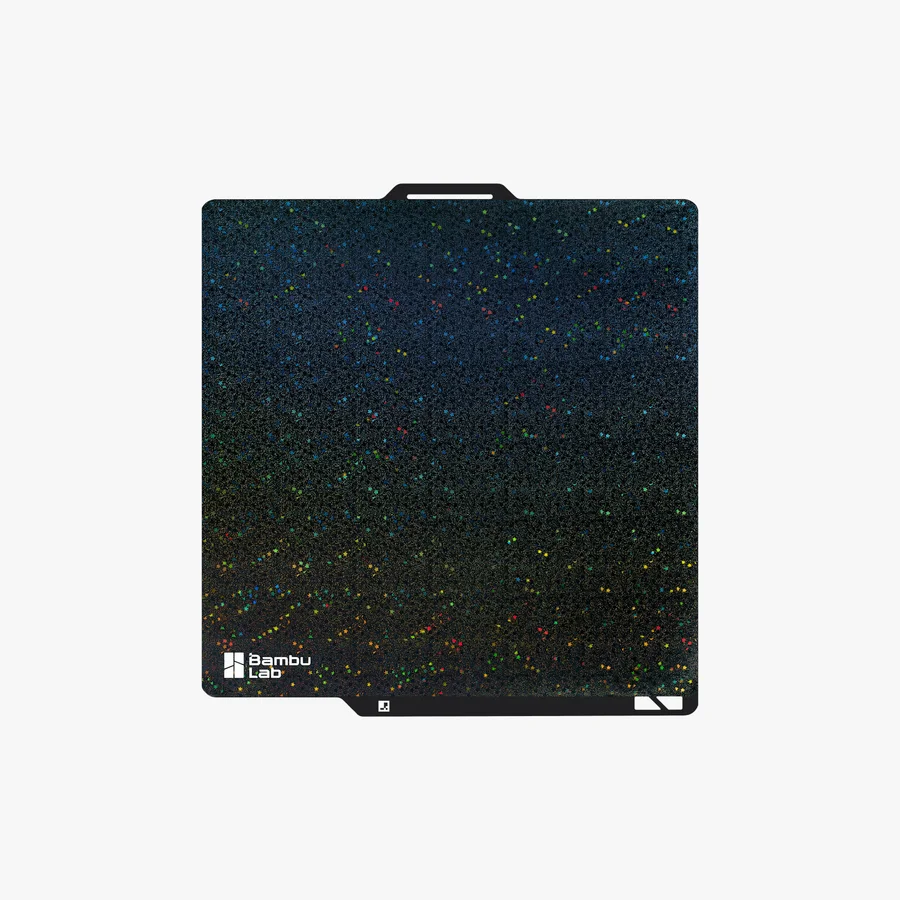
Galaxy
A vibrant galaxy rainbow, the same trick as Starry over a denser field, so it reads closer to a night sky than to glitter. Silk or shiny filament again.
What a build plate is made of
A thin steel sheet with a coating on it, held down by magnets and flexed to release the part.
Underneath the six surfaces, every plate here is the same object: a sheet of steel between 0.4 and 0.5 mm thick with a surface layer sprayed or bonded onto it. The steel is doing two jobs at once. It carries the coating, and it's what the magnets in the heatbed grab hold of. Nothing clamps, nothing screws down.
That's also why the coating is thin. Bambu measures theirs in hundredths of a millimetre: 0.05 mm on the Cool Plate SuperTack, 0.075 mm of sprayed PEI powder on a textured plate, 0.125 mm for a bonded PEI film. A thicker surface layer holds the steel further from the magnets and weakens the hold, which is exactly why Bambu warns that a smooth PEI plate on an A1 is more prone to curling at the corners.
Steel that thin bends, and that's the point. You lift the whole plate out of the printer, let it cool, and flex it. The part drops into your hand. No scraper, no chisel, no levering against the bed.
The substrate isn't identical across the range. The PEI plates sit on stainless or spring steel. The Engineering Plate is manganese steel under a polyester powder coat, which is a completely different chemistry from PEI and the reason it behaves differently.
How each plate is built
Bambu's own construction figures, taken from the spec tables on their product listings. Where they don't publish a number, we've said so rather than filled the gap.
| Plate | Substrate | Surface layer | Coating | Steel | Max surface temp | Printable faces |
|---|---|---|---|---|---|---|
| Textured PEI | Magnetic stainless steel | PEI powder, sprayed on | 0.075 mm | 0.5 or 0.4 mm | 180°C | Both |
| Smooth PEI | Magnetic spring steel | PEI film, bonded with heat-resistant 3M adhesive | 0.125 mm | 0.5 or 0.4 mm | 120°C | One |
| Dual-Texture PEI | Magnetic stainless steel | Sprayed PEI powder one face, bonded PEI film the other | 0.075 and 0.125 mm | 0.4 mm | Not published | One of each |
| Cool Plate SuperTack | Spring steel | Bambu's own tack coating, chemistry unpublished | 0.05 mm | 0.4 mm | 120°C | Not published |
| Engineering | Manganese steel | Polyester powder | Not published | 0.5 mm all in | 120°C | Not published |
| 3D Effect | Steel | Laser-textured transfer film | Not published | Not published | Not published | One |
Swipe the table sideways for every column
Max surface temp is what the coating survives, not what you should print at. Bambu lists both 0.5 mm and 0.4 mm steel for the textured and smooth plates without saying which size gets which, and their own dual-texture page says 0.5 mm in the prose and 0.4 mm in the spec table. Only the textured plate is stated to be sprayed on both sides.
Plate size and weight by printer
Bed sizes from Bambu's wiki, packed weights from their store listings. A plate is cut to one bed and doesn't stand in for another.
| Printer | Plate size | Packed weight |
|---|---|---|
| A1 mini | 180 × 180 mm | 0.23 kg |
| A1, P1S, X1 / X1C, P2S, X2D | 256 × 256 mm | 0.22 to 0.50 kg depending on the plate |
| H2S, H2D | 350 × 320 mm | 0.48 to 0.82 kg |
| H2C | 330 × 320 mm | 0.46 to 0.78 kg |
Swipe the table sideways for every column
The SuperTack is the lightest plate in the 256 mm size at 0.22 kg, against 0.45 kg for a textured PEI plate, because its steel is 0.4 mm and its coating is the thinnest in the range. Pick the printer at the top of the page and the size follows.
How the printer knows the plate is there
Every Bambu plate carries printed positioning markers and a QR code, and the machines read them two completely different ways. It matters because a plate the printer can't identify is the single most common reason a first layer goes wrong on a new plate.
Markers, read by eye or by feel
The H2 machines read the printed markers optically to check the plate is seated and aligned. The A series does it by force instead: the tool head's extrusion force sensor taps the nozzle down on one fixed spot, and resistance means a plate is there. That needs firmware 01.02.00.00 or later and Bambu Studio 1.8.4 or later.
Two generations of the 256 mm plates
The 256 mm textured PEI, smooth PEI and SuperTack plates exist in two versions, and the only difference is the updated QR code. First generation suits the A1 and the X1 and P1 series. Second generation adds the P2S and X2D. Bambu names the SuperTack pair outright: SuperTack and SuperTack Pro.
When it says not recognised
A first-generation plate still prints perfectly well on a P2S, it just won't be identified automatically. Tap Resolved on the screen, or turn Build Plate Detection off. Same story the other way round, running a second-generation plate on an X1.
Turn detection off first
Bambu asks X2D and P2S owners to disable build plate position detection before running a dual-texture, SuperTack or 3D Effect plate. X1, X1C and X1E owners should do the same before their first SuperTack print, because the recognition algorithm is still being tuned. Carrying on past the error is how you get a first layer that doesn't stick.
How the pattern gets onto the steel
A laser-cut optical film on a steel plate, and the molten first layer takes a cast of it.
The pattern isn't printed and it isn't pigment. Bambu cuts fine optical textures into the surface of a film with a laser, which changes how that surface transmits, reflects and polarises light. During the print the hot polymer flows down into those textures and picks them up. What lands on the bottom of your part is a cast of the microtexture, so the colour shifts as you turn the piece under a light.
The film is a transfer sheet bonded to a steel plate. Bambu used to sell the sheets on their own, with a printed jig that held the plate while you squeegeed the film down and peeled the backing off. We sell the finished plate, so there's nothing to apply and nothing to align.
Because the pattern lives in the film rather than in the steel, it wears where you print. Bambu calls these plates consumables and asks you to move parts around the bed rather than printing in the same spot every time. Grease is the other enemy: it makes the pattern disappear, so keep your fingers off the face and wash it with hot water and detergent.
Why it grips a cold bed
Nothing clever is happening. The coating is simply tackier, and what's interesting is what that buys you.
Bambu makes no exotic claim about this surface. It's 0.05 mm of their own coating on a 0.4 mm spring steel sheet, stickier than PEI at low temperatures. They won't say what it is chemically, so neither will we.
That tackiness is what pulls the bed temperature down, and it isn't only PLA that benefits. The second-generation plate asks 55 to 60°C for PETG, although the X and P series slicer profiles still share parameters across both generations, so those machines may still ask for around 65°C.
A cooler bed is worth more than the electricity it saves. It means a cooler chamber, which means the filament softens less inside the extruder, which means fewer clogs on PLA and PETG. It also cuts warping on large flat parts and takes the edge off elephant foot at the base.
There's one slicer rule that comes with it. PLA or PETG support touching the first layer makes Bambu Studio block the print outright, so use a raft of at least two layers, or keep the support material to the interface.
What each surface takes
Six plates against the materials people actually run. Yours is highlighted.
| Surface | PLA | PETG | TPU | ABS / ASA | PC / Nylon | Glue |
|---|---|---|---|---|---|---|
| Textured PEI | Yes | Yes | Yes | Yes | Yes | Only for ABS, ASA, PC and nylon |
| Smooth PEI | Yes | Yes | Yes | Yes | Yes | Everything except PLA |
| Dual-Texture PEI | Yes | Yes | Yes | Yes | Yes | Smooth face: all but PLA. Textured face: PC and nylon |
| Cool Plate SuperTack | Yes | Yes | No, it damages the coating | No | No | None, ever |
| Engineering | Yes | Yes | Yes | Yes | Yes | Yes, under everything |
| 3D Effect | Yes | Not recommended | Yes | No | No | None, ever |
Swipe the table sideways for every column
A plate is sized to one bed. An A1 mini plate doesn't fit an A1, and the H2 series plates fit nothing else. Pick the printer at the top of the page and the list narrows to what actually fits. Separately, ABS, ASA, PC, nylon and PET-CF are off the menu on an A1 mini whatever plate is in it.
Textured PEI: bed temperature and glue
Bambu's own figures for this plate.
| Material | Bed temperature | Glue | Upper glass cover off? |
|---|---|---|---|
| PLA, PLA-CF, PLA-GF | 45 to 60°C | No | Yes |
| PETG, PETG-CF | 60 to 80°C | No | No |
| TPU 85A, 90A, and 95A for AMS | 35 to 45°C | No | Yes |
| PVA | 45 to 60°C | No | Yes |
| ABS | 90 to 100°C | Glue stick | No |
| ASA | 90 to 100°C | Glue stick | No |
| PC, PC-CF | 90 to 110°C | Glue stick | No |
| PA, PA-CF, PAHT-CF | 90 to 110°C | Glue stick | No |
| PET-CF | 80 to 100°C | No | No |
Swipe the table sideways for every column
Bambu's store table and their newer filament wiki disagree by five degrees on PLA: the store says 45 to 60°C, the wiki matrix says 45 to 65°C. The cover column is about the chamber rather than the plate. A hot bed under a low-softening filament can soften it inside the extruder before it reaches the nozzle, which reads as poor extrusion or a clog. In Singapore the ambient is always the hot case, so take that column seriously.
Smooth PEI: bed temperature and glue
PLA is the only row here that goes onto a bare plate.
| Material | Bed temperature | Glue |
|---|---|---|
| PLA, PLA-CF, PLA-GF | 45 to 60°C | None needed |
| PETG, PETG-CF | 60 to 80°C | Glue stick or liquid glue |
| TPU | 35 to 45°C | Glue stick or liquid glue |
| PVA | 45 to 60°C | Glue stick or liquid glue |
| ABS | 90 to 100°C | Glue stick or liquid glue |
| ASA | 90 to 100°C | Glue stick or liquid glue |
| PC, PC-CF | 90 to 110°C | Glue stick |
| PA, PA-CF, PAHT-CF | 90 to 110°C | Glue stick |
| PET-CF | 80 to 100°C | Glue stick or liquid glue |
Swipe the table sideways for every column
Every non-PLA row bonds to the film harder than the film is bonded to the steel, so lifting the part can tear the coating off. The glue is protecting the plate, not the print. ABS, ASA, PC, nylon and PET-CF aren't supported on an A1 mini, which is the only size Bambu still makes this plate in.
Dual-Texture PEI: the same material, two rules
Which way up the plate goes changes what you have to do to it.
| Material | Bed temperature | Glue on the smooth face | Glue on the textured face |
|---|---|---|---|
| PLA, PLA-CF, PLA-GF | 45 to 65°C | No | No |
| PETG, PETG-CF | 60 to 80°C | Yes | No |
| ABS | 90 to 100°C | Yes | No |
| ASA | 90 to 100°C | Yes | No |
| TPU | 35 to 45°C | Yes | Yes |
| PVA | 45 to 60°C | Yes | No |
| PC, PC-CF | 90 to 110°C | Glue stick | Glue stick |
| PA, PA-CF, PAHT-CF | 90 to 110°C | Glue stick | Glue stick |
| PET-CF | 80 to 100°C | Yes | No |
Swipe the table sideways for every column
The smooth face is a bonded film and behaves exactly like the standalone smooth plate: glue under everything but PLA. ABS, ASA, PC, nylon and PET-CF aren't supported on an A1 mini. Bambu makes this plate in the 256 mm and 180 mm sizes only, so there's no H2 version of it.
Cool Plate SuperTack: what it takes, and what it refuses
A short list on purpose. The refusals are as important as the temperatures.
| Material | Bed temperature | Notes |
|---|---|---|
| PLA | 40 to 45°C | No glue. Around 20°C cooler than the same print on textured PEI. |
| PETG | 55 to 60°C on the second-generation plate | X and P series profiles still share parameters across generations, so those machines may ask for about 65°C. |
| TPU | Not supported | It damages the build plate. Bambu says so plainly. |
| PLA Silk | Not recommended | It grips hard enough to damage the model, not the plate. For third-party silk, slice it as Generic PLA Silk and judge for yourself. |
| ABS, ASA, PC, nylon | Not supported | These want a bed far hotter than this coating is for. |
| Support for PLA/PETG on layer one | Blocked in the slicer | Bambu Studio errors out rather than printing. Use a raft of at least two layers, or keep the support material to the interface. |
Swipe the table sideways for every column
The coating survives 120°C, but that's a survival figure and not a working range.
Engineering Plate: bed temperature and glue
Every row wants glue. That's the plate, not an oversight.
| Material | Bed temperature | Glue |
|---|---|---|
| PLA, PLA-CF, PLA-GF | 45 to 60°C | Glue stick or liquid glue |
| PETG, PETG-CF | 60 to 80°C | Glue stick or liquid glue |
| TPU | 30 to 35°C | Glue stick or liquid glue |
| PVA | 45 to 60°C | Glue stick or liquid glue |
| ABS | 90 to 100°C | Glue stick or liquid glue |
| ASA | 90 to 100°C | Glue stick or liquid glue |
| PC, PC-CF | 90 to 110°C | Glue stick. Bambu doesn't recommend liquid glue here. |
| PA, PA-CF, PAHT-CF | 90 to 110°C | Glue stick. Bambu doesn't recommend liquid glue here. |
| PET-CF | 80 to 100°C | Glue stick |
Swipe the table sideways for every column
Bambu names a few pairings outright: glue stick for ASA-CF, PA6-GF and PA6-CF, PPA-CF, PPS-CF, PET-CF and PAHT-CF, liquid glue for ABS-GF. Older Engineering Plates weren't recommended for PLA at all. Every one currently sold is the new version and takes PLA fine with glue. Running ABS, keep the part cooling fan at roughly 30 to 40% and don't switch it on until the first three layers are down.
3D Effect: settings that aren't the defaults
There's no dedicated slicer profile for these plates, so a few things have to be set by hand.
| Setting | What Bambu says |
|---|---|
| Filament | PLA and TPU. Three of the four patterns want silk or shiny filament to show properly. |
| Bed temperature | PLA 60 to 65°C, TPU 35 to 45°C. PLA runs hotter here than on a normal plate, because the polymer has to flow down into the microtexture. |
| Plate type in the slicer | Set it to Smooth PEI / High Temp Plate. There is no 3D Effect profile. |
| Lidar calibration | Skip it. The surface reflects, so an X1's micro lidar can't read the first layer. Calibrate on a regular plate instead. |
| Build plate position detection | Turn it off on the X1, X2 and P2 series. |
| Glue | None. Don't put anything on the surface. |
| Cleaning | Hot water and detergent. Grease makes the pattern disappear. |
| Placement | Move your parts around the bed. The texture wears where you print, and these are consumables. |
| Scrapers | Go carefully. A slipped blade takes the film, and the film is the product. |
Bambu makes the 3D Effect plate in the 180 mm and 256 mm sizes only, so there's no H2 version.
Wash it, don't just wipe it
Skin oil is what stops prints sticking, and soap is the only thing that really takes it off.
When prints start lifting, wash the plate with warm water and a drop of dish soap, then dry it properly before it goes back in. Bambu's own guidance says the same: sponge, dishwashing detergent, warm water, paper towel.
Don't reach for isopropyl. Bambu explains why better than we can: on a textured surface alcohol tends to spread the oil around instead of lifting it, and it can't reach down into the grain. Detergent degreases, and a sponge pushes it into the texture. In our own shop a plate that keeps getting wiped with alcohol loses its grip faster than one that gets washed, so we've stopped using it on beds here.
One trap: keep away from the hand-friendly dish liquids with oils or moisturisers in them. They leave a film that does exactly what the skin oil was doing. And never acetone, on any plate here. It attacks the coating.
Most plates people give up on aren't worn out. They're just dirty.
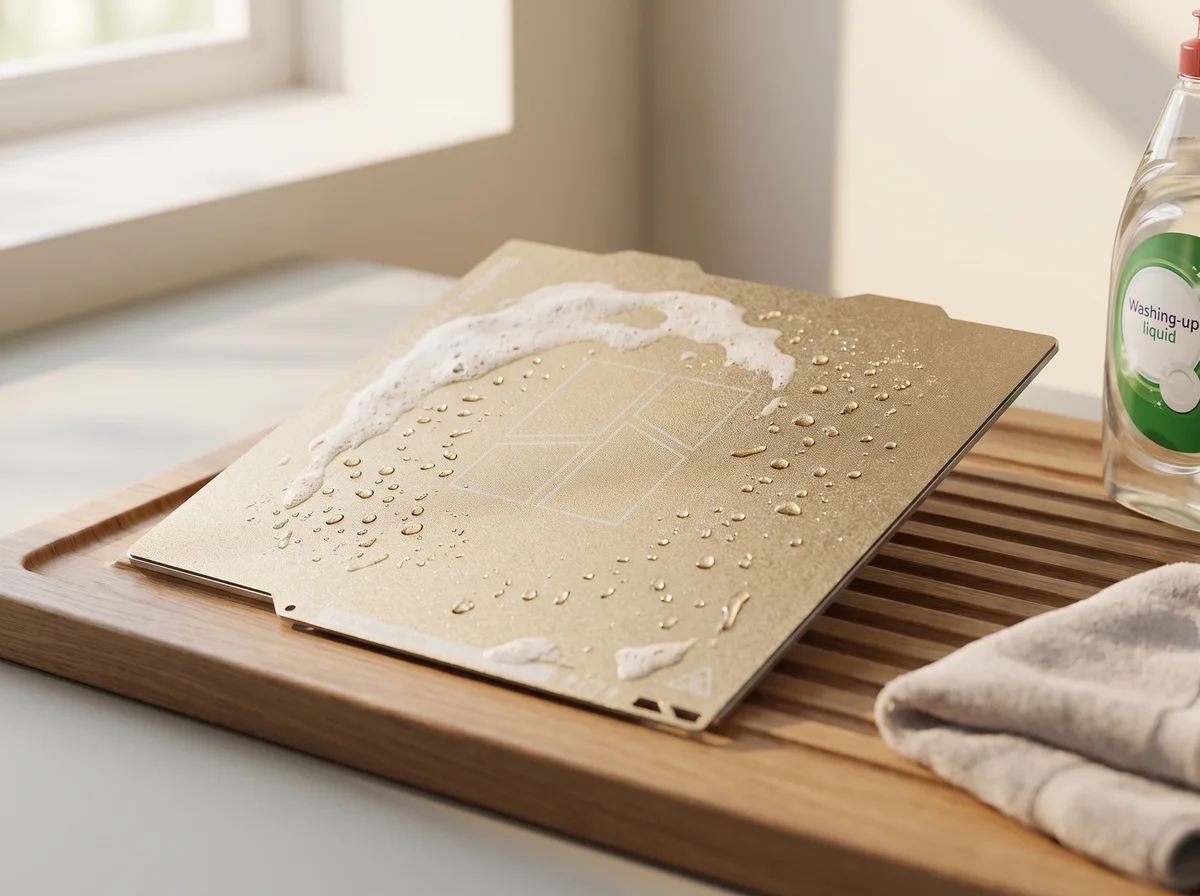
Washing a plate, and telling when it's clean
Bambu's own procedure, with the test at the end that tells you whether it worked.
Wet it
Take the plate out of the printer and run it under water. Handle it by the sides from here on. The whole point of the wash is to get skin oil off, so there's no sense putting more back.
Detergent, evenly
Plain dish soap spread across the face. Nothing with oils or moisturisers in it.
Scrub until it foams
A sponge works. A scouring pad or a plastic brush works better, because the bristles reach into the grooves of a textured surface, which is where the grease actually sits.
Rinse and dry
Clean water to take the detergent off, then a paper towel. Dry it properly before it goes back in the machine.
Run the water test
Wet the face and watch what the water does. If it breaks into streams and gathers into droplets, the plate is still greasy and prints won't stick. If it lies flat as a thin film across the whole face, it's clean and it will.
Let it cool before you lift the part
Prising a warm part off is how the coating gets gouged, and a gouge doesn't heal.
PEI grips hardest while it's still warm and lets go as it cools, so the trick is to walk away for a few minutes. Bambu asks for 35°C or lower before you flex, and about ten minutes on the Engineering Plate after a high-temperature print. A cooled part usually comes free with a gentle flex of the plate and no tool at all.
Take the whole plate out first, then flex it from the sides. Don't go at the part with a scraper: the blade only has to slip once. If something genuinely won't move, put the plate back on the bed and warm it to about 50°C, or run a little alcohol into the joint between the part and the plate to break the seal. That's a one-off release trick, not a cleaning method.
Cooling is protecting four things at once: the coating, which bubbles or gouges when a part is pulled off hot, the bottom face of the model, the shape of a hot-material print that would otherwise warp as it cools unevenly, and your hands. A plate straight out of a 100°C print will burn you.
Big flat pieces are the hard case. Lithophanes, art panels and anything with a wide brim or heavy tree supports don't want to come off by flexing at all. Warm, wait, and wet the joint rather than forcing it.
What the glue is actually for
It does two opposite jobs, and which one you're getting depends on the pairing.
On a surface a material grips too hard, glue is a release layer. PETG on bare smooth PEI is the case people learn the expensive way: the bond to the film beats the film's bond to the steel, so lifting the part takes the coating with it. A thin film of glue in between means the part comes off and the plate survives. Same reasoning for glue under PETG on a textured plate, where it stops the bottom of the model going white when you force it.
On a surface a material barely grips, it's the opposite. Nylon and PC on the Engineering Plate want glue to hold on at all, and Bambu's answer to a model detaching mid-print is a uniform coat of liquid glue. Same stick, opposite job.
Practical bits. The stick is aimed at PC, PA, ASA-CF, PPA-CF, PPS-CF, PET-CF and PA6-GF. The liquid is aimed at PLA, ABS, PETG and TPU. It goes onto a clean, dry, grease-free surface before the print starts, and there's no need to wait for it: the bed's preheat dries it in roughly two minutes at 70°C or 45 seconds at 90°C. Bambu's testing puts the peak at four coats of liquid glue, and past four the adhesion actually drops.
Wash it off rather than building it up. Water and soap takes glue stick off, and a dried film loosens after about thirty seconds of soaking. Use Bambu's own glue too: they won't cover plate damage caused by third-party adhesives.
Bubbles under the film
The one failure that only happens to a bonded PEI sheet.
The smooth face isn't a coating, it's a film glued to steel. If a part grips it hard enough, it can lift the film locally and leave a bubble underneath. You'll usually see it in the first layer before you see it on the plate.
Prevention is the same two habits as everything else here: a thin layer of glue stick under anything that isn't PLA, and letting the plate cool before you flex the part off.
If a bubble does appear, Bambu's fix is heat. Lay the sheet on the heatbed sticker side down, take it up to 100°C, turn the heat off and let it cool. Their store page gives a gentler version, 80°C or more for a few hours. If the bubble is still there afterwards that face is finished, and Bambu no longer sells spare sheets.
Don't sand a smooth face. Sanding recovers a worn textured PEI surface, but on a film it just takes the film off. And if the plate arrived with a plastic protective film on it, peel that off before the first print.
What wears a plate out
Every plate here is a consumable, and Bambu says so in the warranty on all of them.
The warranty covers manufacturing defects and sheets that arrive damaged. It doesn't cover scratches, dents or cracks, because those are use. What actually wears a plate, in roughly this order: skin oil and dust, scraper strikes, and heat cycling.
The only hard number Bambu publishes is for the Cool Plate SuperTack, under 20% adhesion loss after 300 prints, tested with PLA Basic on an A1. There's no equivalent figure for the PEI or Engineering plates, so we won't invent one. On the Engineering Plate they'll only go as far as saying the coating stands up to hundreds of cleaning and part-removal cycles.
One patch of wear that isn't wear: before every print the printer wipes the nozzle on a set area of the plate, so a scuffed strip there is normal on an X1C, a P1S or an A1 and affects nothing. The A1 mini wipes on the heatbed instead, so its plate never picks up that mark.
When one area stops holding and a wash won't bring it back, a textured PEI face can usually be recovered with 600 grit sandpaper: sand it evenly, then get every trace of dust off before it goes back in. That doesn't work on a bonded film or a SuperTack coating. When a face is genuinely done, the plain textured plate is sprayed on both sides and the dual-texture plate has a second surface waiting, so neither is finished the first time one face is.