
Instant Quote Guide

Get an Instant Quote

1. Upload your files


Simply drag and drop your files into the field provided, or click "Upload 3D data" and select the appropriate file from your computer.
 Your files will then be uploaded automatically.
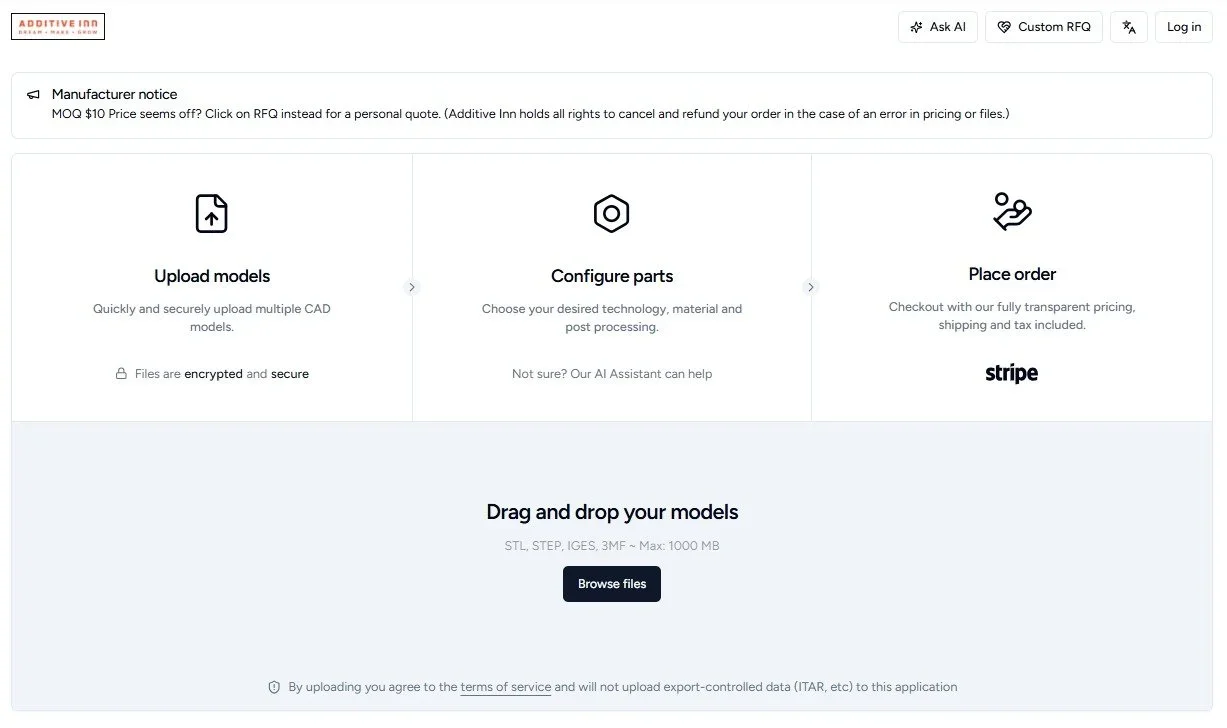
A webpage of Additive Inn showing sections for uploading CAD models, configuring parts, and placing orders. The page includes options to drag and drop files, browse files, and a place order button with transparent pricing. There are instructions and information about secure uploads and encrypted files.

2. Configure parts

After uploading your 3D data, you can select your desired manufacturing process and the required material for your components.

  • You can also specify the color, quantity, infill and layer thickness for your components.
    (optional) Post-processing
     

  • After customizing your component, simply click on 'Continue' or 'Checkout' to add it to your shopping cart for purchase.
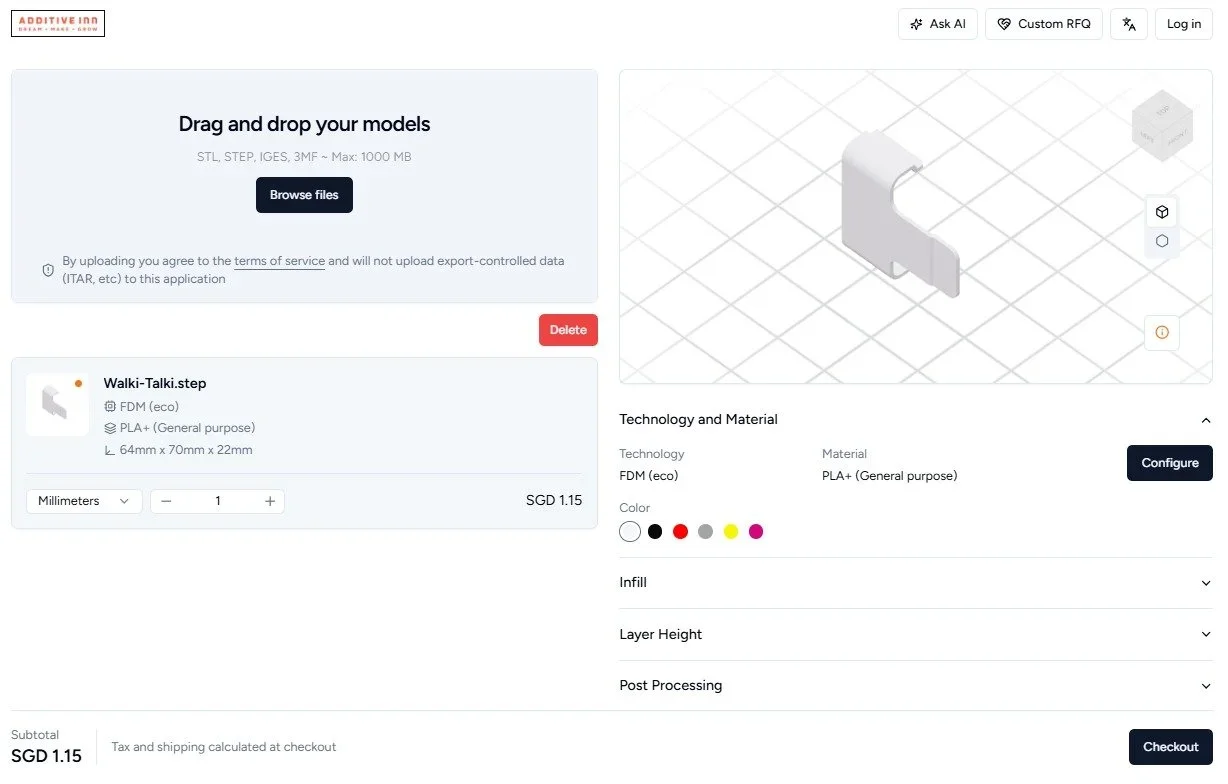
3D model of a robotic or mechanical part modeled in CAD software, viewed from an angled perspective on a virtual grid background.

3. Get Updates

On this step, we need a way to reach out to you to update you on the status of your order, you may;

  • Put in your email/sms/Whatsapp for the updates.
    (Whatsapp is preferred) then click “proceed”.

  • An OTP will then be sent to you, just fill this out.
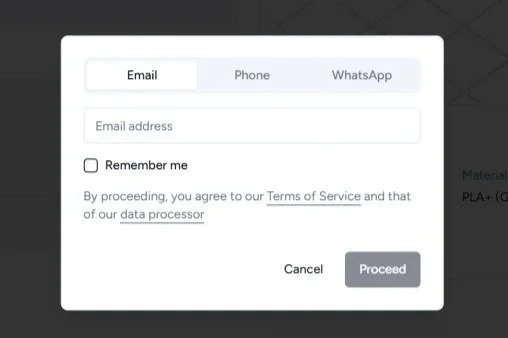
A digital form interface with options for Email, Phone, and WhatsApp, including fields for email address and a 'Remember me' checkbox, and 'Cancel' and 'Proceed' buttons.

4. You’re almost there!

Now time to choose your method of collecting.
You have 2 options

  1. Self-collection: 994 Bendemeer Road B, #07-06 Central building, 339943

  2. Doorstep delivery

Do note: all your information will be saved for delivery, so the next time, you won’t have to do it again!
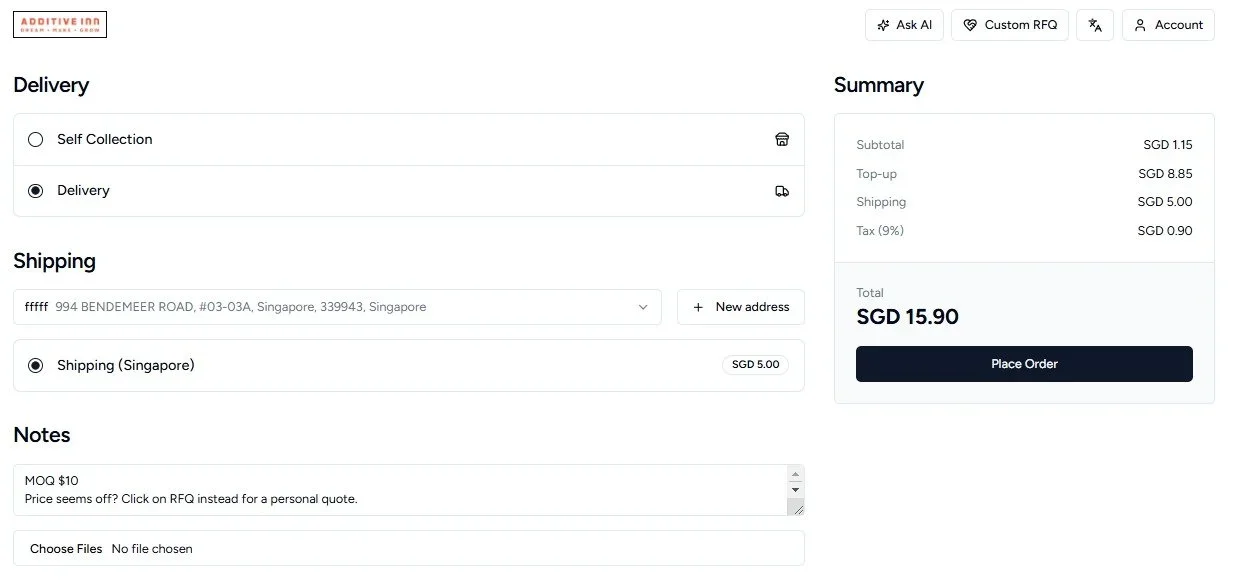
Online checkout page for a delivery order from Additive Inn, showing shipping details, notes, summary, and total cost in SGD.

5. Payment

Once payment has been made, our team will receive the files and review for printing!

Look out for our updates for the hours/days to come!
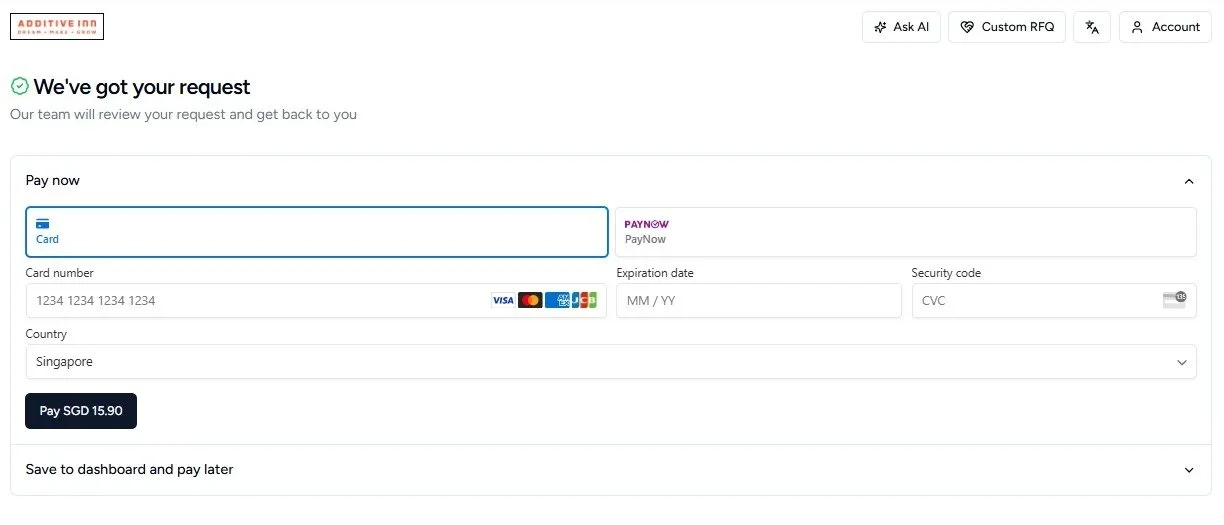
Screenshot of an online payment form with credit card details, expiration date, security code, country as Singapore, and a button to pay SGD 15.90, with a header indicating request submission and a decision to review by the team.

Useful Features

Quick Dashboard

You may view orders, projects, request and even edit notification preferences here.

You can also turn on dark more at the top bar.
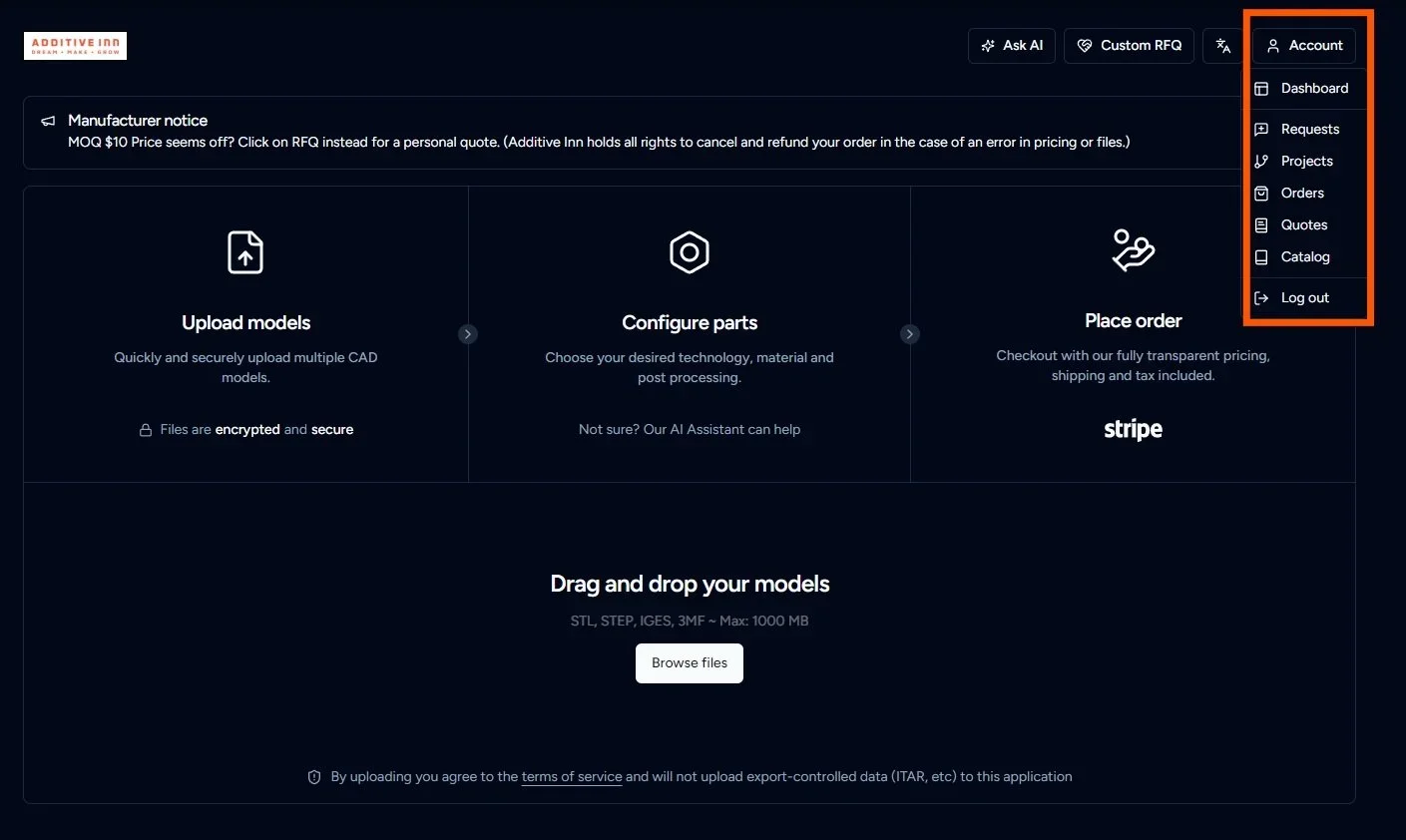
Screenshot of a website dashboard with a dark theme, featuring a user account menu on the right side, including options like dashboard, requests, projects, orders, quotes, catalog, and log out. The main section includes options to upload models, configure parts, place orders, and drag and drop 3D models for 3D printing or CAD modeling.

Dashboard

A more in-depth look into your account, past orders and settings.
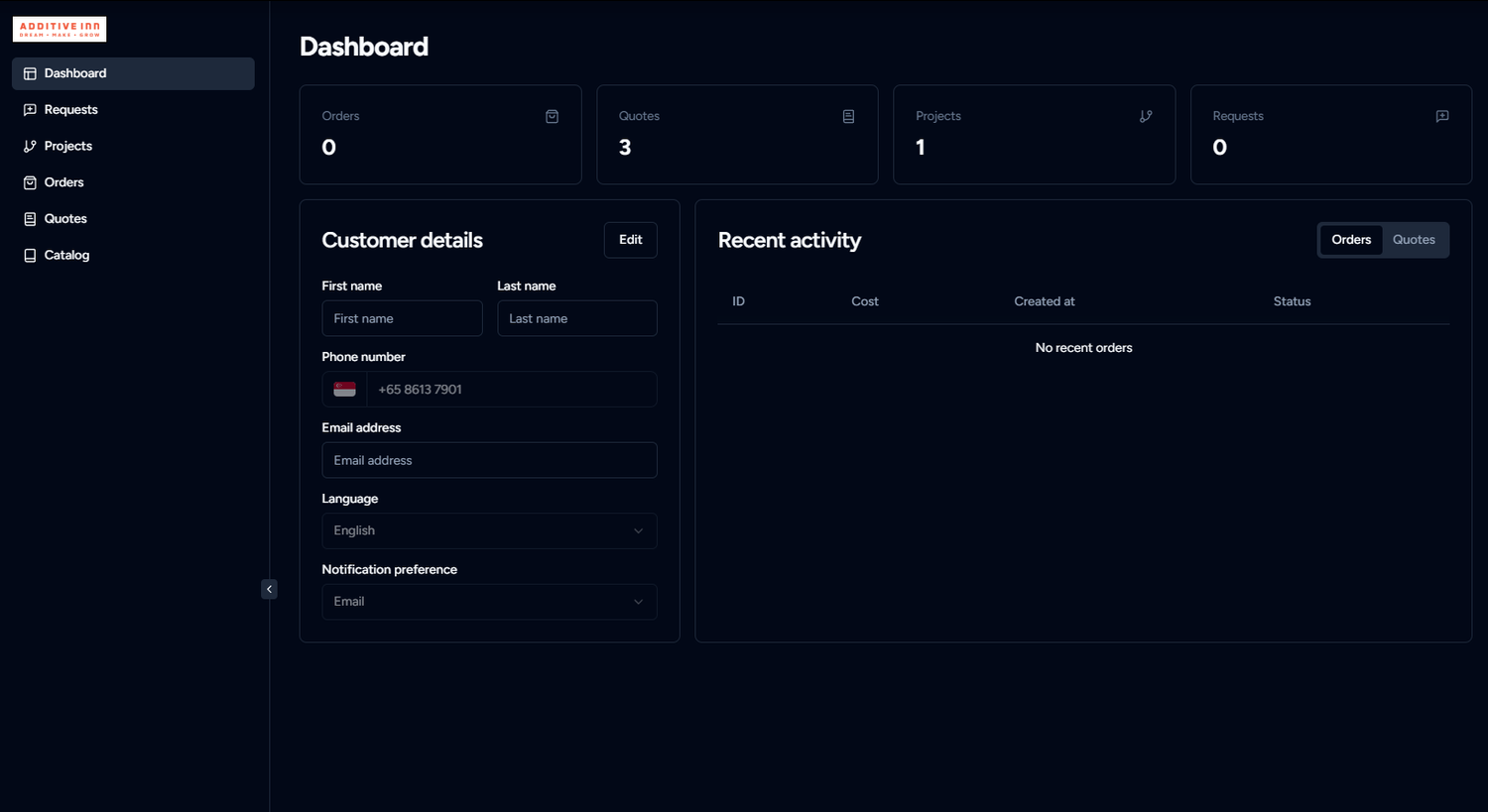
Dashboard interface with customer details form on the left and recent activity on the right, dark theme, side menu with options for Dashboard, Requests, Projects, Orders, Quotes, and Catalog.

View past quotes/orders

Check up on your current or past orders to make repeated orders.
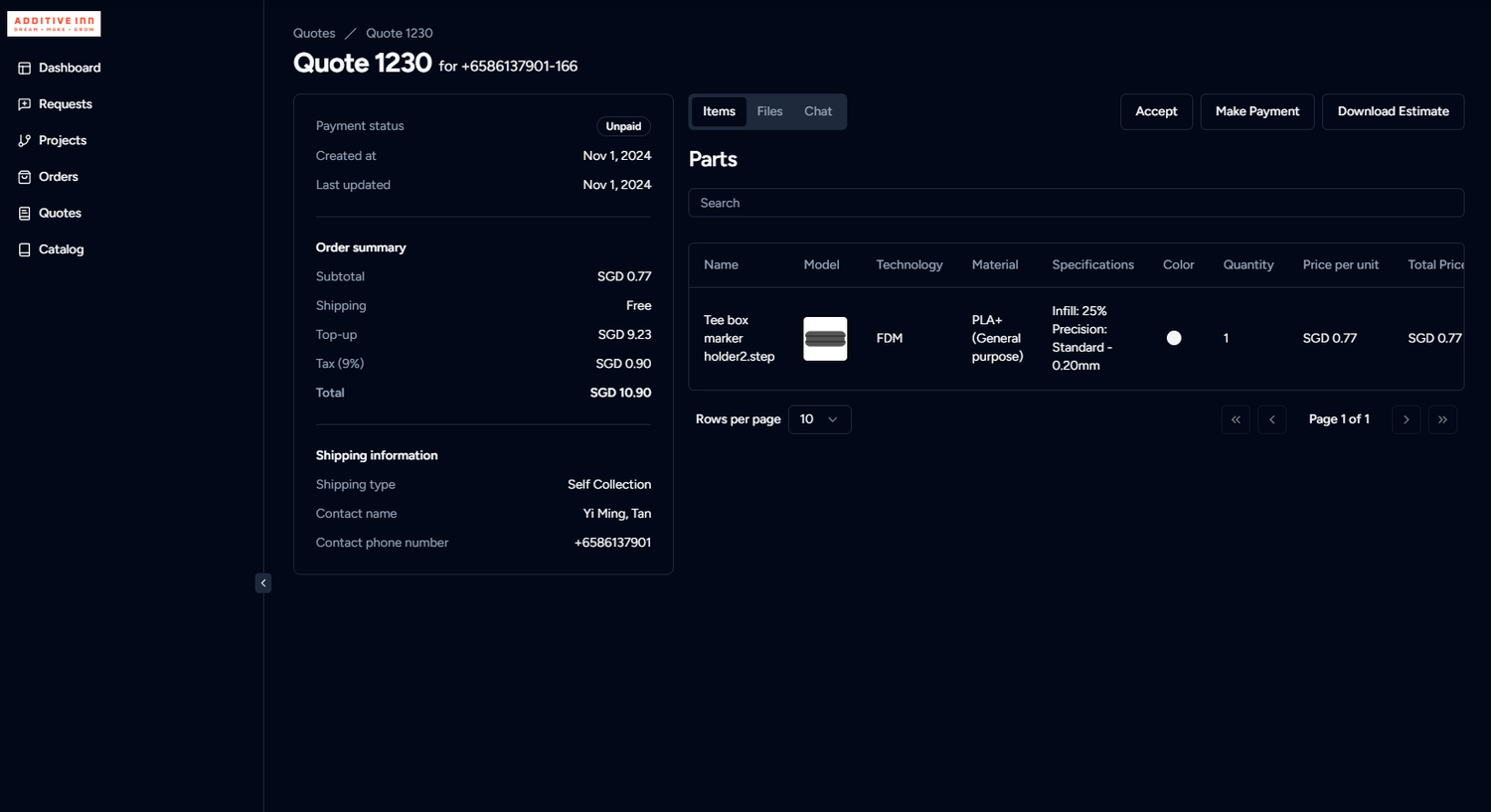
A digital order management dashboard for ADDITIVE INN with quote details, item list, shipping information, and project summary.

Check up on orders

Chat with us through integrated chat boxes for specific orders and updates.
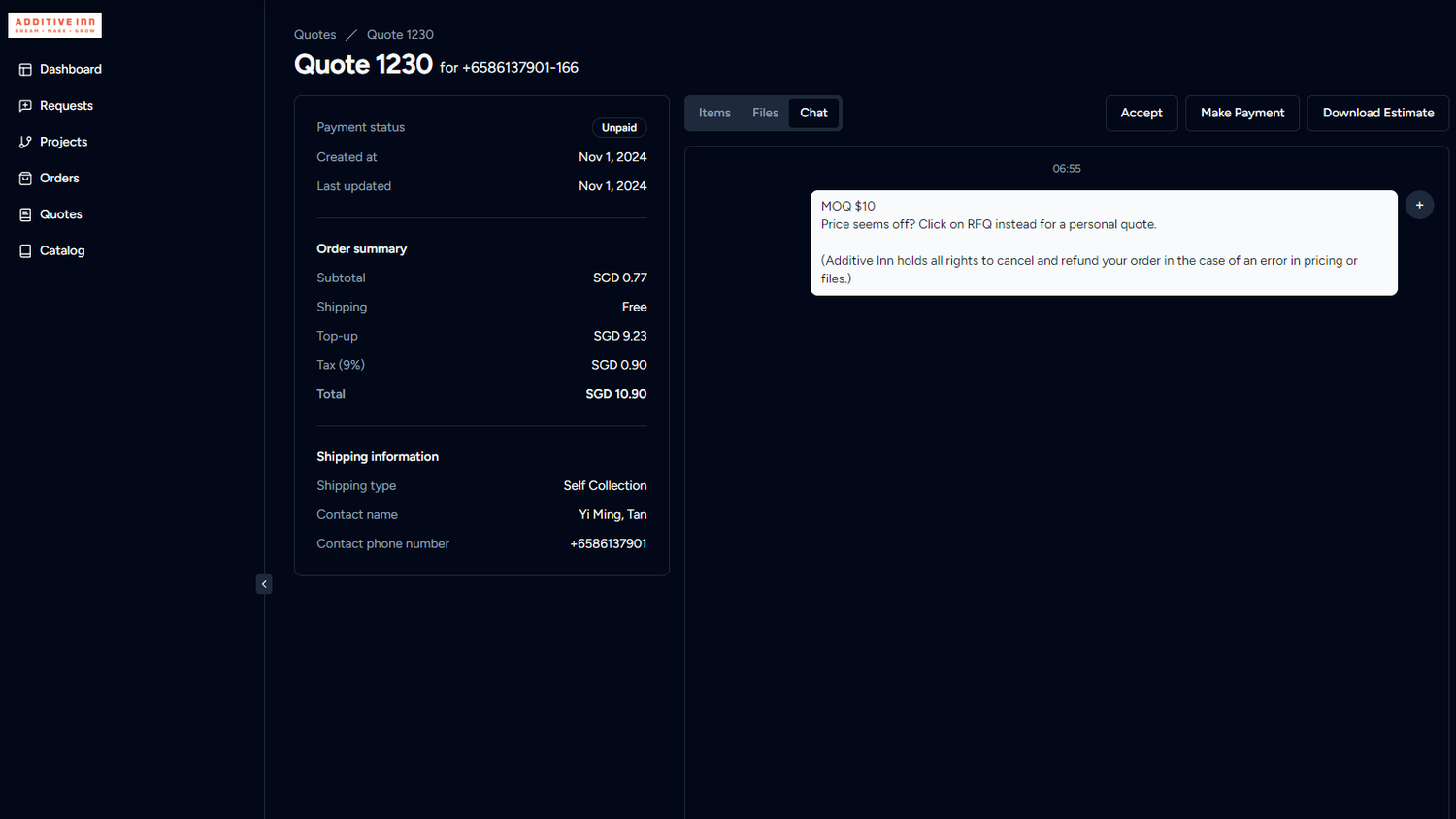
Screenshot of an online quote for a hotel reservation with details including total price of SGD 10.90, contact information, and chat message about price estimate.
Get an Instant Quote